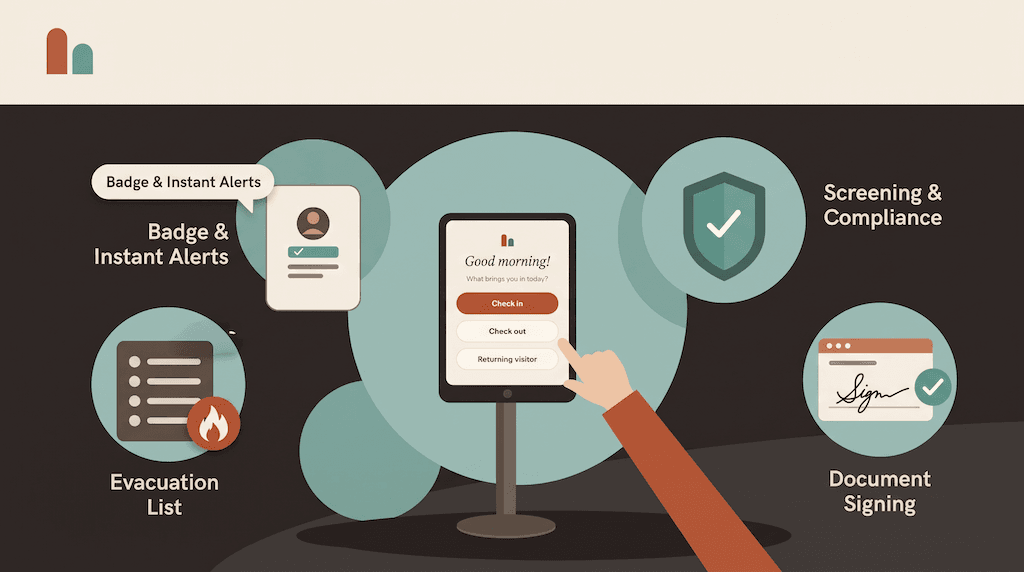
Every visit starts with registration: capturing who is coming, why, and who they're seeing. Done well, it happens before the visitor reaches the door and takes seconds when they arrive. Done badly, it's a queue at the front desk and a log full of gaps.
This guide covers how a visitor registration system works, the two routes every front desk needs — pre-registration and walk-in registration — and how to set them up so check-in is fast and the record is complete.
What a visitor registration system does
A visitor registration system records a visitor's details before they are admitted: name, company, contact details, the host they're visiting and the reason for the visit. It's the first step in visitor management, and everything downstream depends on it — host alerts, badges, screening, signed documents and the visitor log.
Registration happens in one of two ways:
- Pre-registration: the host registers the visitor before they arrive.
- Walk-in registration: the visitor registers themselves on arrival, at a kiosk or on their own phone.
Most front desks need both.
Pre-registration: register visitors before they arrive
Pre-registration moves the work out of the lobby. The host enters the visitor's details ahead of time, the visitor gets an invitation, and on arrival they simply scan and go.
With CoReceptionist, pre-registration works like this:
- The host sends an invite. They pick the visitor type, the host, the check-in time and the visitor's name and email.
- The visitor receives a QR code by email and/or SMS, with an optional private message — directions, parking, what to bring.
- The visitor scans at the kiosk on arrival and is checked in.
- The host is alerted that their guest has arrived.
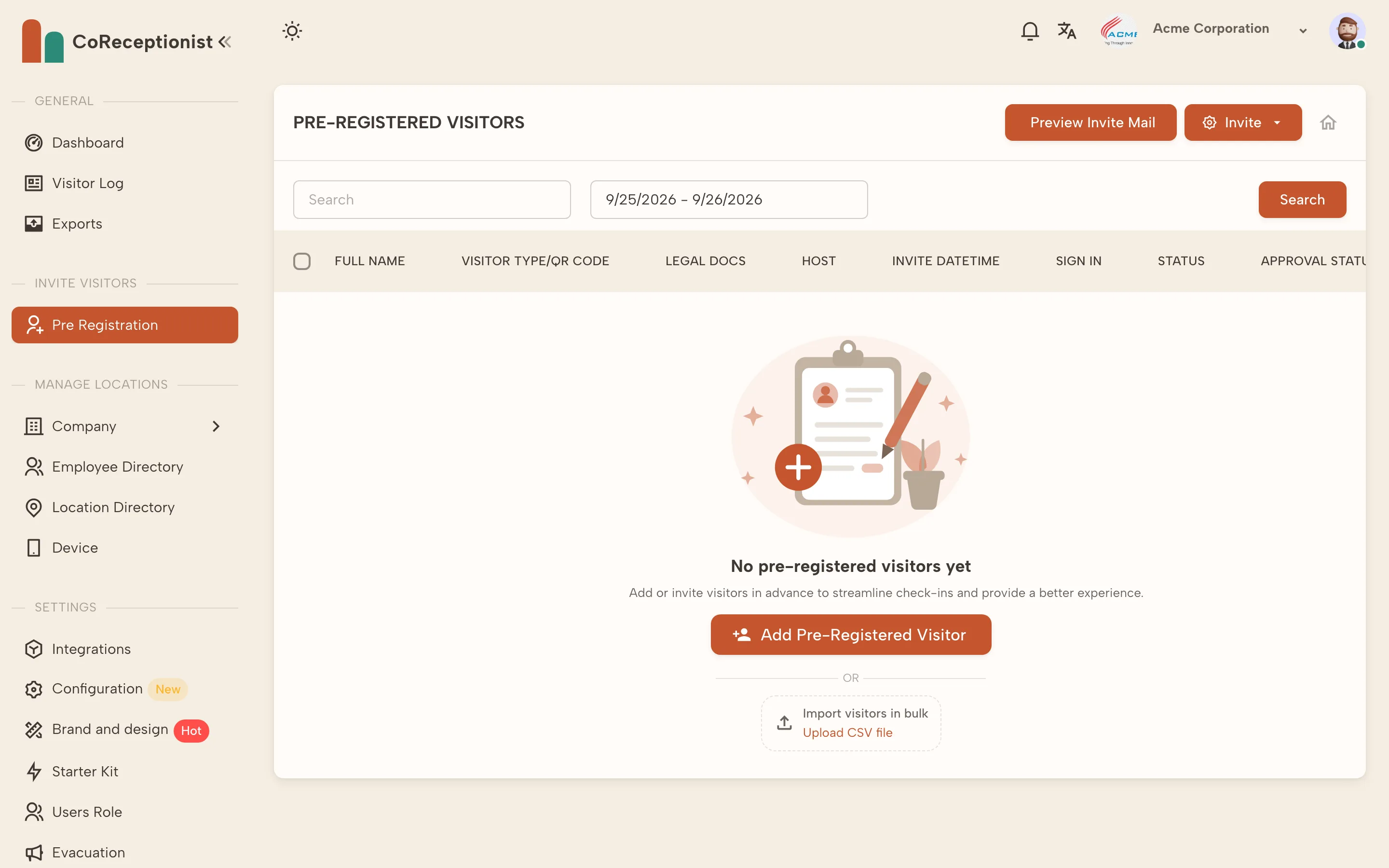
A few options make pre-registration fit real front desks:
- One-time or permanent QR codes. One-time codes cover a single visit; permanent codes suit regulars such as cleaners or maintenance contractors.
- Bulk invitations. Invite many visitors at once, or upload a CSV file for events, training days and contractor shutdowns.
- Manage invitations. Resend or reschedule an invite, check its approval status, and preview the email visitors receive.
Walk-in registration: when visitors arrive unannounced
Not every visitor is expected. Couriers, prospective customers and last-minute meetings all arrive without an invite, and they need a quick way to register themselves.
Walk-ins can register in two ways:
- At the kiosk. An iPad or Android tablet at the entrance guides them through the questions for their visitor type, one screen at a time.
- On their own phone. They scan the QR code on the kiosk's welcome screen and register touch-free.
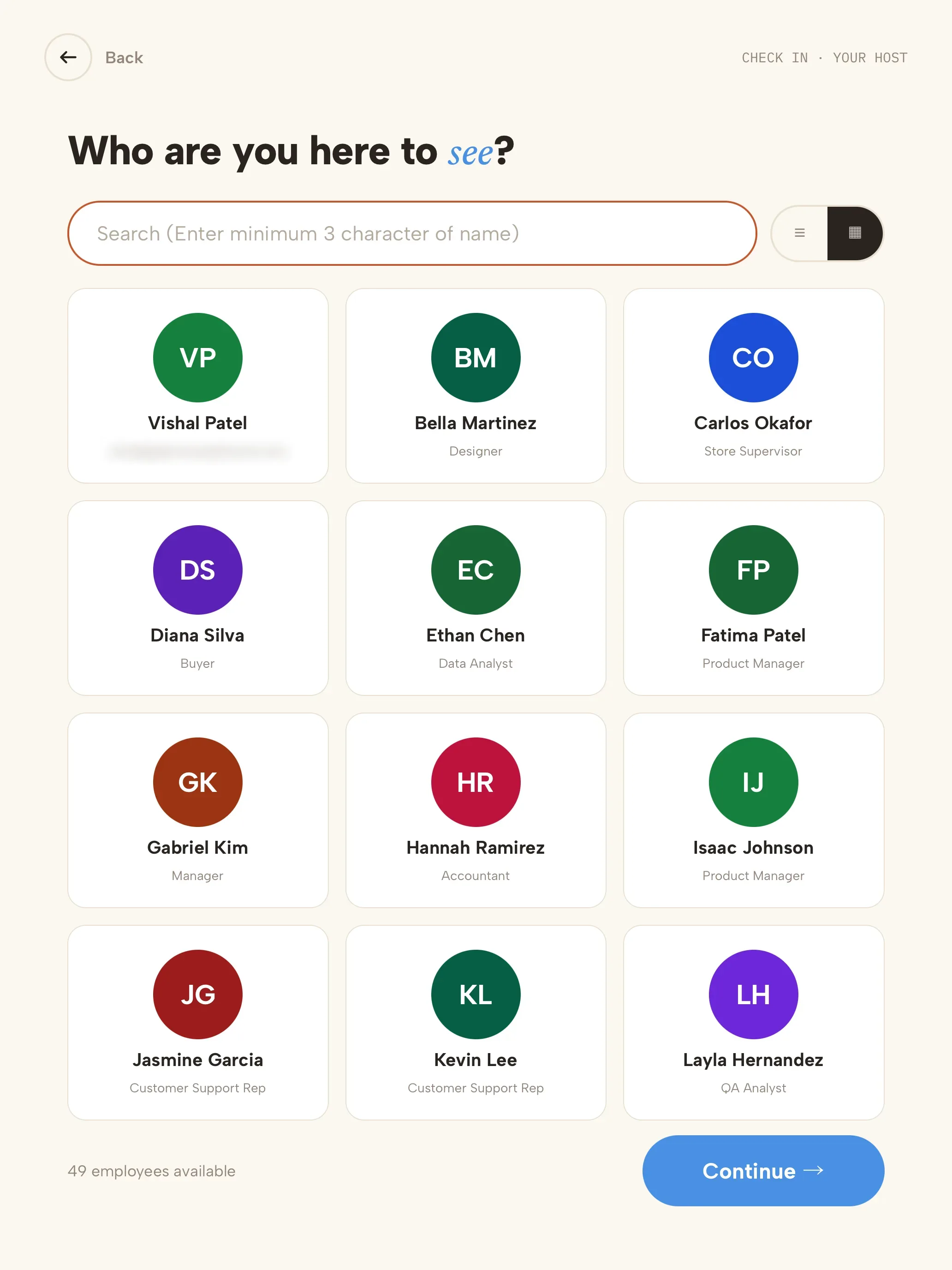
Either way, they choose the person they're visiting from your employee directory — browsing a grid of faces or typing a few letters of a name — and the host is notified.
What to ask during registration
Ask only what you'll use. Every extra field slows the line and adds personal data you have to protect. A sensible baseline:
- Name and company
- Email or phone number
- Host
- Reason for the visit
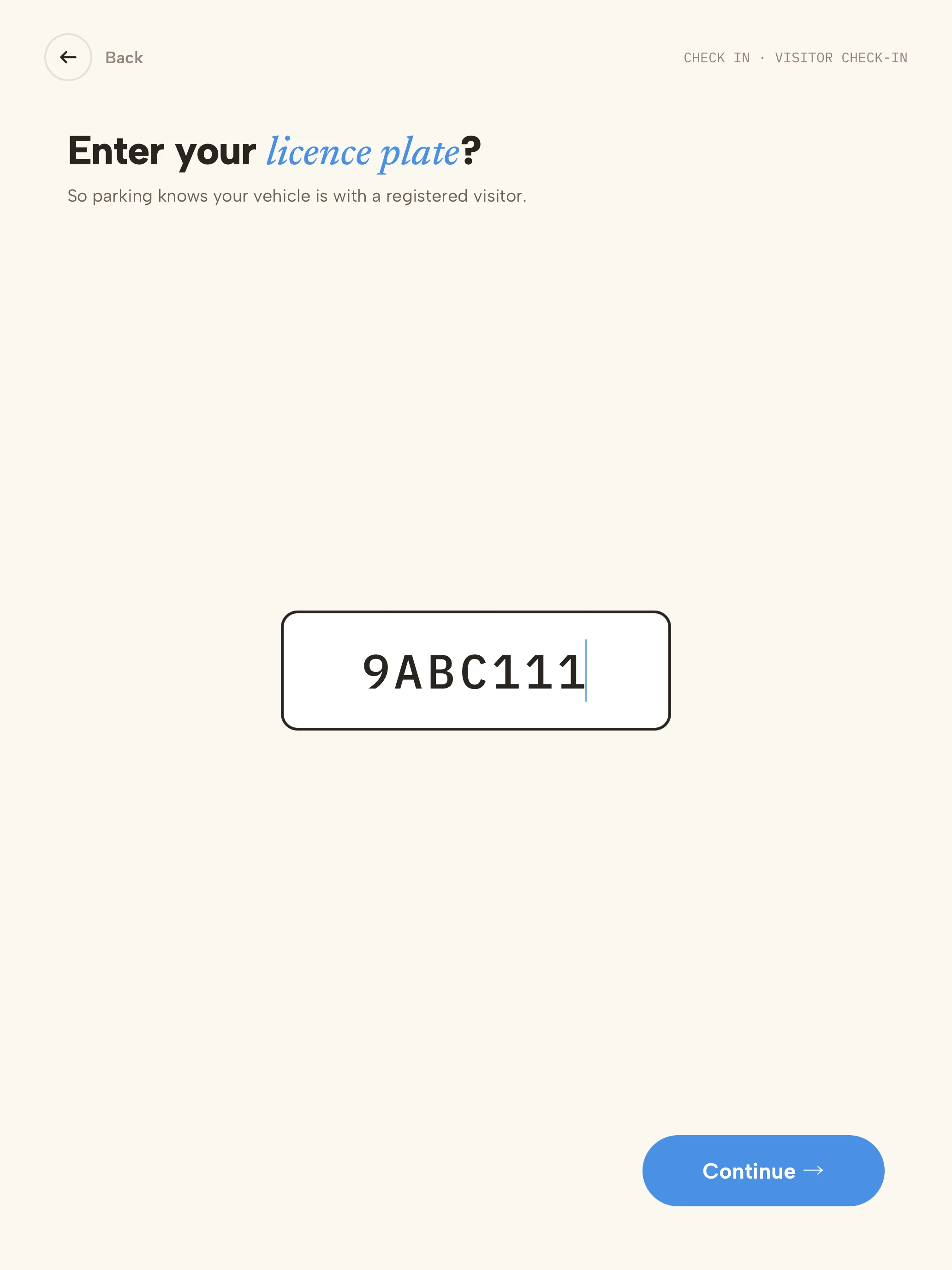
Then add fields per visitor type where they earn their place — a vehicle licence plate for sites with managed parking, a job reference for contractors, or a citizenship question for export-controlled facilities.
Per-visitor-type registration flows
A contractor, an interview candidate and a courier shouldn't answer the same questions. Set up a flow for each visitor type:
- Guests: name, company, host and reason.
- Contractors: company, trade and job reference, plus site rules or a safety induction.
- Interviews: an NDA, and an alert to the recruiter as well as the interviewer.
- Deliveries: courier and delivery message only — no host search needed.
Shorter, targeted flows mean faster registration and cleaner data.
Registration for regular visitors
People who visit every week shouldn't re-enter their details every time. Returning-visitor quick sign-in lets them enter just their email or phone number; their details carry over from their last visit, and their badge can print straight away. Permanent QR codes do the same job for pre-registered regulars.
From registration to visit record
Once a visitor is registered, the rest of the visit hangs off that record: the host alert, the badge, any documents signed and screening results, and finally the check-out time. Every registration lands in one searchable visitor log, filterable by date, visitor type and name — and exportable when an auditor asks.
Setting up visitor registration: a checklist
- List your visitor types and what each needs to provide.
- Load your employee directory so visitors can find their host.
- Turn on pre-registration and ask hosts to invite expected guests.
- Put the kiosk where visitors arrive, with the walk-in QR code visible.
- Use permanent QR codes and returning-visitor sign-in for regulars.
- Review the visitor log after a week and trim questions nobody uses.
Frequently asked questions
What is the difference between visitor registration and visitor check-in? Registration captures who the visitor is and why they're coming; check-in is the moment they arrive. Pre-registration separates the two, so check-in takes seconds.
Can visitors register on their phones? Yes. Pre-registered visitors scan the QR code from their invitation at the kiosk, and walk-ins can scan the code on the welcome screen to register on their own phone.
Can we register a group of visitors at once? Yes. Hosts can invite many visitors at once or import a CSV file, and groups arriving together can be checked in by one lead visitor, with a badge for each person.
See how registration fits into the full visitor check-in kiosk, or start a 14-day free trial — no credit card required.