Industries / Corporate Offices
For office managers, workplace & facilities teams
Office visitor management that keeps the front desk moving
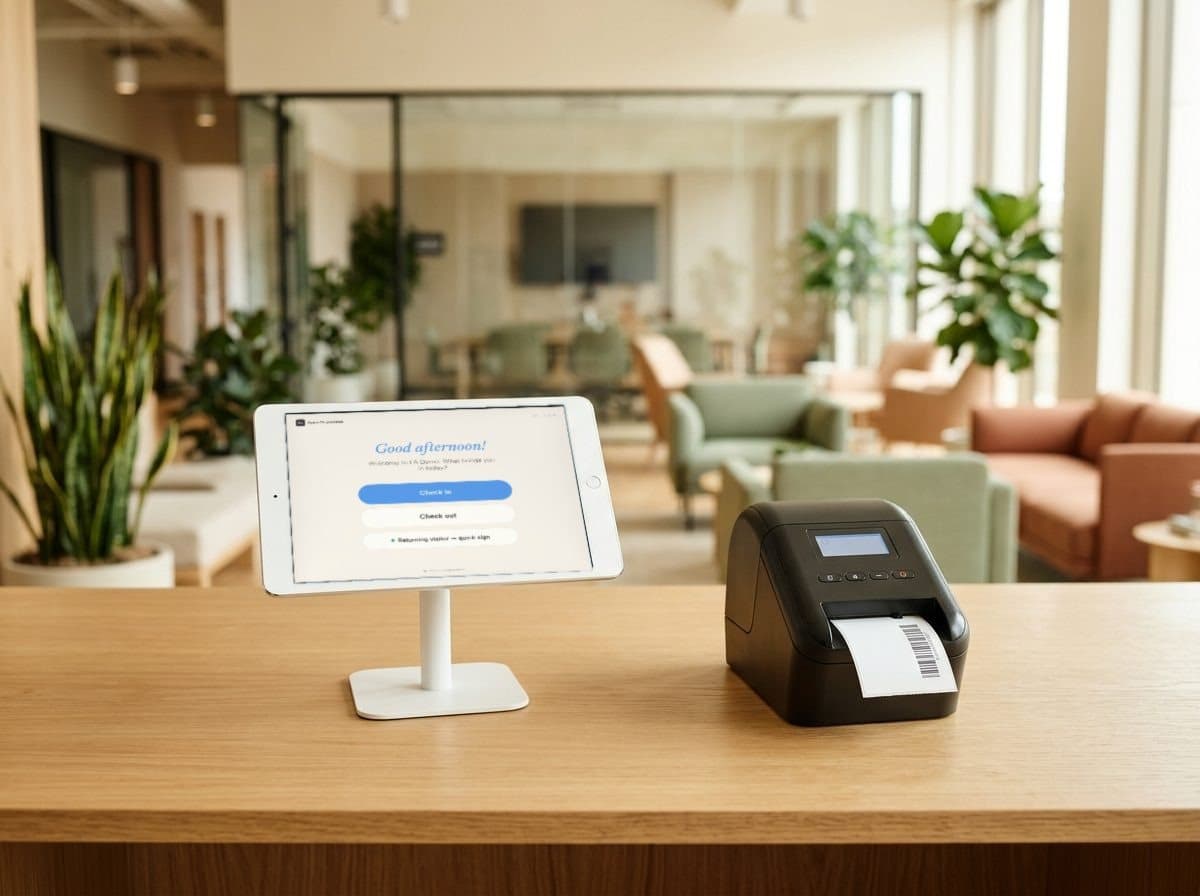
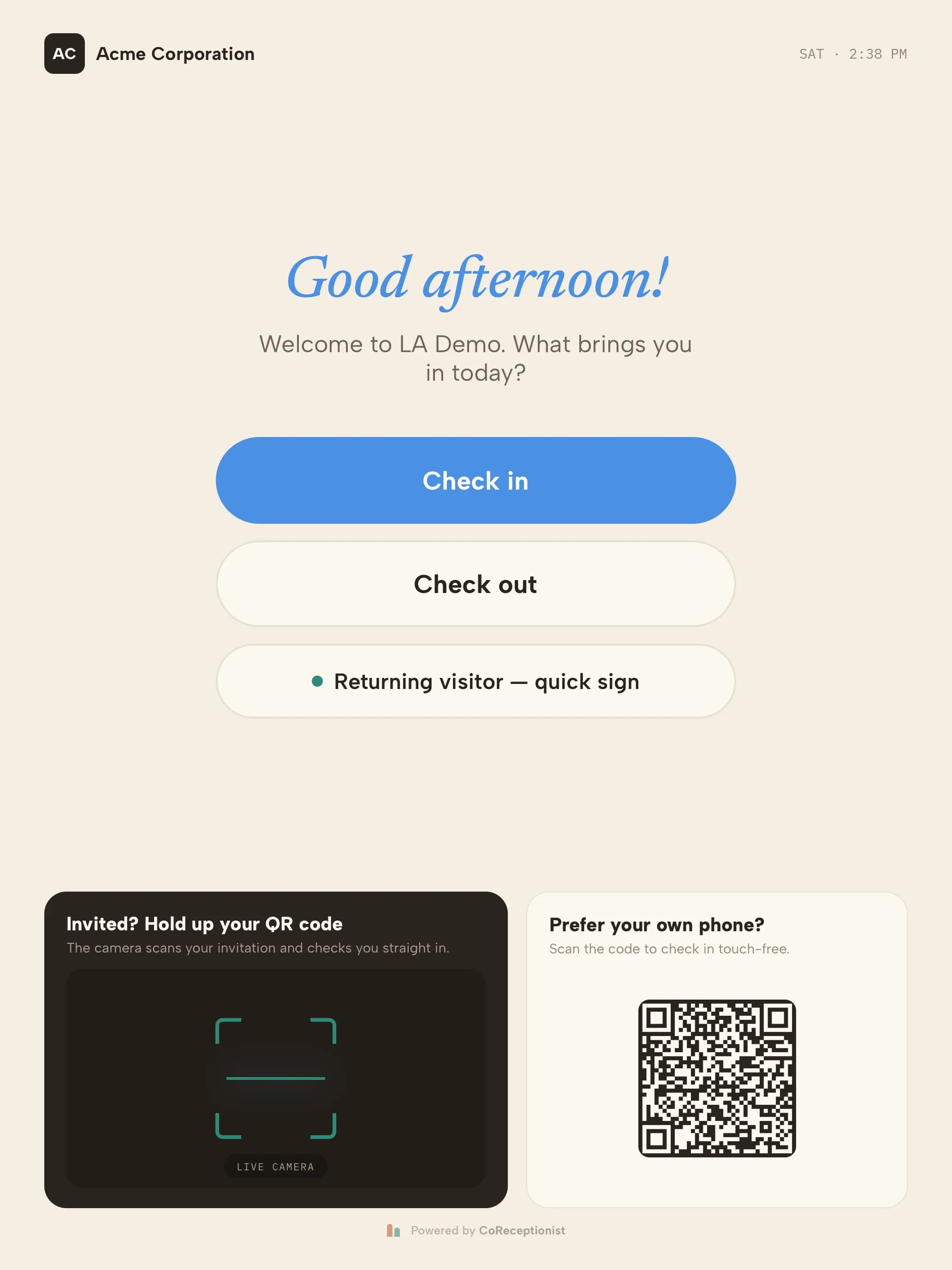
An office visitor management system for headquarters and multi-site offices. Guests are pre-registered, checked in at the kiosk, badged and announced to their host in Slack or Teams — whether or not anyone is at reception.
14-day free trial · no credit card · guest, interview, contractor and delivery types set up for you
Sound familiar?
Where office front desks fall behind
- A guest waits in the lobby while reception tries to reach their host.The host is in back-to-back meetings. The guest's first impression of your company is a phone ringing out.
- Reception steps away and the lobby is unattended.Guests wander in, couriers leave packages anywhere, and nobody knows who is in the building.
- A visitor joins a product review without signing the NDA.Legal asks for the signed copy. There isn't one.
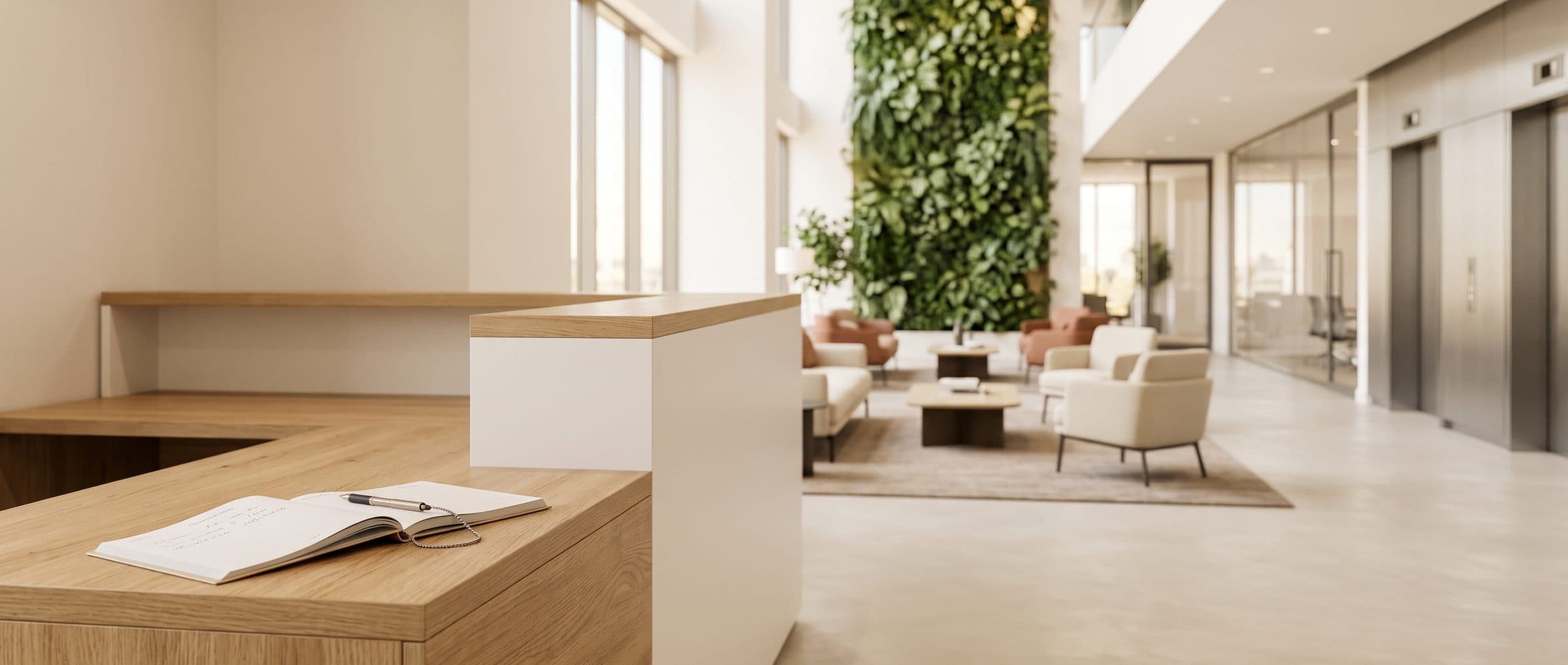
- The fire alarm goes off with twenty guests in the building.The sign-in book is at the front desk — which everyone just evacuated.
How it's solved
Guest check-in, badges and host alerts — without the queue
Each of those moments has a check-in step that handles it — set per visit type, so guests, candidates, contractors and couriers each get the right one.
- A guest waits in the lobby while reception tries to reach their host.Hosts know the moment guests arriveEach host is notified by email, SMS, Slack or Microsoft Teams, and arrivals can also post to a channel for the front desk.
- Reception steps away and the lobby is unattended.A lobby that runs itselfGuests check in at the kiosk and get a badge, couriers log deliveries and the recipient is notified — with or without anyone at reception.
- A visitor joins a product review without signing the NDA.NDAs signed before the meetingGuests read and sign on screen before check-in finishes, get a copy by email, and the signed copy is kept with the visit.
- The fire alarm goes off with twenty guests in the building.Everyone on site, on one listOpen the evacuation list from the kiosk to see every guest and host in the building, alert them by email and SMS, and mark people safe at roll call.
Guests pre-registered with QR invitesHosts invite guests by email or SMS; on arrival a single scan checks them in.
One account for every officeEach office gets its own kiosks, branding and visit types, managed from one dashboard.
A guest's visit
From the lobby to the meeting room in five steps
- 01WelcomeYour brand on the kiosk; guests tap Check in or scan their QR invite.
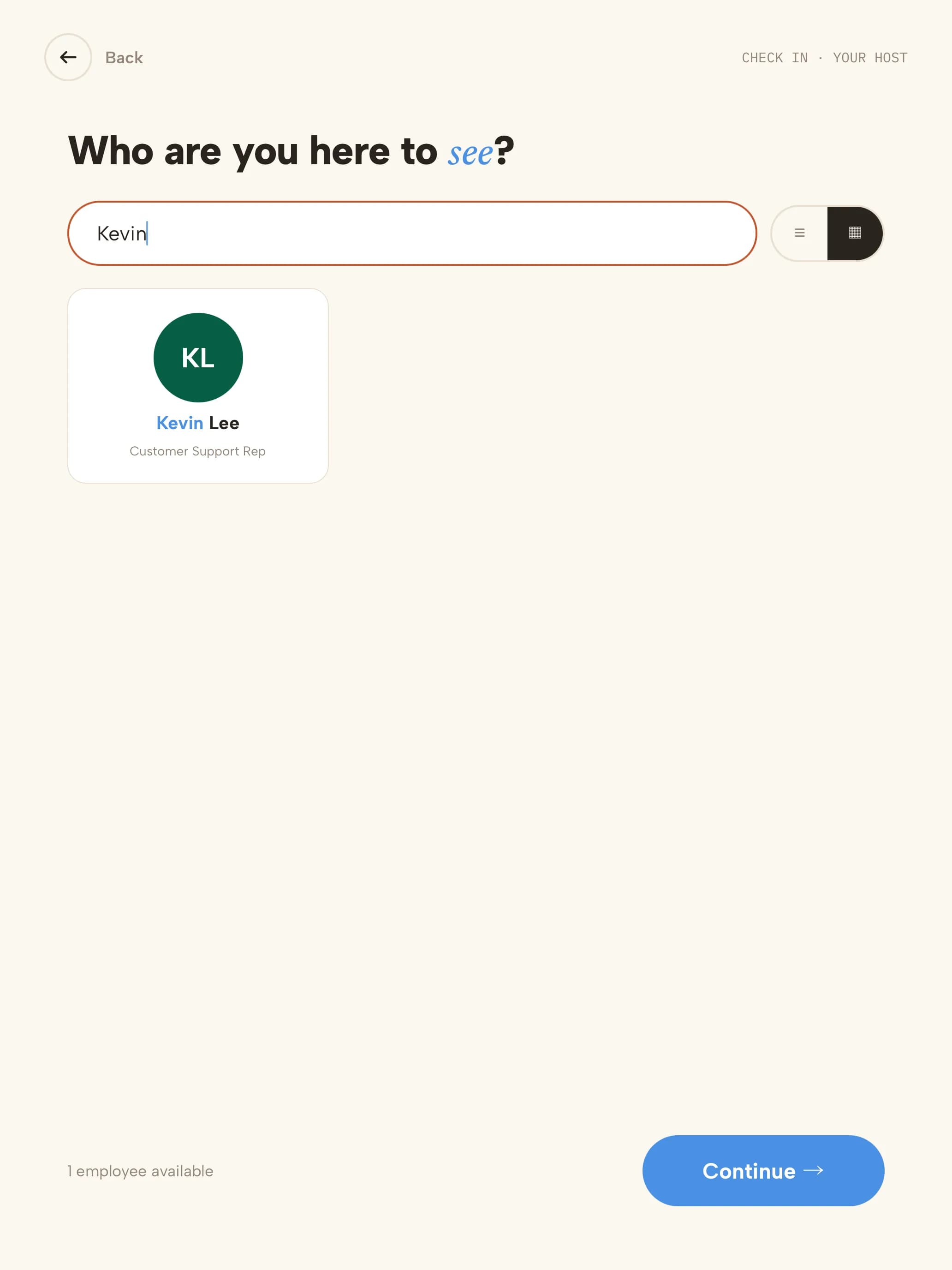 02HostThey search for who they're meeting; that person is notified.
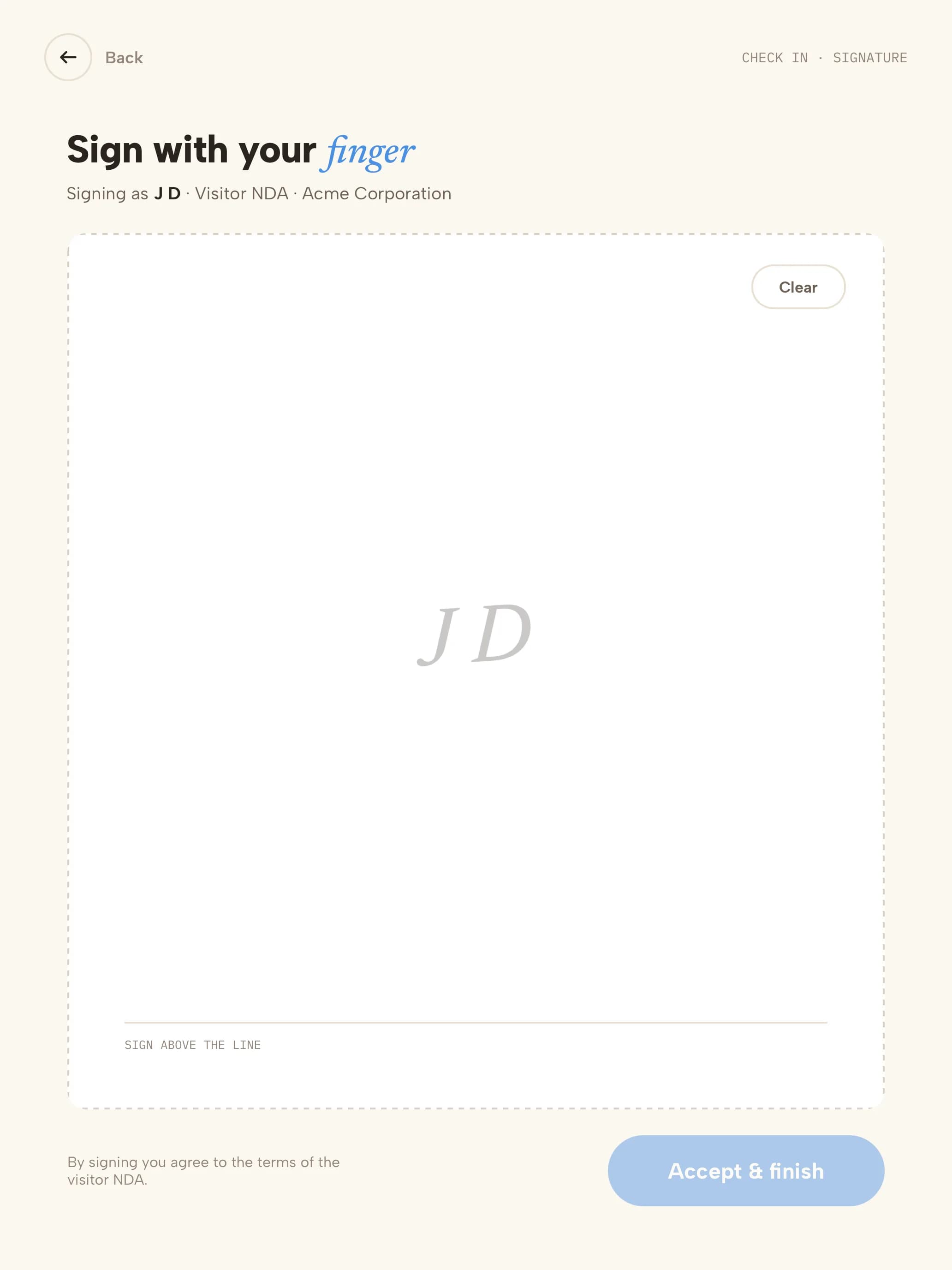 03NDASigned with a finger; a copy is emailed to them.
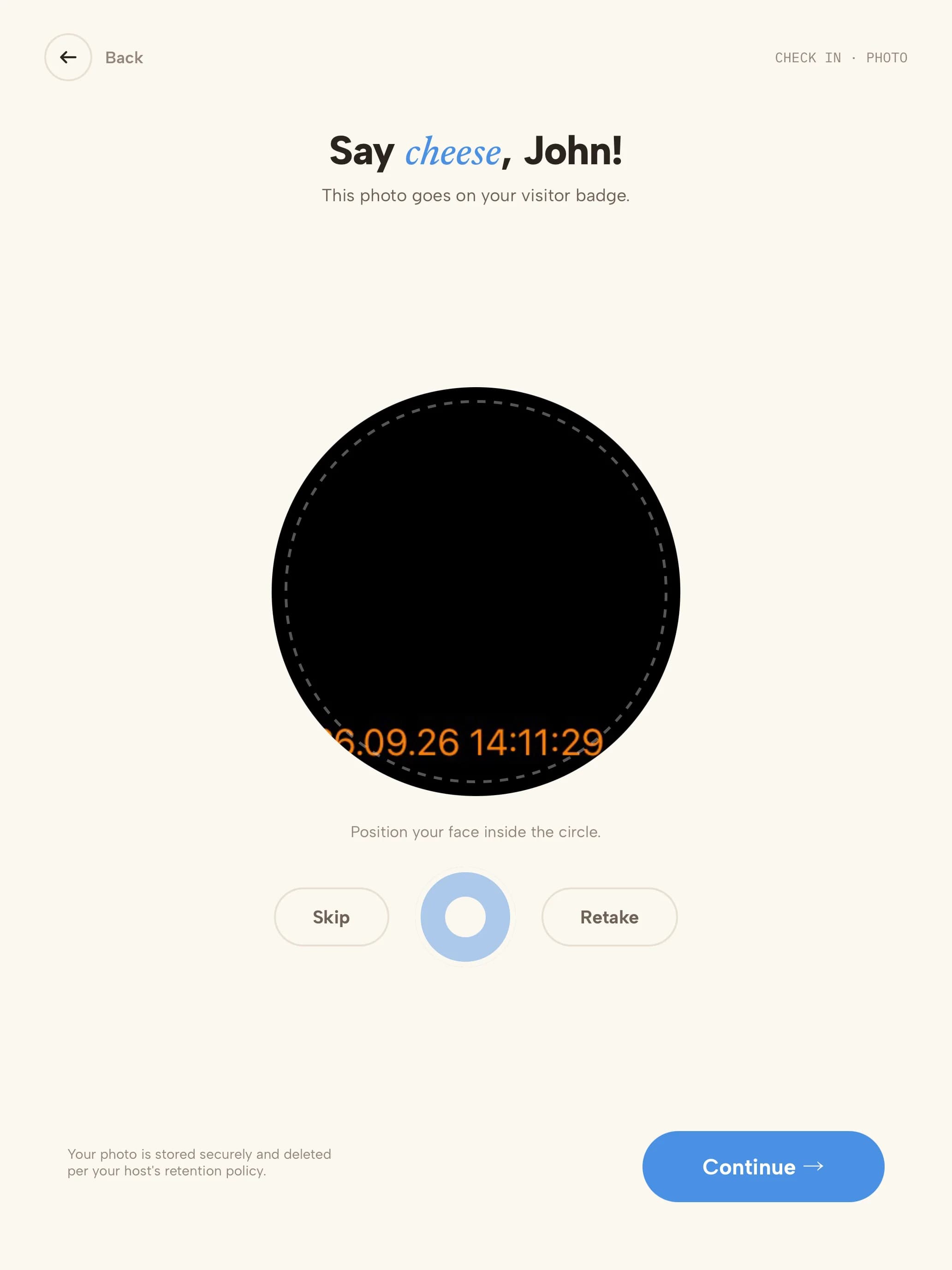 04PhotoTaken for the badge and the visit record.
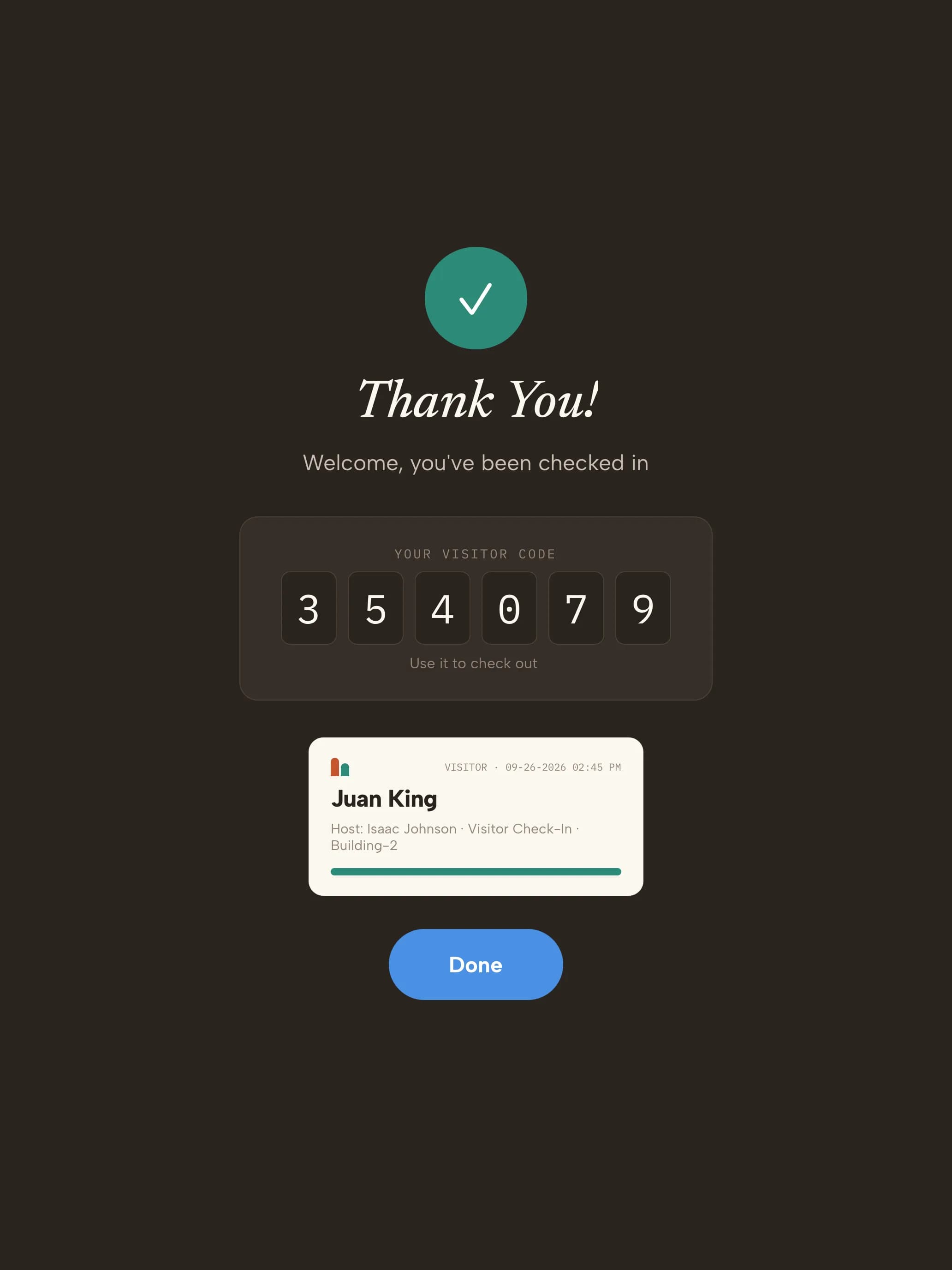 05BadgeVisitor code on screen and the badge prints.
Ready on day one
Your trial starts with office visit types
Every kind of visitor gets its own check-in. These are ready the moment you sign up — adjust any step from the dashboard.
- GuestClients, partners and meetings
- Name & company
- Host
- NDA
- Photo
- Badge
- InterviewCandidates meeting the hiring team
- Name
- Host
- Photo
- Badge
- ContractorFacilities, IT and vendors
- Name & company
- Host
- Site rules
- Photo
- Badge
- DeliveryCouriers and packages
- Courier
- Recipient notified
- Logged — no badge
Start with these visit types14 days free · no credit card
The record you keep
What your office visitor log looks like
| Visitor | Company | Type | Host | Notified | Signed | In | Out |
|---|---|---|---|---|---|---|---|
| M. Ortega | Lumen Partners | Guest | A. Shah | Teams · delivered | NDA | 09:30 | 10:45 |
| J. Kim | — | Interview | Talent team | Slack · delivered | — | 11:00 | 12:10 |
| D. Price | Crestline Services | Contractor | Facilities | Email · delivered | Site rules | 13:15 | 15:40 |
| Coastal Courier | Coastal Courier | Delivery | R. Lee | SMS · delivered | — | 14:02 | 14:03 |
Illustrative sample with fictional guests and companies. Your log includes the fields your visit types collect.
- Visitor data stored in a U.S. AWS region
- Encrypted at rest
- SOC 2 Type II engagement underway
Getting started
Three steps to your front door
- 1Start your trial14 days free, no credit card. Your account opens with 4 office visit types ready to use.
- 2Pair a tabletUse any iPad, or an Android tablet on Android 14 or later. Scan the pairing QR code and the kiosk is live. Add a label printer if you want badges.
- 3Add your teamAdd the people visitors come to see. They're notified by email, SMS, Slack or Microsoft Teams when someone arrives.
Questions, answered
What is an office visitor management system?It replaces the front-desk sign-in book. Guests check in at a kiosk or with a QR invite, sign what they need to, get a badge, and their host is notified — and you keep a searchable record of every visit.
Do we need a receptionist?No. Hosts are notified directly by email, SMS, Slack or Microsoft Teams, so the lobby keeps working when reception is busy or empty.
Can guests be invited ahead of time?Yes. Pre-register guests with a QR invite by email or SMS — one-time codes for a single visit, permanent codes for regulars. On arrival they scan it at the kiosk.
We have several offices. Is that one account?Yes. Add each office as a location with its own kiosks and branding, and switch between them from the dashboard.
How is it priced?Per location, from $50 a month, with unlimited check-ins. Every feature is included in the 14-day free trial, with no credit card.
Evaluating Envoy or Sign In Solutions? Compare →
More in our Trust Center and Security FAQ.
Try it at your front door for 14 days
- 14 days free
- No credit card
- Office visit types set up for you
- Host alerts in Slack or Microsoft Teams