Industries / Residential Building
For property managers, HOAs & building staff
Every guest announced, every package logged
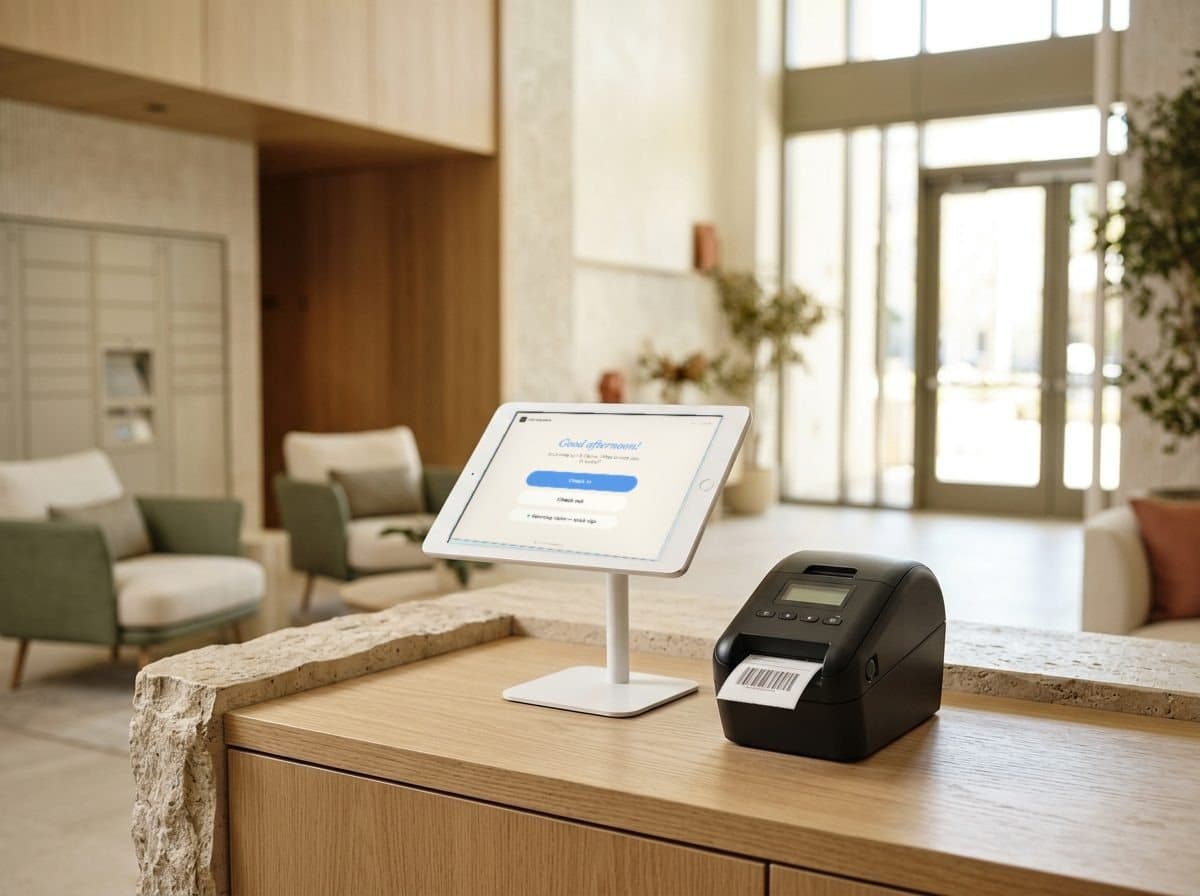
Visitor management for apartment and condo buildings. Residents are notified the moment a guest or package arrives, guest parking is on record, and the lobby stays calm and clipboard-free — day shift or night shift.
14-day free trial · no credit card · guest, contractor, delivery and regular-visitor types set up for you
Sound familiar?
Where building lobbies get messy
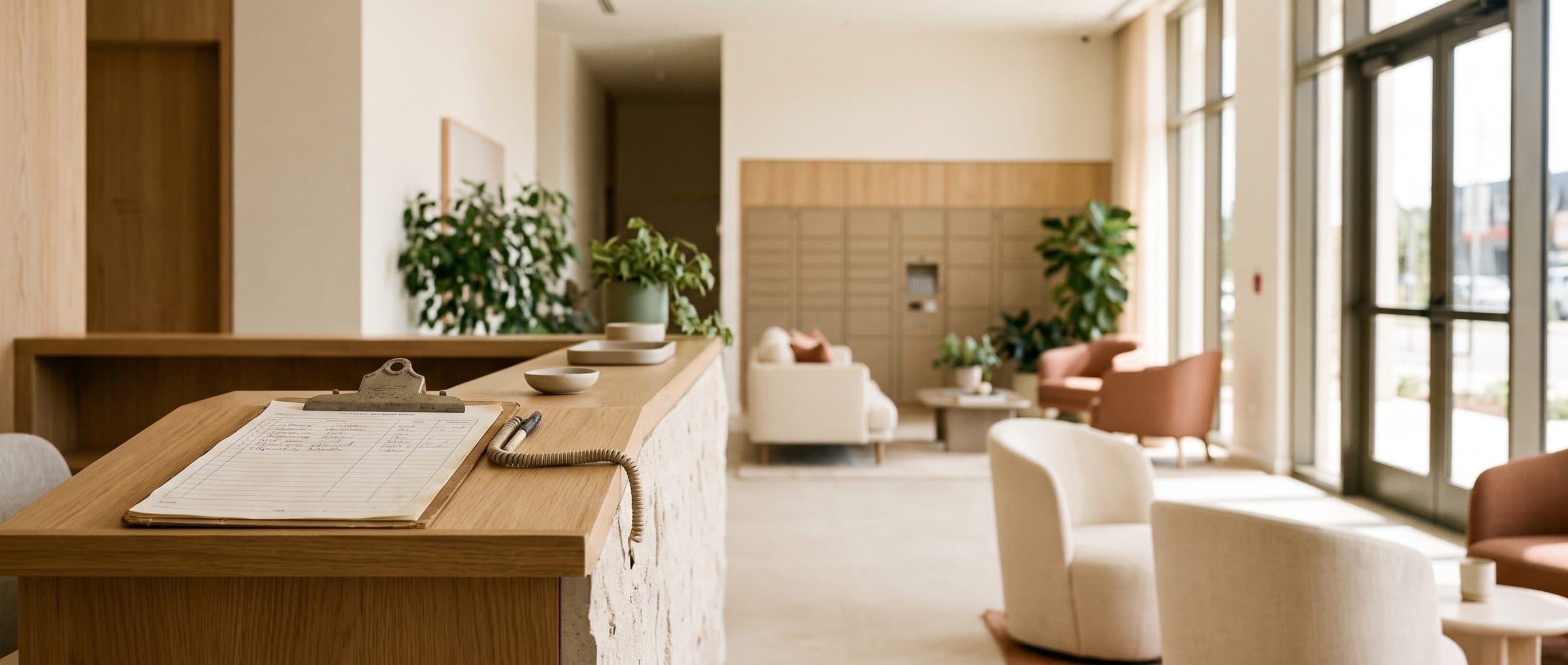
- A guest arrives and the concierge has to call up to the unit.Nobody answers, the guest waits, and the desk can't help the next person in line.
- Packages pile up behind the front desk.Residents don't know they've arrived, and staff spend the evening playing mailroom.
- A contractor shows up to work on a unit.Was the resident expecting them? The paper log doesn't say, and nobody checked.
- Guest cars fill the lot with no record of who they belong to.Towing the wrong car is worse than towing none.
How it's solved
Guests, packages and contractors — announced automatically
Each of those moments has a check-in step that handles it — set per visit type, so the lobby stays calm whether or not anyone is at the desk.
- A guest arrives and the concierge has to call up to the unit.Residents notified the moment guests arriveGuests search for the resident at the kiosk, and the resident is notified by email, SMS or Slack — whichever they prefer.
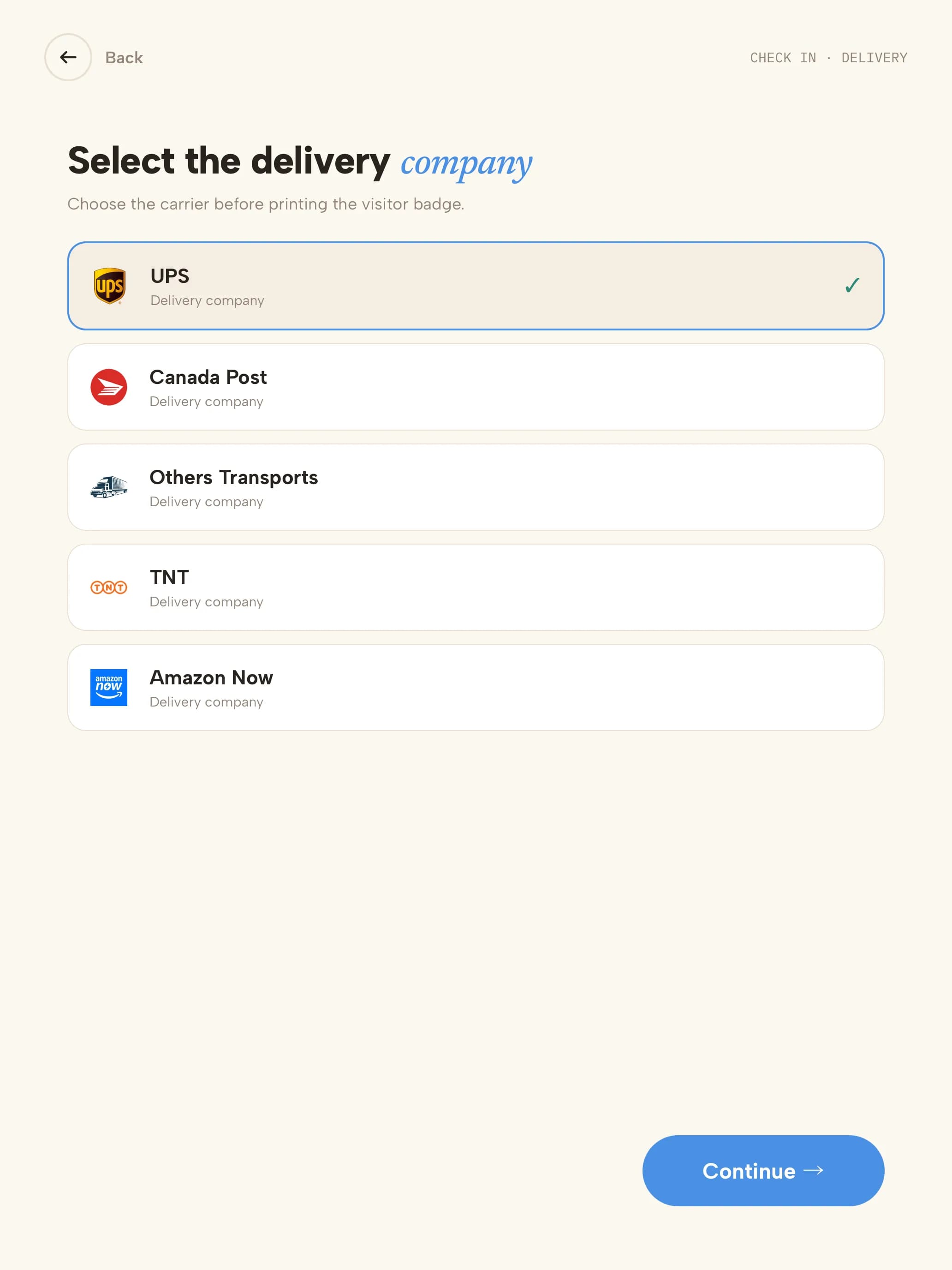
- Packages pile up behind the front desk.Every delivery logged and announcedDrivers pick their courier and a message such as “Left at the counter”. The resident is notified and the delivery is logged.
- A contractor shows up to work on a unit.Contractors pre-registered by residentsResidents invite contractors and regulars with a QR code by email or SMS — one-time codes for a single job, permanent codes for cleaners and caregivers.
- Guest cars fill the lot with no record of who they belong to.Guest parking on recordAdd a licence plate field to the guest visit type, and every plate is saved with the visit.
An accurate list, overnightAuto Checkout signs everyone out each night, so the on-site list stays accurate for the morning shift.
Everyone in the building, in an emergencyOpen the evacuation list from the kiosk to see every guest and contractor checked in, and alert them by email and SMS.
A guest's arrival
Announced to the resident in five steps
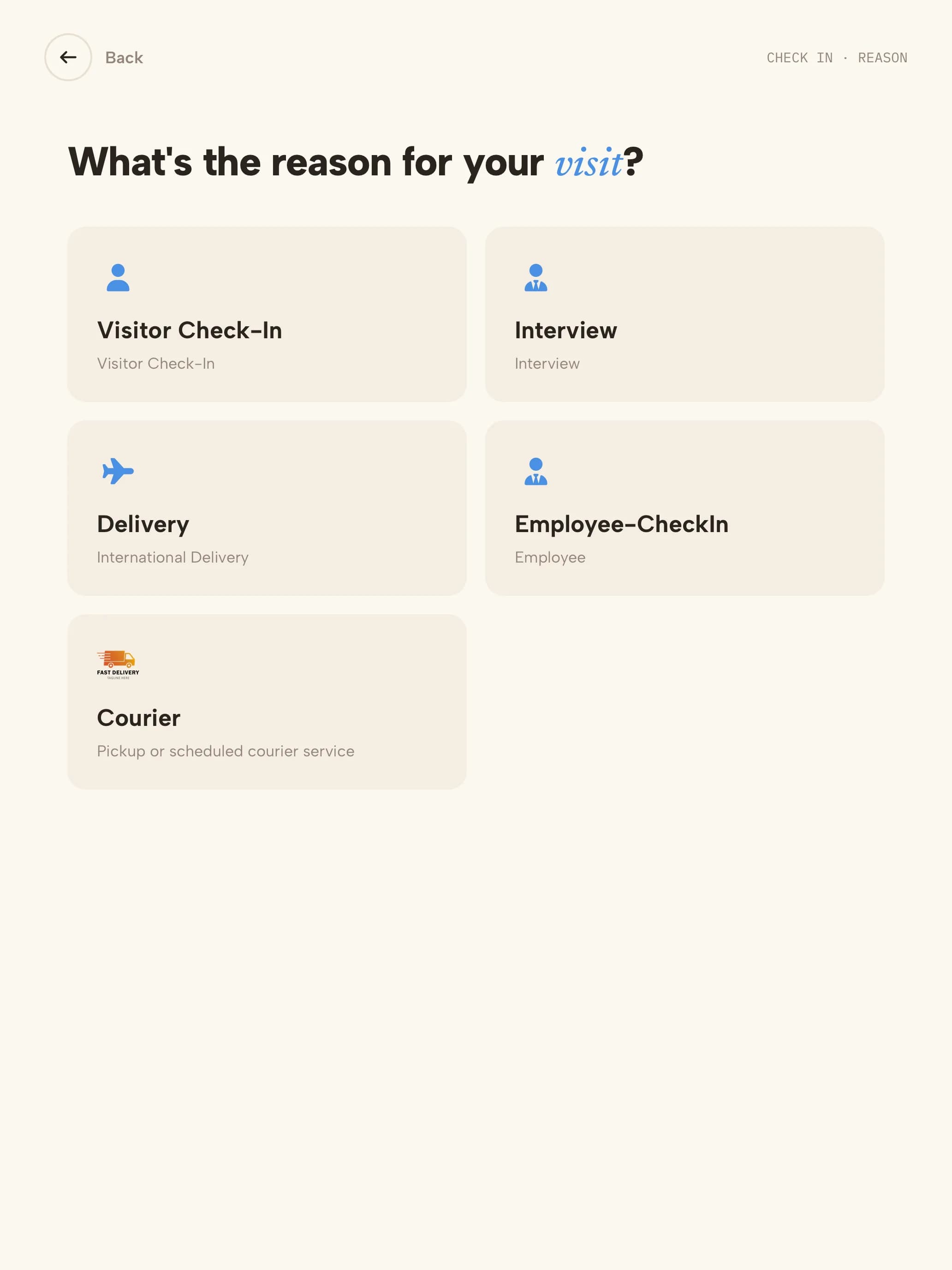 01Visit typeGuest, contractor or delivery — each type has its own steps.
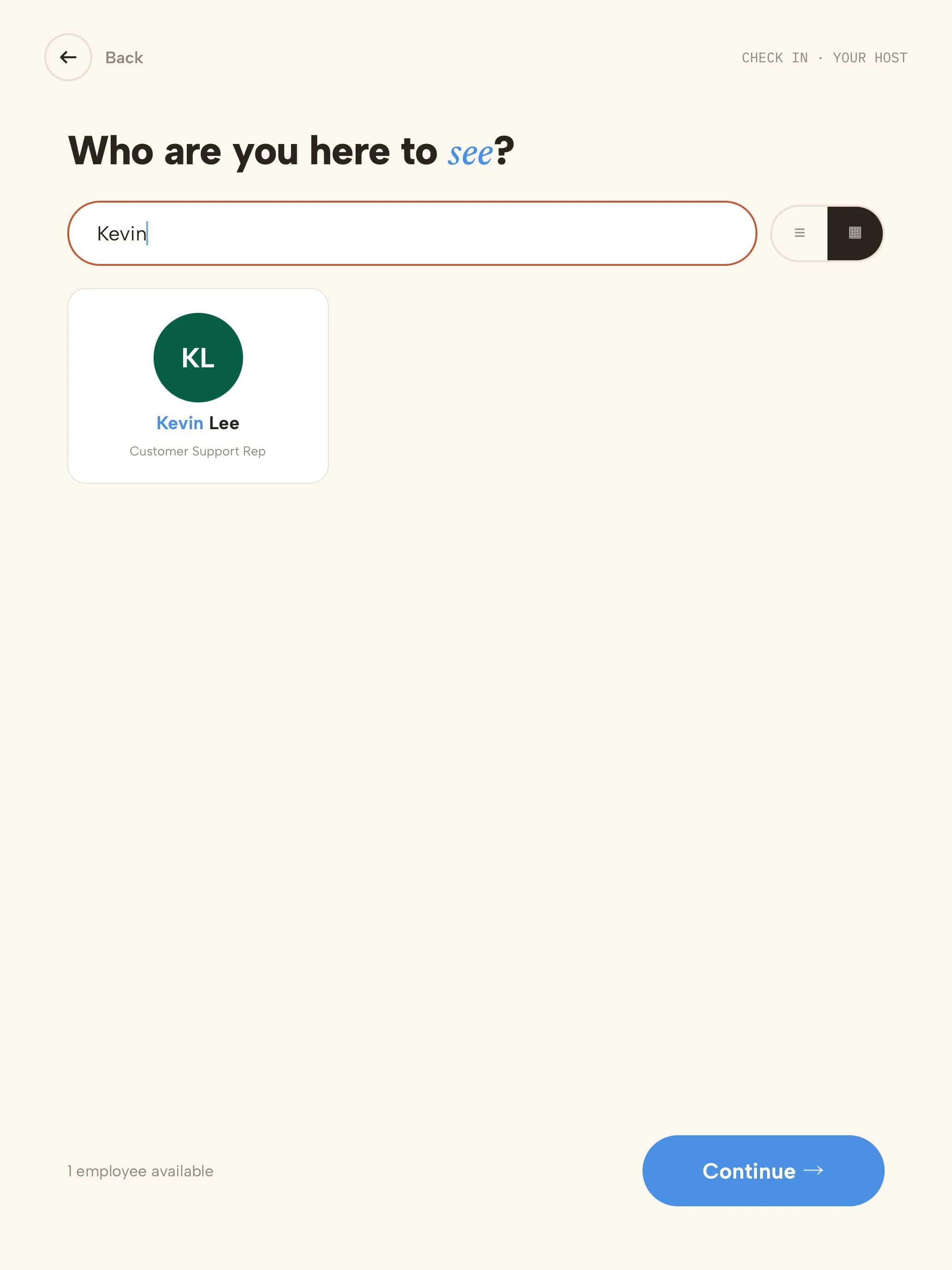 02ResidentThey search for the resident by name; the resident is notified.
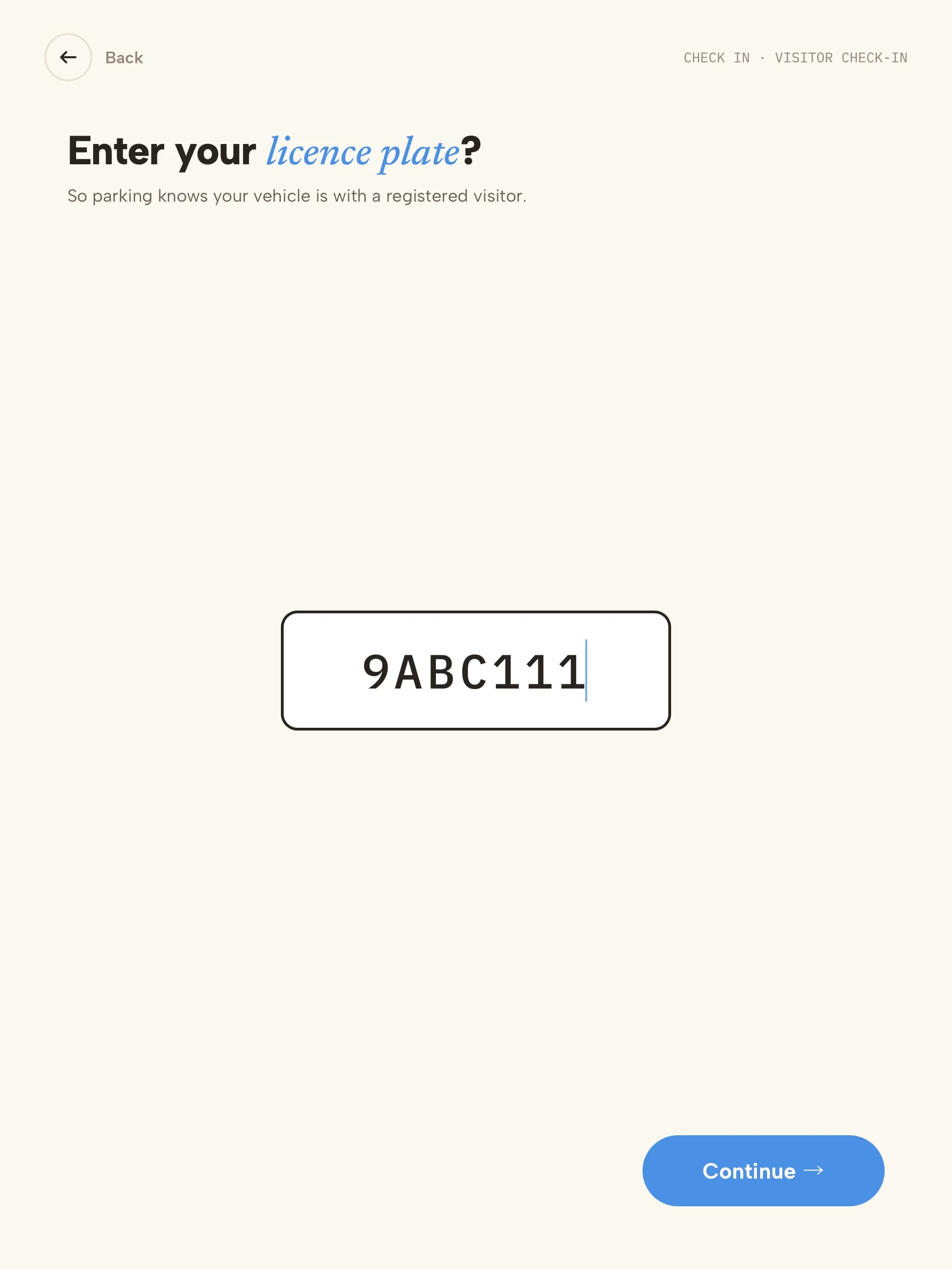 03Licence plateRecorded for guest parking, if you ask for it.
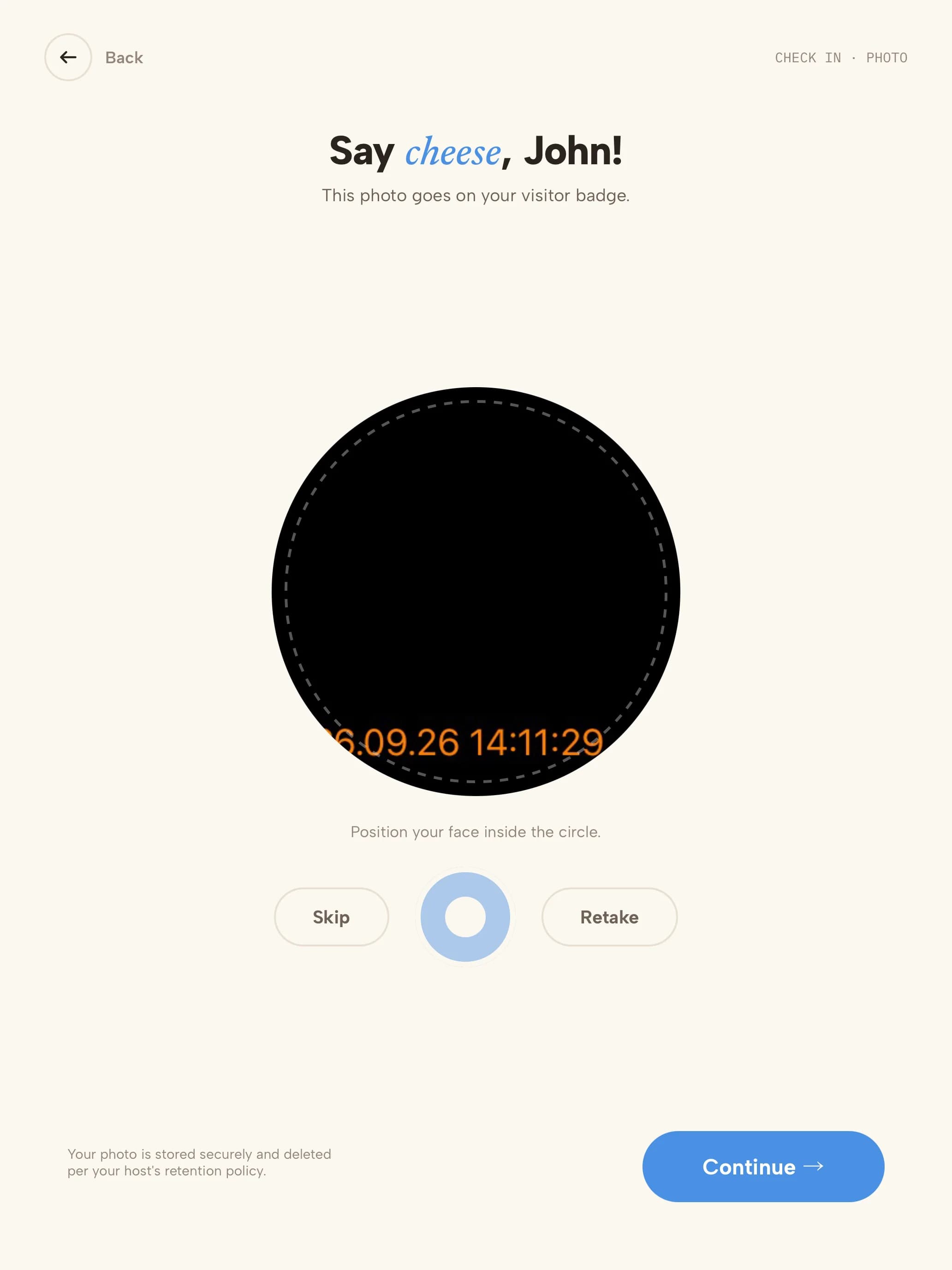 04PhotoTaken for the badge and the visit record.
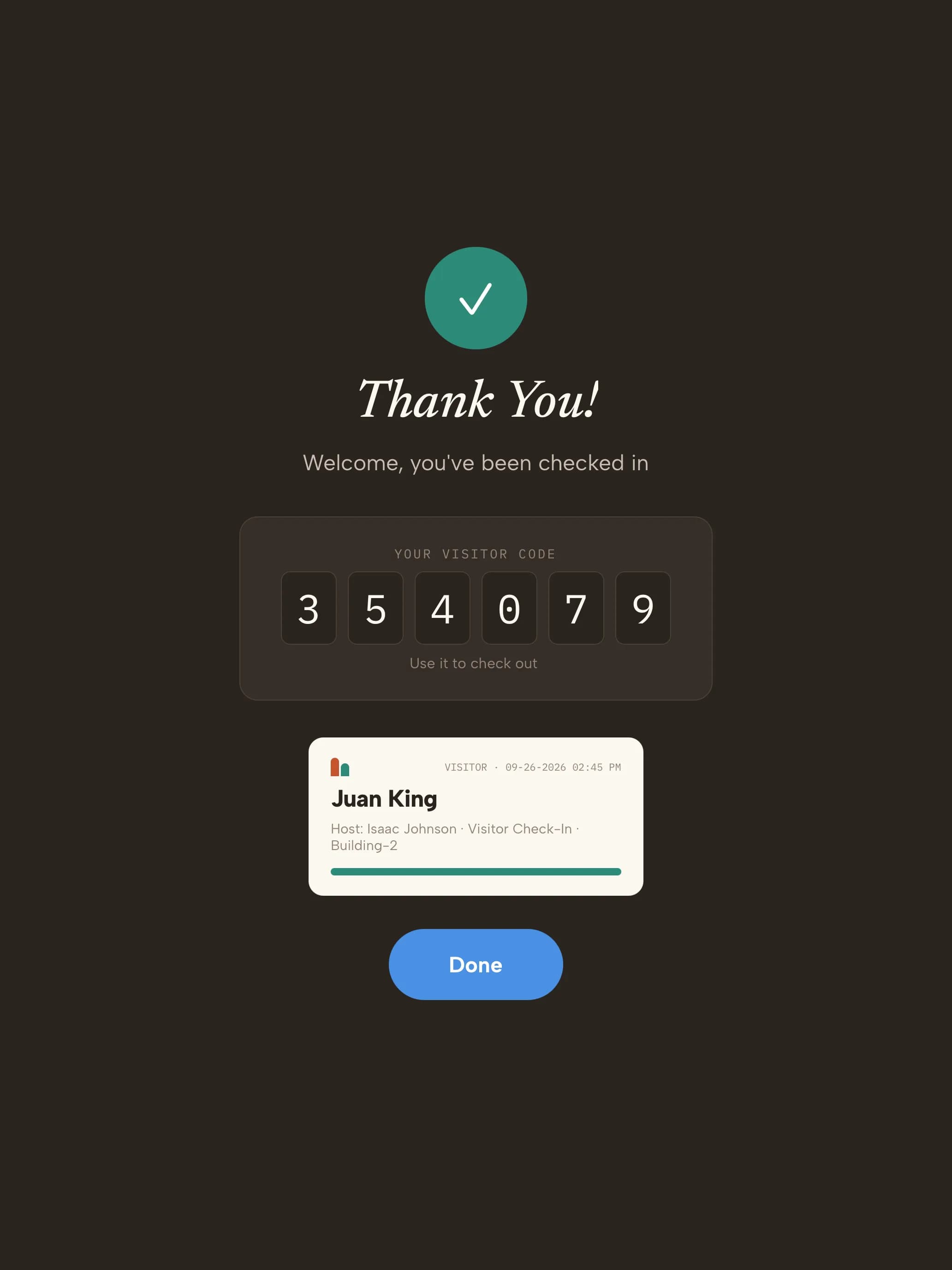 05Checked inVisitor code on screen; the visit is in the log.
Ready on day one
Your trial starts with residential visit types
Every kind of visitor gets its own check-in. These are ready the moment you sign up — adjust any step from the dashboard.
- GuestFriends, family and visitors
- Name
- Resident you're visiting
- Licence plate
- Photo
- Checked in
- ContractorRepairs, cleaners and movers
- Name & company
- Resident or unit
- Building rules
- Photo
- Badge
- DeliveryCouriers and food delivery
- Courier
- Resident notified
- Logged — no badge
- Regular visitorCaregivers, nannies and dog walkers
- Scan QR invite
- Checked in
Start with these visit types14 days free · no credit card
The record you keep
What your lobby log looks like
| Visitor | Type | Resident | Notified | Plate | In | Out |
|---|---|---|---|---|---|---|
| S. Patel | Guest | Unit 1204 | SMS · delivered | 8XYZ001 | 18:05 | 21:40 |
| R. Diaz | Contractor | Unit 0807 | Email · delivered | — | 09:30 | 11:15 |
| Coastal Courier | Delivery | Unit 0312 | SMS · delivered | — | 14:10 | 14:11 |
| M. Lopez | Regular visitor | Unit 1501 | Slack · delivered | — | 08:00 | 16:00 |
Illustrative sample with fictional visitors and units. Your log includes the fields your visit types collect.
- Visitor data stored in a U.S. AWS region
- Encrypted at rest
- SOC 2 Type II engagement underway
Getting started
Three steps to your front door
- 1Start your trial14 days free, no credit card. Your account opens with 4 residential visit types ready to use.
- 2Pair a tabletUse any iPad, or an Android tablet on Android 14 or later. Scan the pairing QR code and the kiosk is live. Add a label printer if you want badges.
- 3Add your teamAdd the people visitors come to see. They're notified by email, SMS, Slack or Microsoft Teams when someone arrives.
Questions, answered
How are residents told a guest has arrived?By email, SMS or Slack — whichever each resident prefers — the moment their guest checks in.
How do deliveries work?Drivers choose the Delivery option, pick their courier and a message such as “Left delivery at the counter”, and can add a note. The resident is notified and the delivery is logged.
Can residents pre-authorize guests?Guests can be pre-registered with a QR invite by email or SMS. Permanent codes suit regulars like cleaners and caregivers; one-time codes suit single visits.
Can we record licence plates for guest parking?Yes. Add a licence plate field to the guest visitor type and it becomes a step at check-in.
Does the on-site list stay accurate overnight?Turn on Auto Checkout and everyone still checked in is checked out automatically each night.
Evaluating Envoy or Sign In Solutions? Compare →
More in our Trust Center and Security FAQ.
Try it at your front door for 14 days
- 14 days free
- No credit card
- Residential visit types set up for you
- Use any iPad or Android tablet