Government visitor management, on the record
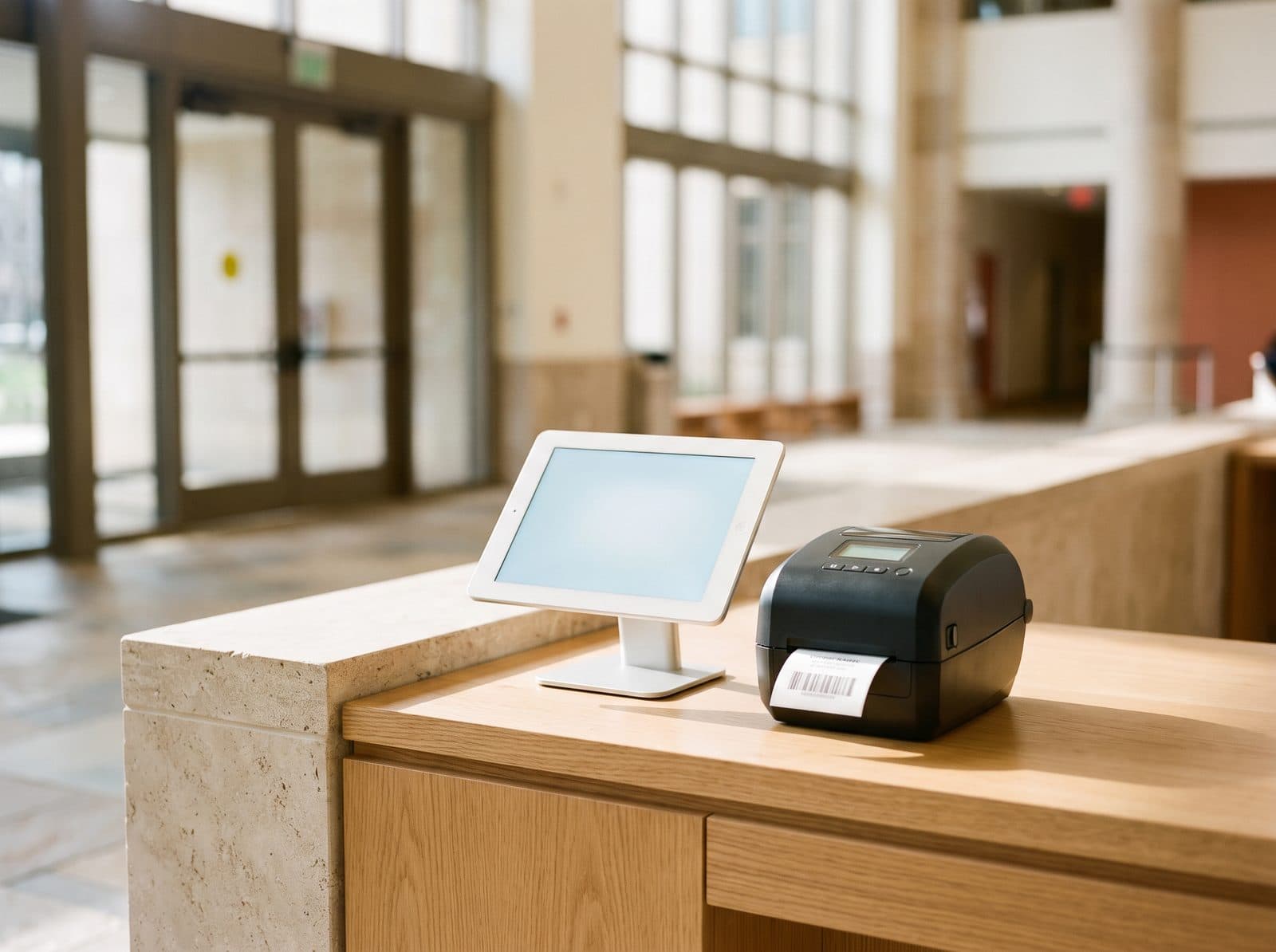
A visitor management system for city halls, county offices and public buildings. Every visitor is checked against your watchlist, escorted where policy says, and logged — while the lobby stays open and welcoming to the public.
Where public buildings lose track: the lobby
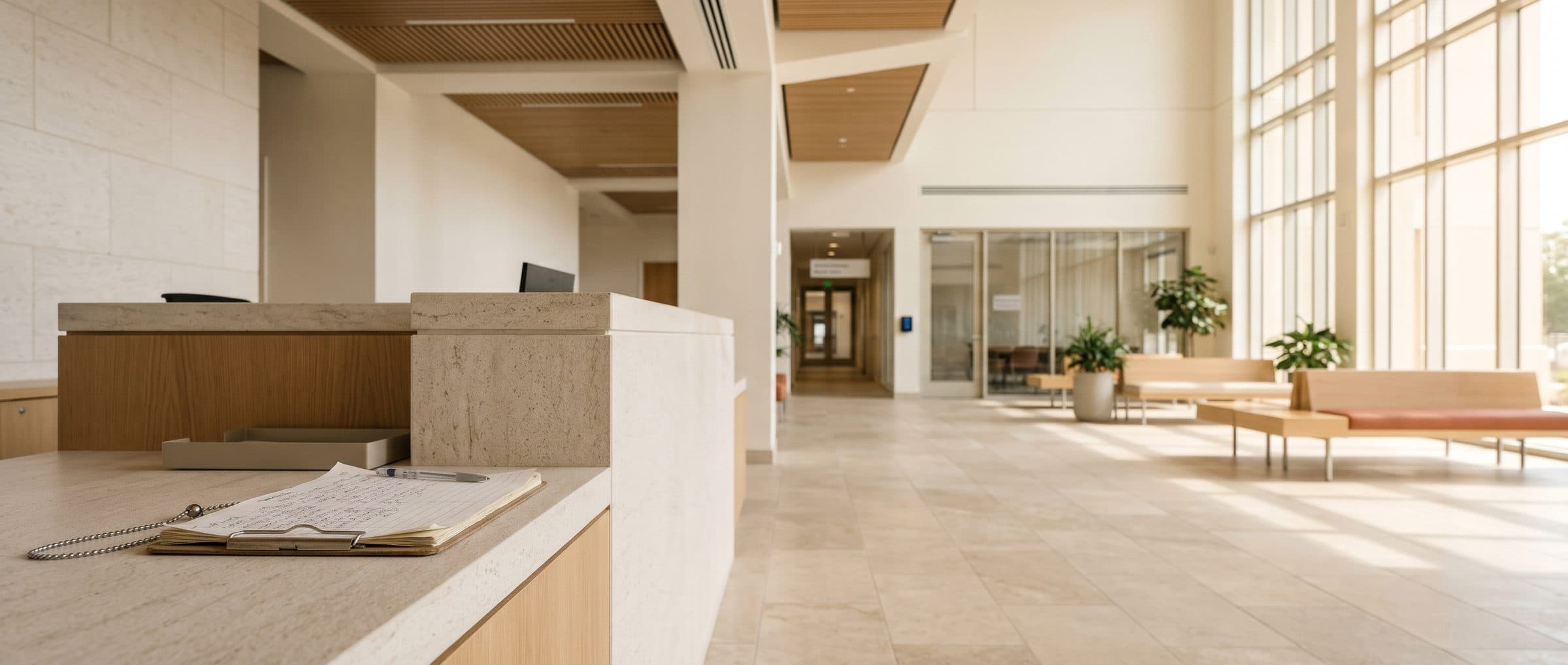
- A visitor signs the paper log at the security desk and heads upstairs.The log has a name. It doesn't show who they met, when they left, or that anyone checked them.
- Someone under a trespass notice walks back into the building.The notice is in an email from last month. The person at the desk today hasn't seen it.
- Someone asks who was in the building on a given afternoon.Staff spend hours paging through sign-in sheets — and some of the pages are missing.
- A contractor needs access to a records room or server closet.Escort rules depend on whoever is at the desk remembering them.
Watchlist screening, escorts and audit logs — at the kiosk
Each of those moments has a check-in step that prevents it — set per visit type, so residents, contractors, officials and couriers each get the right one while the lobby stays open to the public.
- A visitor signs the paper log at the security desk and heads upstairs.Every visit on the recordVisitors choose why they're here, find who they're meeting and sign your visitor policy. The host is notified, a badge prints, and check-in and check-out are timestamped.
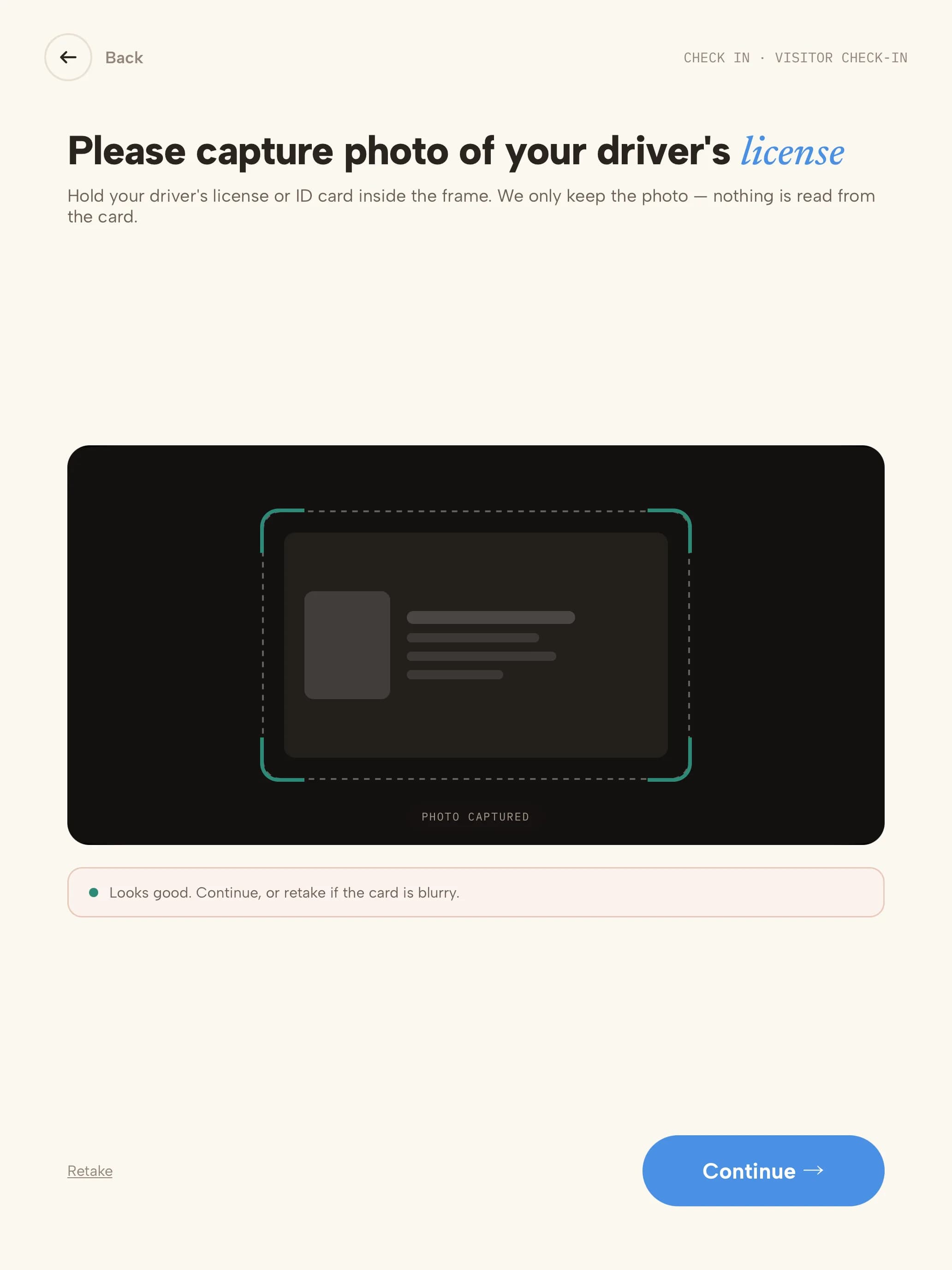
- Someone under a trespass notice walks back into the building.Your watchlist, checked at every check-inEvery visitor is checked against your own watchlist — and the U.S. Consolidated Screening List if you need it — with exact, contains or sound-alike matching. Matches are held discreetly and your reviewers' decision is recorded.
- Someone asks who was in the building on a given afternoon.Records in minutes, not hoursFilter the Visitor Log by date, host or visit type and export it as CSV or PDF — or schedule a daily or weekly export.
- A contractor needs access to a records room or server closet.Escorts enforced, not rememberedContractors accept your site rules before check-in continues, and visit types that require an escort can't finish without one assigned.
Screened and on record in five steps
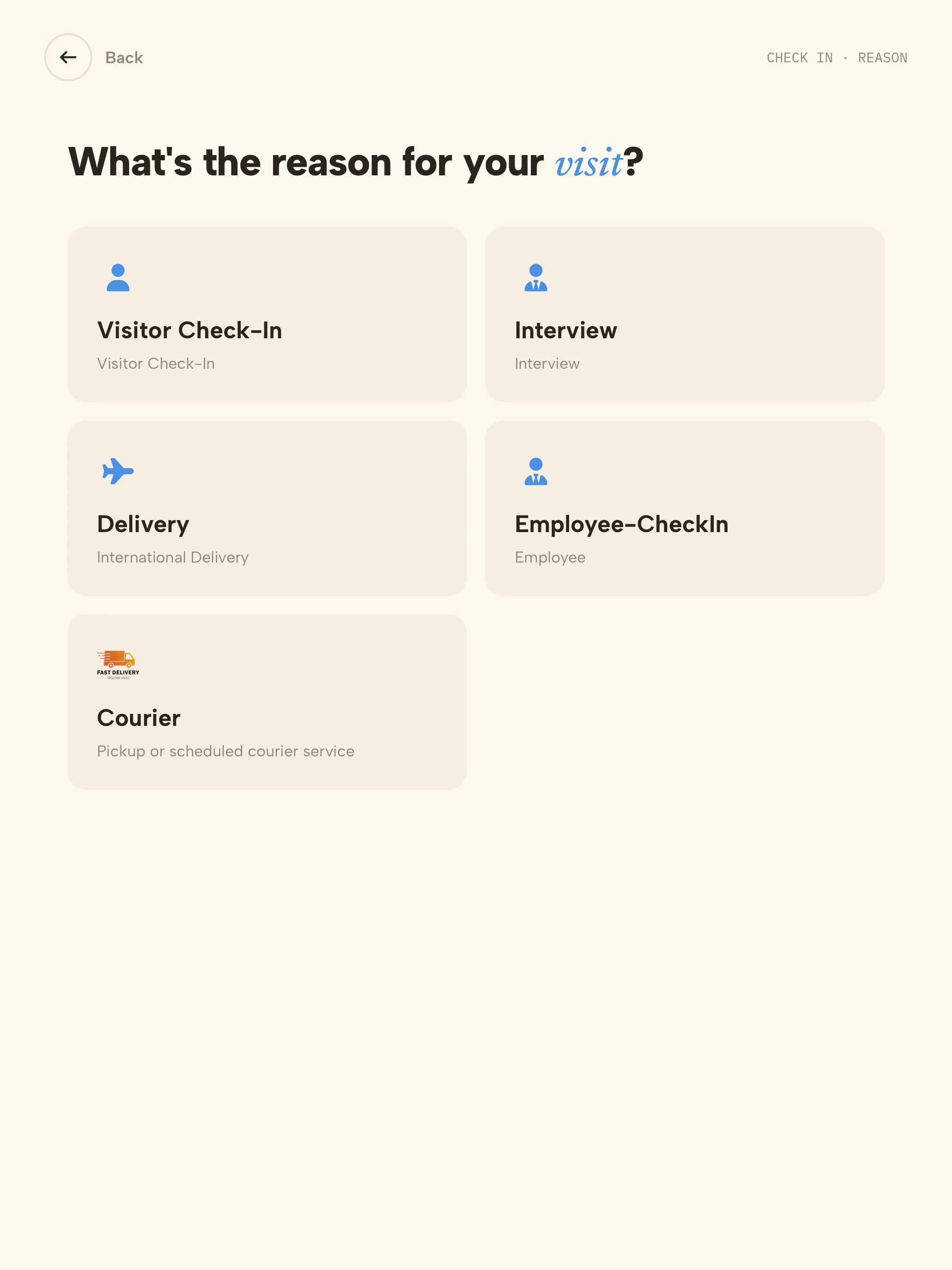 01Visit typeEach visit reason has its own form, documents and badge.
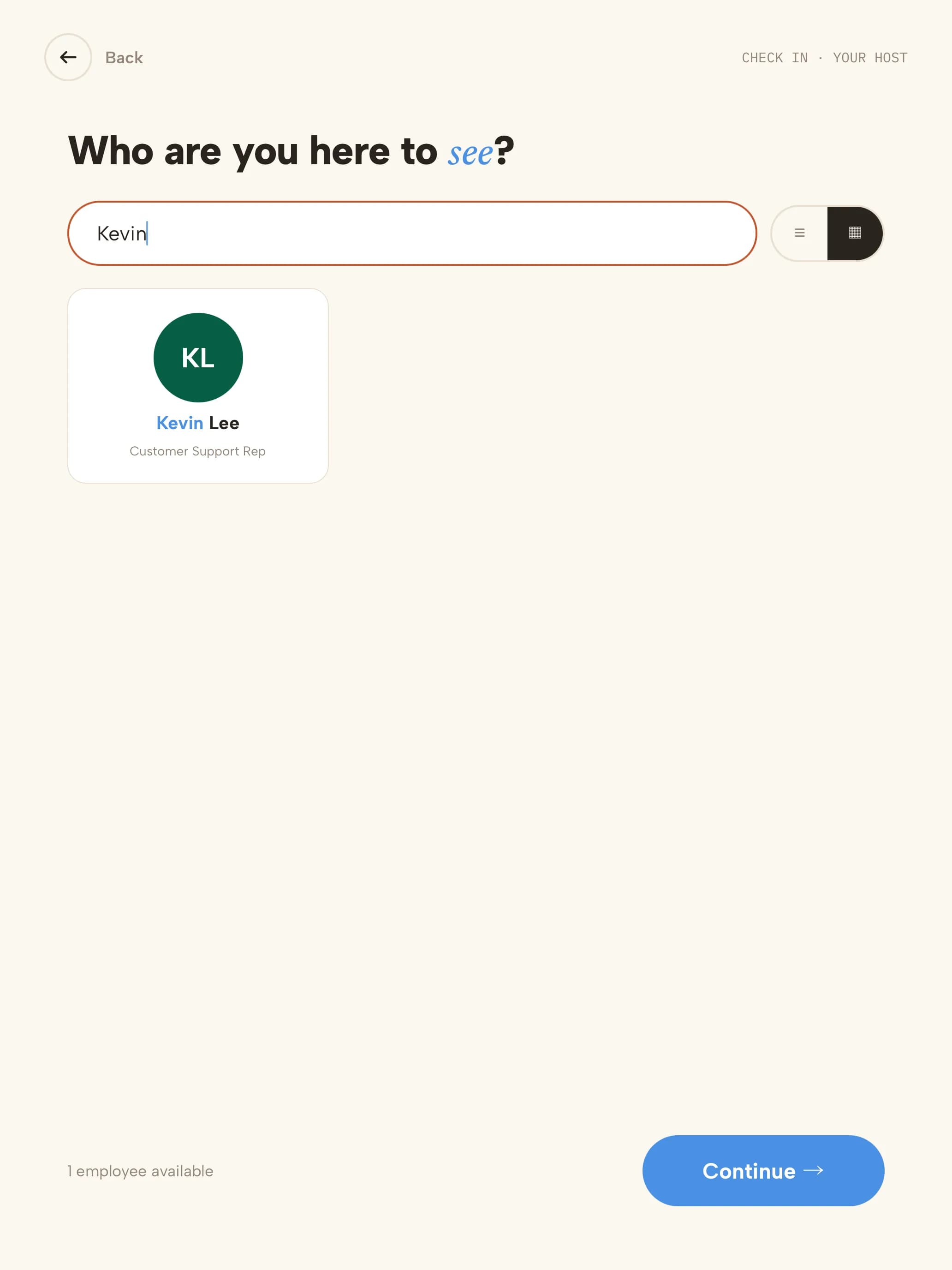 02HostThey search for who they're meeting; that person is notified.
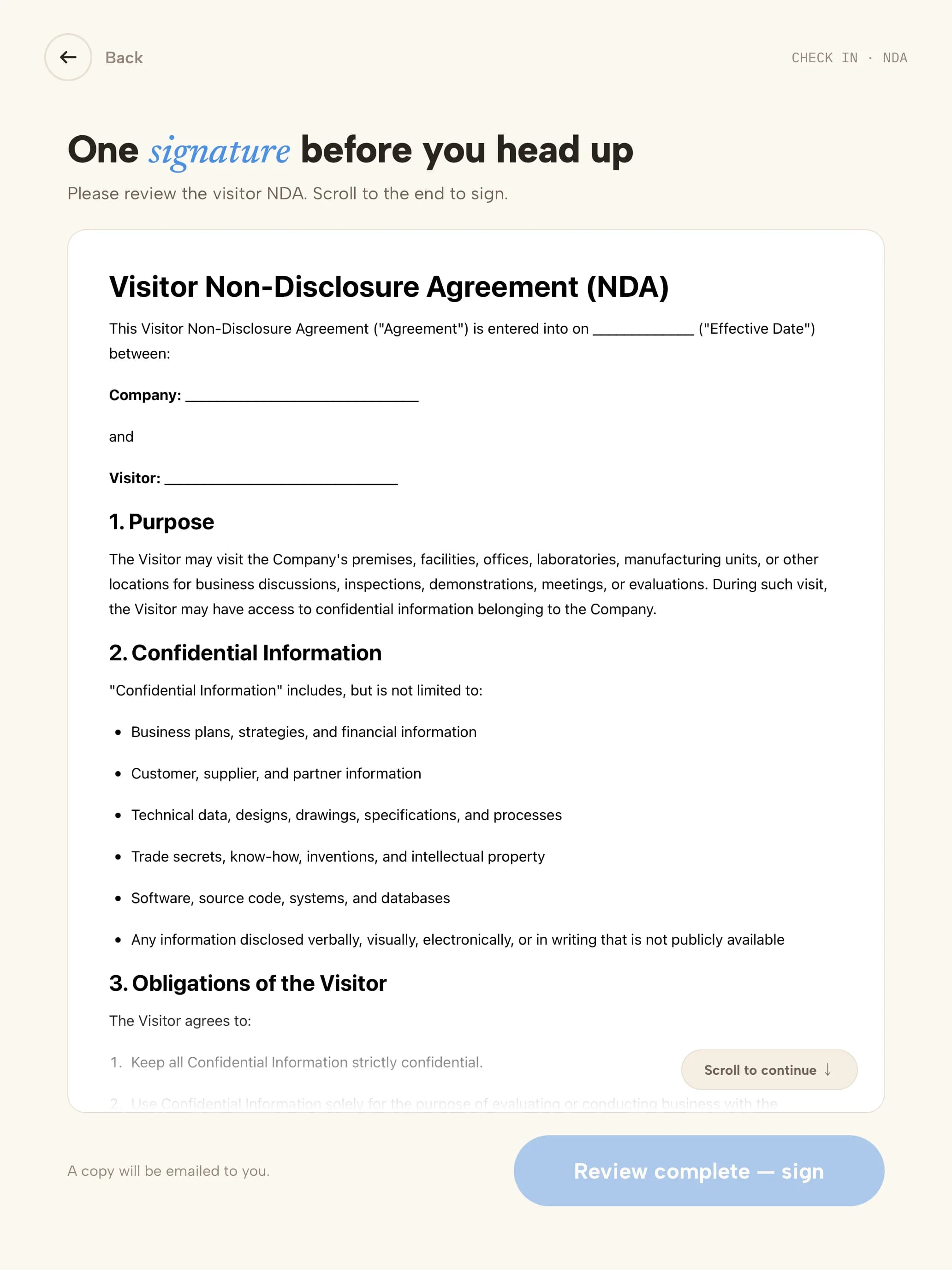 03PolicyThe visitor policy or NDA is read on screen.
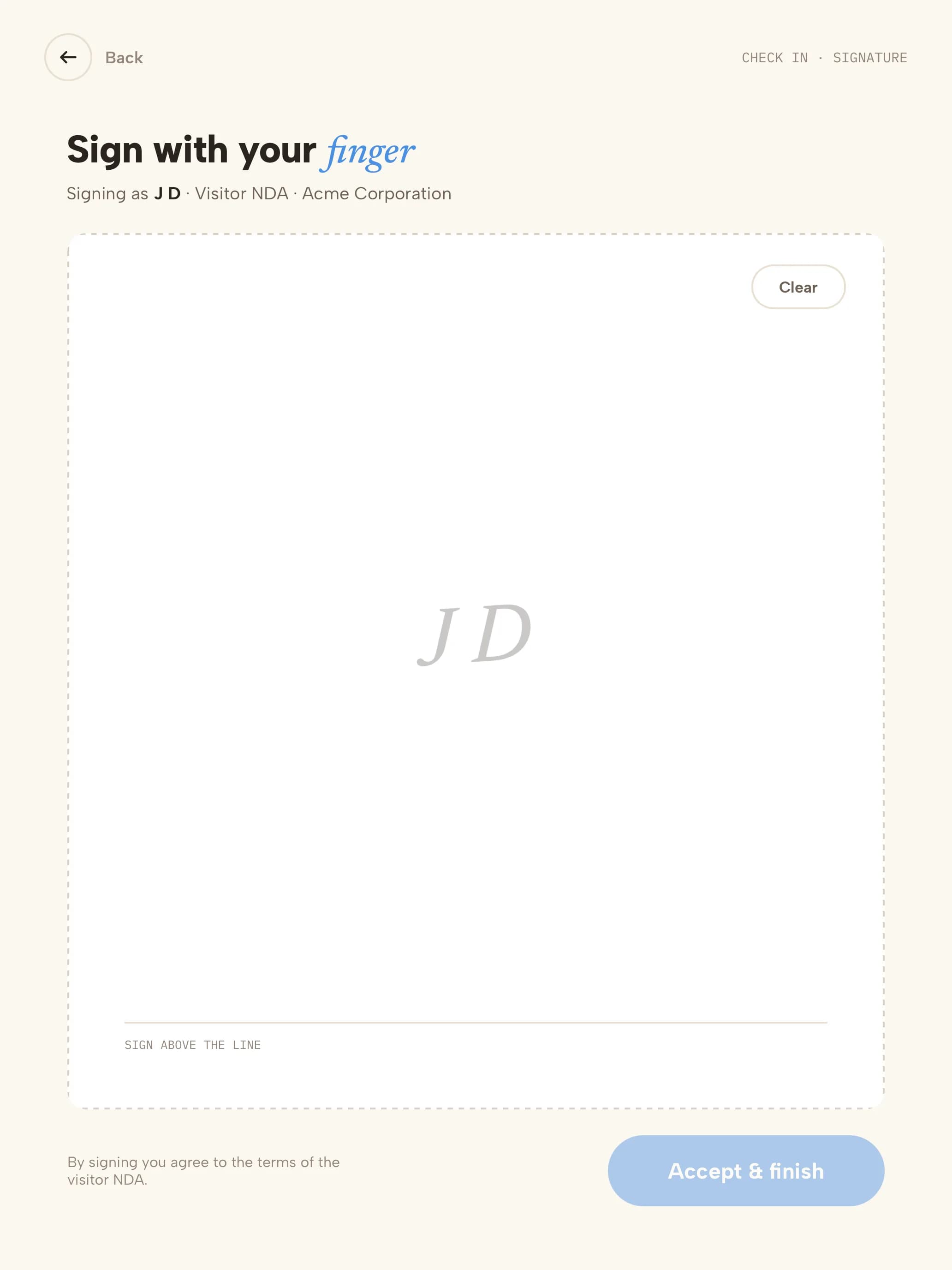 04SignatureSigned with a finger; a copy is emailed to them.
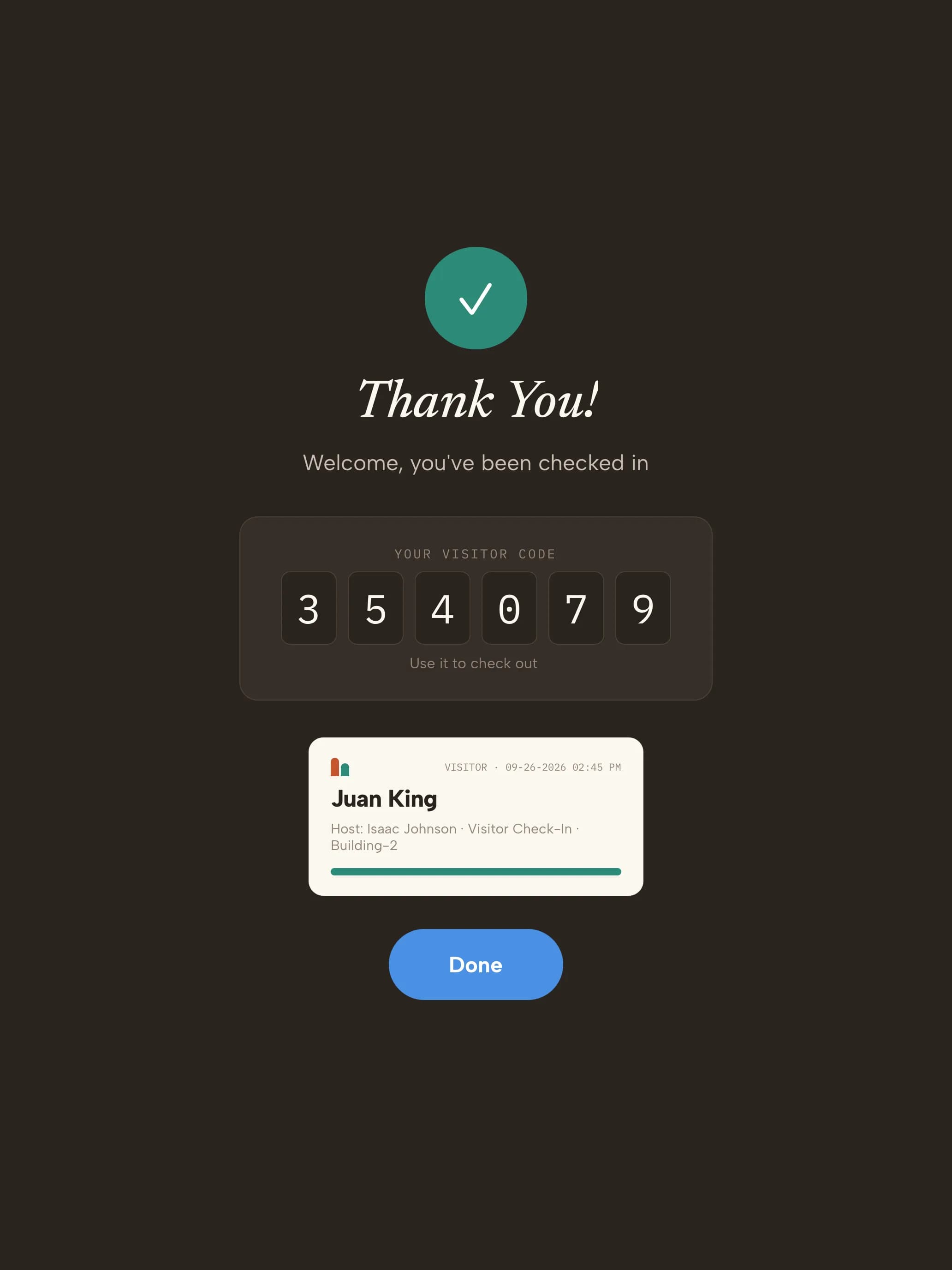 05BadgeCleared visitors get their code and badge; matches wait discreetly for review.
Your trial starts with public-sector visit types
Every kind of visitor gets its own check-in. These are ready the moment you sign up — adjust any step from the dashboard.
- Public visitorResidents, applicants and scheduled meetings
- Name
- Who you're seeing
- Watchlist check
- Visitor policy
- Badge
- ContractorFacilities, IT and maintenance
- Name & company
- Host
- Watchlist check
- Site rules
- Photo
- Escort
- Badge
- Vendor or officialVendors, auditors, inspectors and other agencies
- Name & organization
- Host
- Watchlist check
- Visitor policy
- ID photo
- Badge
- DeliveryCouriers and mail
- Courier
- Recipient notified
- Logged — no badge
What your public-building visitor log looks like
| Visitor | Organization | Type | Meeting | Watchlist | Signed | Escort | In | Out |
|---|---|---|---|---|---|---|---|---|
| A. Brooks | Resident | Public visitor | Permits office | Clear | Visitor policy | Not required | 09:02 | 09:40 |
| S. Nguyen | Harbor Facilities Co. | Contractor | IT · server room | Clear | Site rules | Required · D. Ortiz | 10:15 | 12:30 |
| K. Walsh | State audit office | Official | Finance director | Clear | Visitor policy | Not required | 13:00 | 15:10 |
| R. Doyle | — | Public visitor | Front desk | Held · reviewed by security (ref H-2207) | — | — | 15:25 | 15:31 |
Illustrative sample with fictional visitors and organizations. Your export includes the fields your visit types collect.
- Visitor data stored in a U.S. AWS region
- Encrypted at rest
- SOC 2 Type II engagement underway
Three steps to your front door
- 1Start your trial14 days free, no credit card. Your account opens with 4 public-sector visit types ready to use.
- 2Pair a tabletUse any iPad, or an Android tablet on Android 14 or later. Scan the pairing QR code and the kiosk is live. Add a label printer if you want badges.
- 3Add your teamAdd the people visitors come to see. They're notified by email, SMS, Slack or Microsoft Teams when someone arrives.
Questions, answered
Evaluating Envoy or Sign In Solutions? Compare →
More in our Trust Center and Security FAQ.
Try it at your front door for 14 days
- 14 days free
- No credit card
- Public-sector visit types set up for you
- Data stored in a U.S. AWS region