Industries / Counseling & Therapy
For therapists, counseling practices & group practice managers
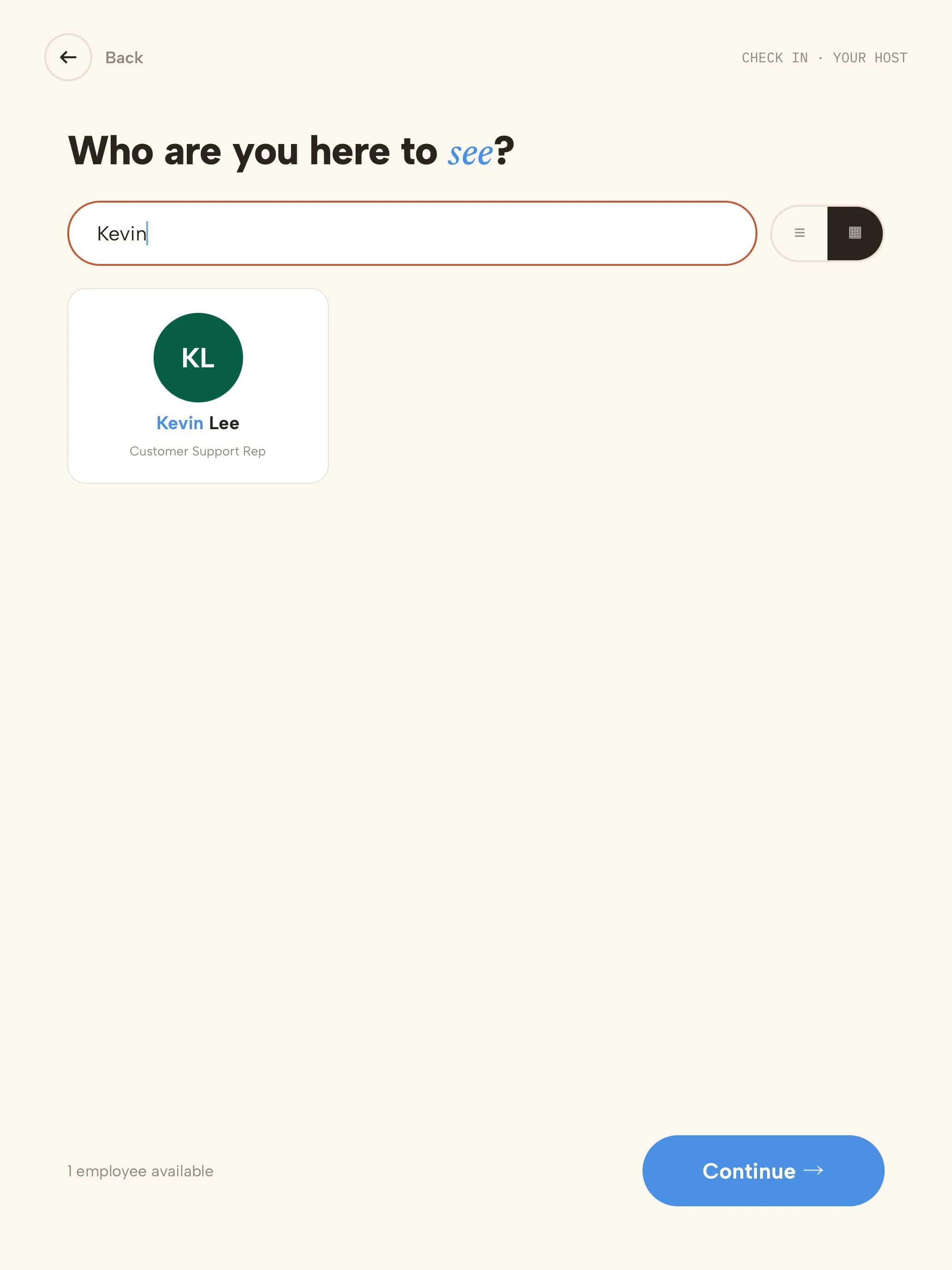
Therapy practice check-in that keeps confidences
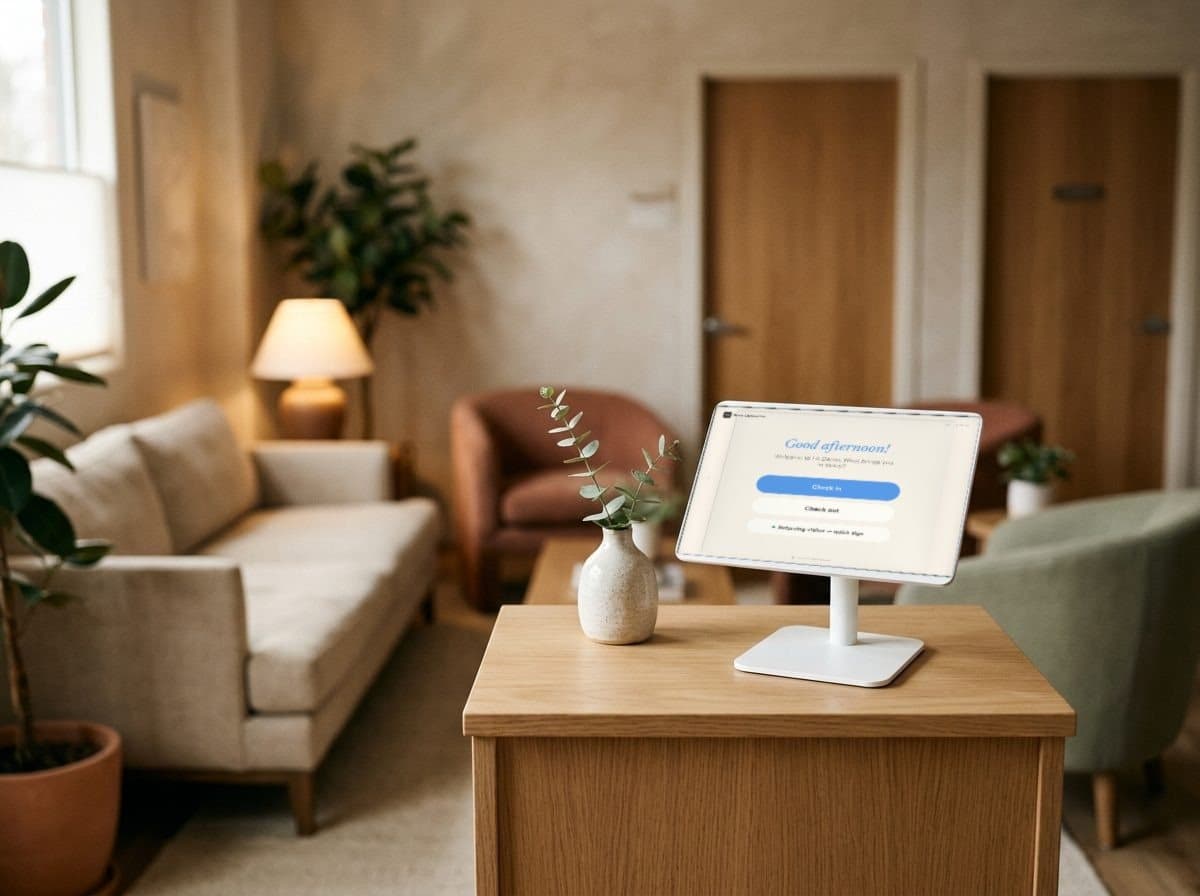
Private client check-in for therapy practices. Clients sign in privately, their clinician gets a silent ping, and no one's name sits on a shared sheet — from solo therapists to multi-location groups. Clinical intake stays in your practice-management system.
14-day free trial · no credit card · client, new client, guest and delivery types set up for you
Sound familiar?
Where waiting rooms give too much away

- A client writes their name on the sign-in sheet.Everyone who comes in after them can read who else is in therapy here today.
- The front desk knocks on a session door to say a client has arrived.Interrupting a session is the last thing either client needs.
- A solo therapist is mid-session when the next client arrives.Nobody is at the desk. The client waits, unsure whether anyone knows they're here.
- Weekly clients fill in the same paperwork again and again.Friction at the front desk is the wrong start to a session.
How it's solved
Private check-in and silent notifications — in the waiting room
Each of those moments has a check-in step that handles it — quietly, so the waiting room stays part of the care.
- A client writes their name on the sign-in sheet.No names on displayEach client sees only their own check-in, and Secure check-out — by email, visitor code or phone — means today's names are never listed on the kiosk.
- The front desk knocks on a session door to say a client has arrived.A silent ping to the clinicianThe clinician — or an assistant — is notified by email, SMS or Slack the moment their client arrives. No knock, no announcement.
- A solo therapist is mid-session when the next client arrives.A front desk that runs itselfClients check in at the kiosk and the clinician is notified, so solo and small practices don't need anyone at the desk.
- Weekly clients fill in the same paperwork again and again.Returning clients in secondsReturning clients sign in with just their email or phone, and you choose how often office policies are signed again.
Visits, not health recordsCoReceptionist records who arrived, when, and for which clinician. Clinical intake and anything health-related stays in your practice-management system.
Every office, one accountAdd each office as a location and manage them all from one dashboard.
A client's arrival
Checked in without a word, in five steps
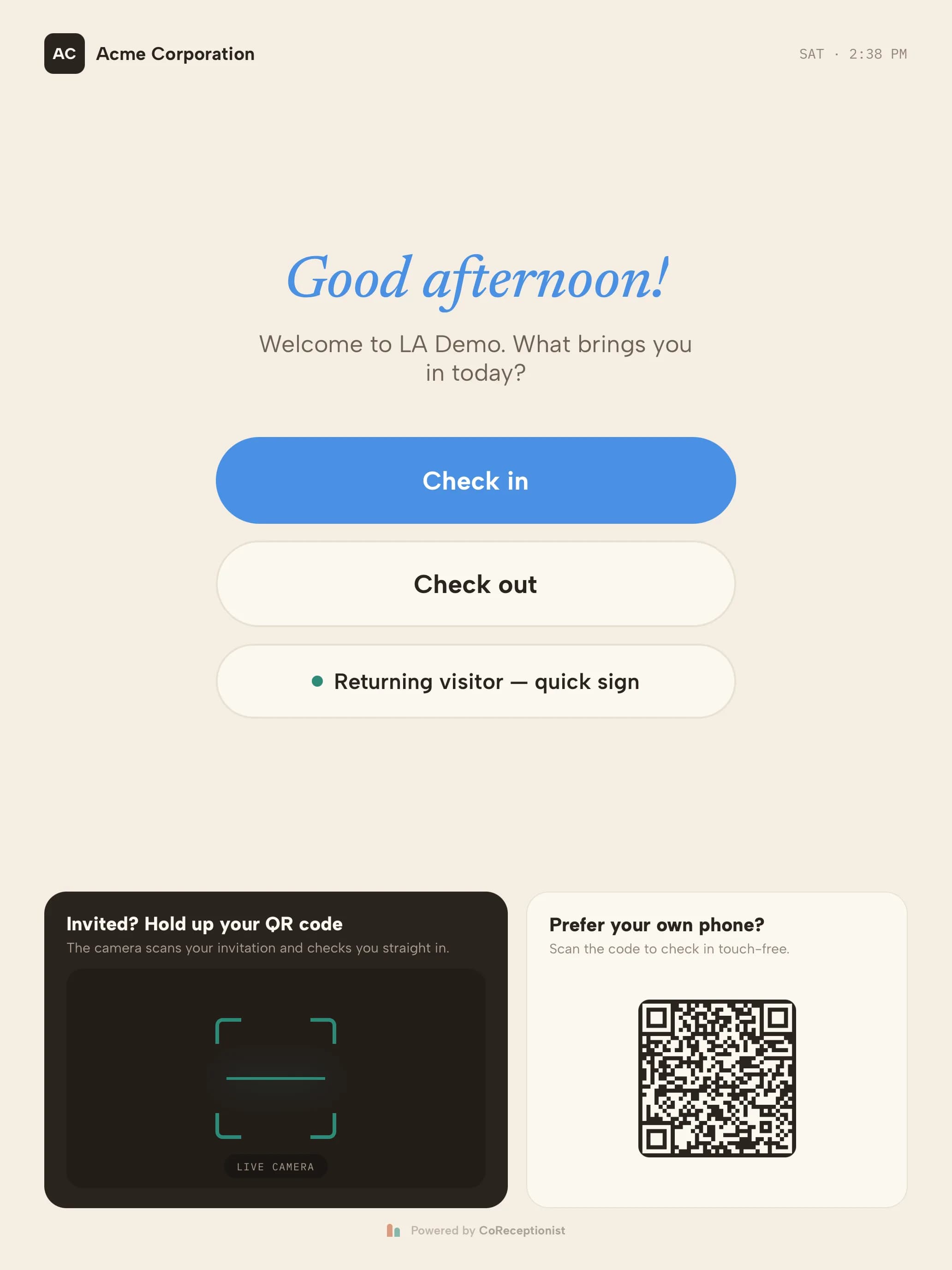 01WelcomeA private check-in — no sign-in sheet on the counter.
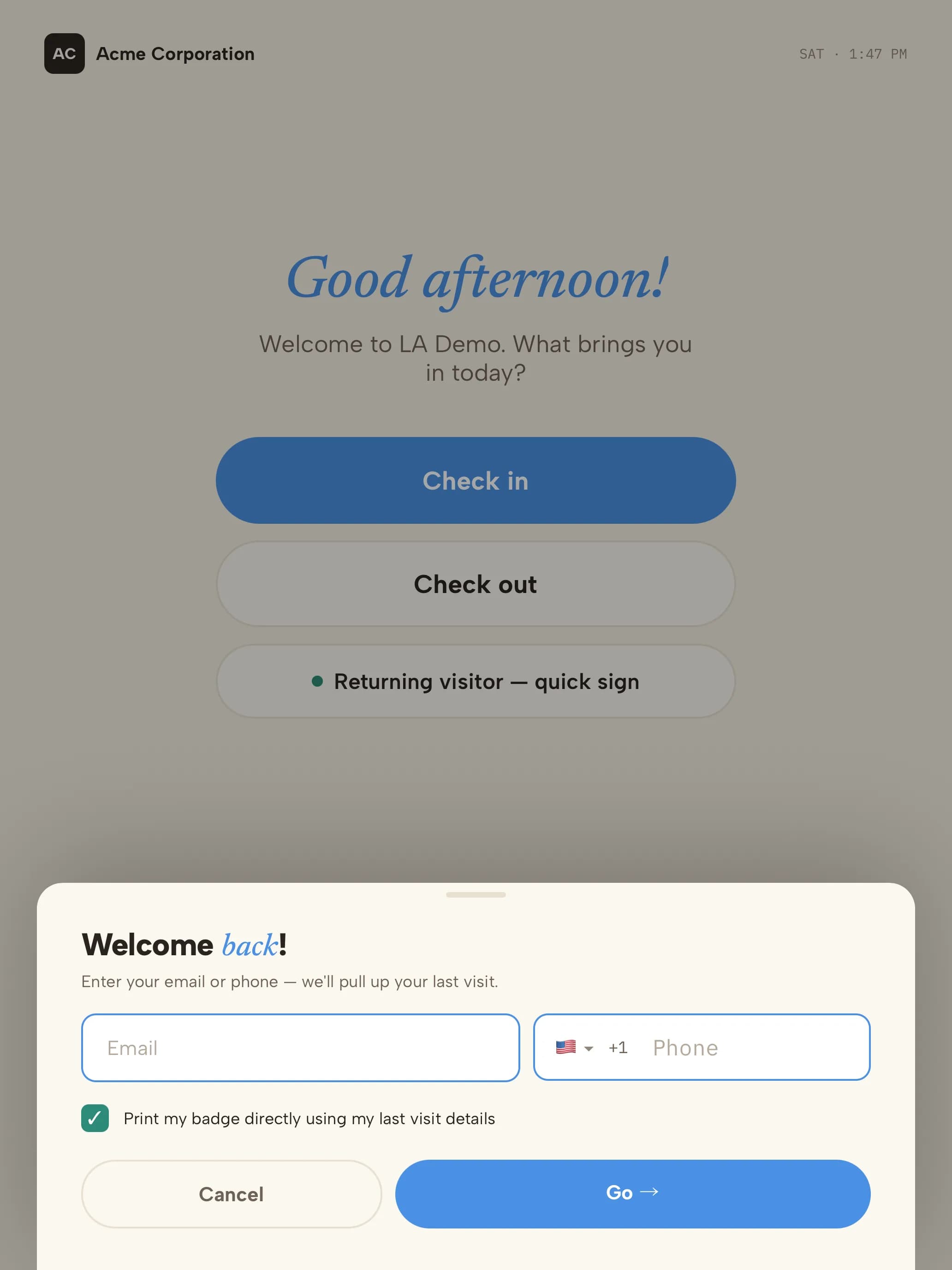 02Quick sign-inRegular clients sign in with just their email or phone.
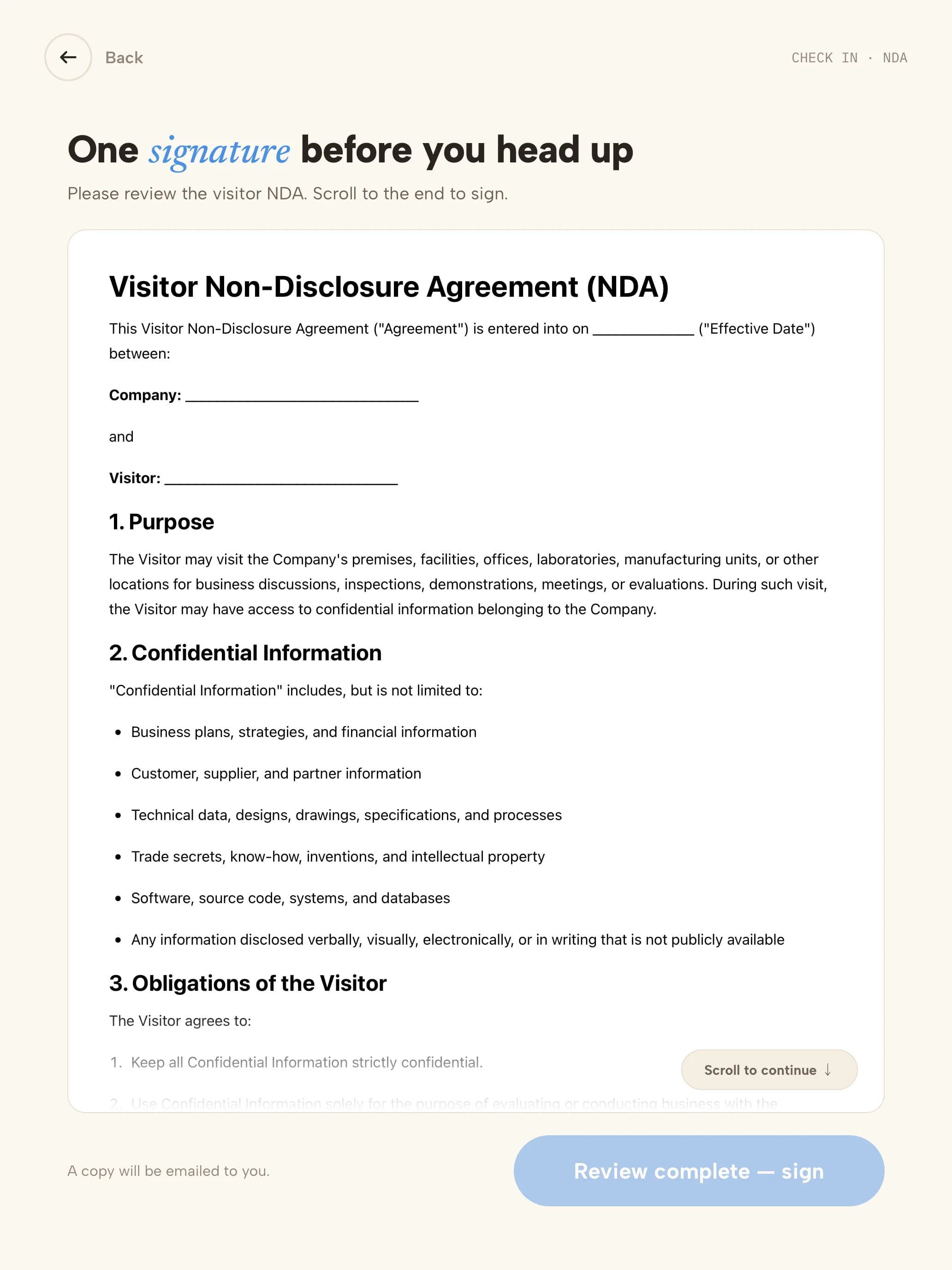 03PoliciesYour office policies are read on screen.
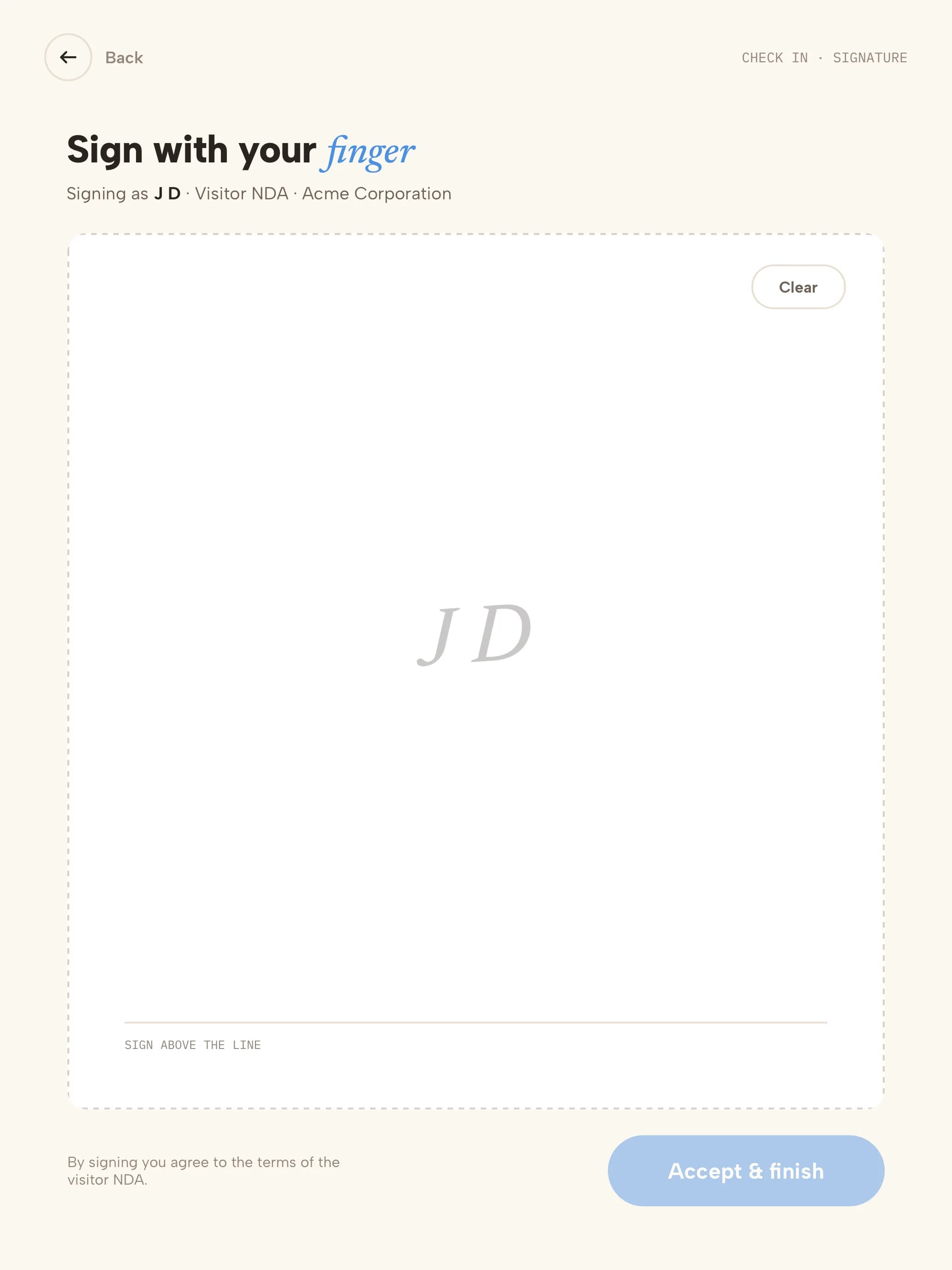 04SignatureSigned with a finger; a copy is emailed to them.
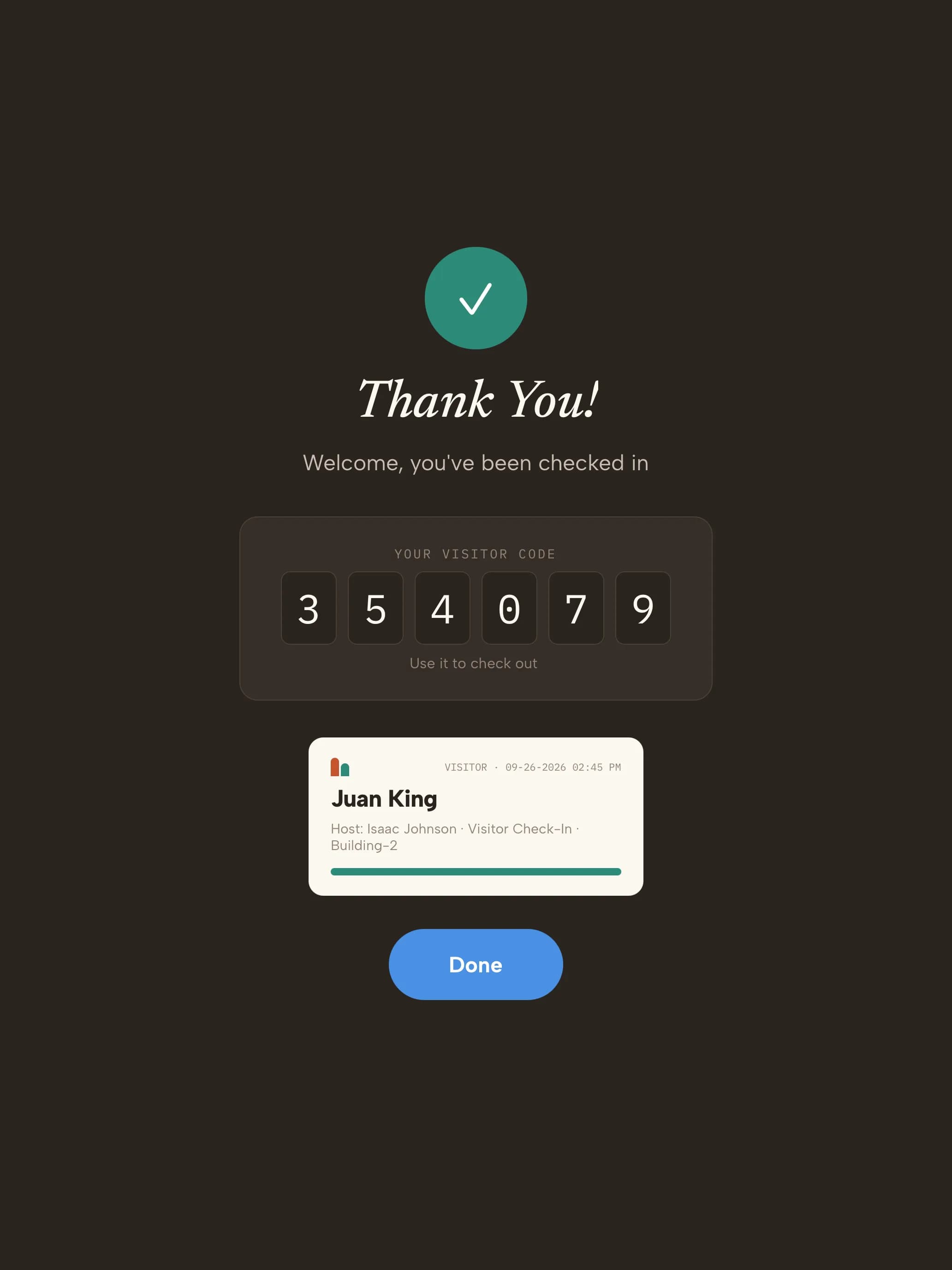 05Checked inThe clinician is notified quietly.
Ready on day one
Your trial starts with practice visit types
Every kind of visitor gets its own check-in. These are ready the moment you sign up — adjust any step from the dashboard.
- ClientReturning clients
- Email or phone
- Your clinician
- Checked in
- New clientFirst appointments
- Name
- Your clinician
- Office policies
- Checked in
- GuestColleagues, interns and meetings
- Name
- Host
- Checked in
- DeliveryCouriers and supplies
- Courier
- Recipient notified
- Logged
Start with these visit types14 days free · no credit card
The record you keep
What your practice's check-in log looks like
| Client | Type | Clinician | Notified | Signed | In | Out |
|---|---|---|---|---|---|---|
| J. R. | Client | Dr. Moreno | SMS · delivered | — | 15:55 | 16:50 |
| A. K. | New client | L. Bishop, LMFT | Email · delivered | Office policies | 17:02 | 18:00 |
| T. W. | Client | Dr. Moreno | Slack · delivered | — | 18:01 | 18:55 |
| Coastal Courier | Delivery | Front desk | Email · delivered | — | 12:10 | 12:10 |
Illustrative sample with fictional initials. The log is visible only to your team in the dashboard — never on the kiosk — and holds no health information.
- Visitor data stored in a U.S. AWS region
- Encrypted at rest
- SOC 2 Type II engagement underway
Getting started
Three steps to your front door
- 1Start your trial14 days free, no credit card. Your account opens with 4 practice visit types ready to use.
- 2Pair a tabletUse any iPad, or an Android tablet on Android 14 or later. Scan the pairing QR code and the kiosk is live. Add a label printer if you want badges.
- 3Add your teamAdd the people visitors come to see. They're notified by email, SMS, Slack or Microsoft Teams when someone arrives.
Questions, answered
Can other clients see who has checked in?No sign-in sheet and no visitor list on the kiosk. For check-out, choose Secure mode — clients enter their email, visitor code or phone — so today's names are never listed.
How is the clinician told the client has arrived?By email, SMS or Slack, to the clinician or to someone else such as an assistant. No lobby announcement.
Can clients sign our office policies at check-in?Yes — policies such as cancellation or late-arrival terms. Clients read and sign on screen, get a copy by email, and the signed copy is kept with the visit. Keep clinical intake and anything health-related in your EHR or practice-management system.
Is CoReceptionist HIPAA compliant?We don't claim HIPAA compliance and we don't sign business associate agreements. CoReceptionist records who arrived and for which clinician — not health information. Our Security FAQ has the details.
Weekly clients — do they fill everything in each time?No. Returning visitors sign in with their email or phone, and you choose how often they're asked to sign forms again.
We have several offices. Is that one account?Yes. Add each office as a location and switch between them from the dashboard. Pricing is per location.
Evaluating Envoy or Sign In Solutions? Compare →
More in our Trust Center and Security FAQ.
Try it at your front door for 14 days
- 14 days free
- No credit card
- Practice visit types set up for you
- No names shown on the kiosk