Denied party screening at the front door
Check every visitor against the U.S. Consolidated Screening List and your own watchlist as they sign in. A match is held before any badge prints, and the result is saved with the visit.
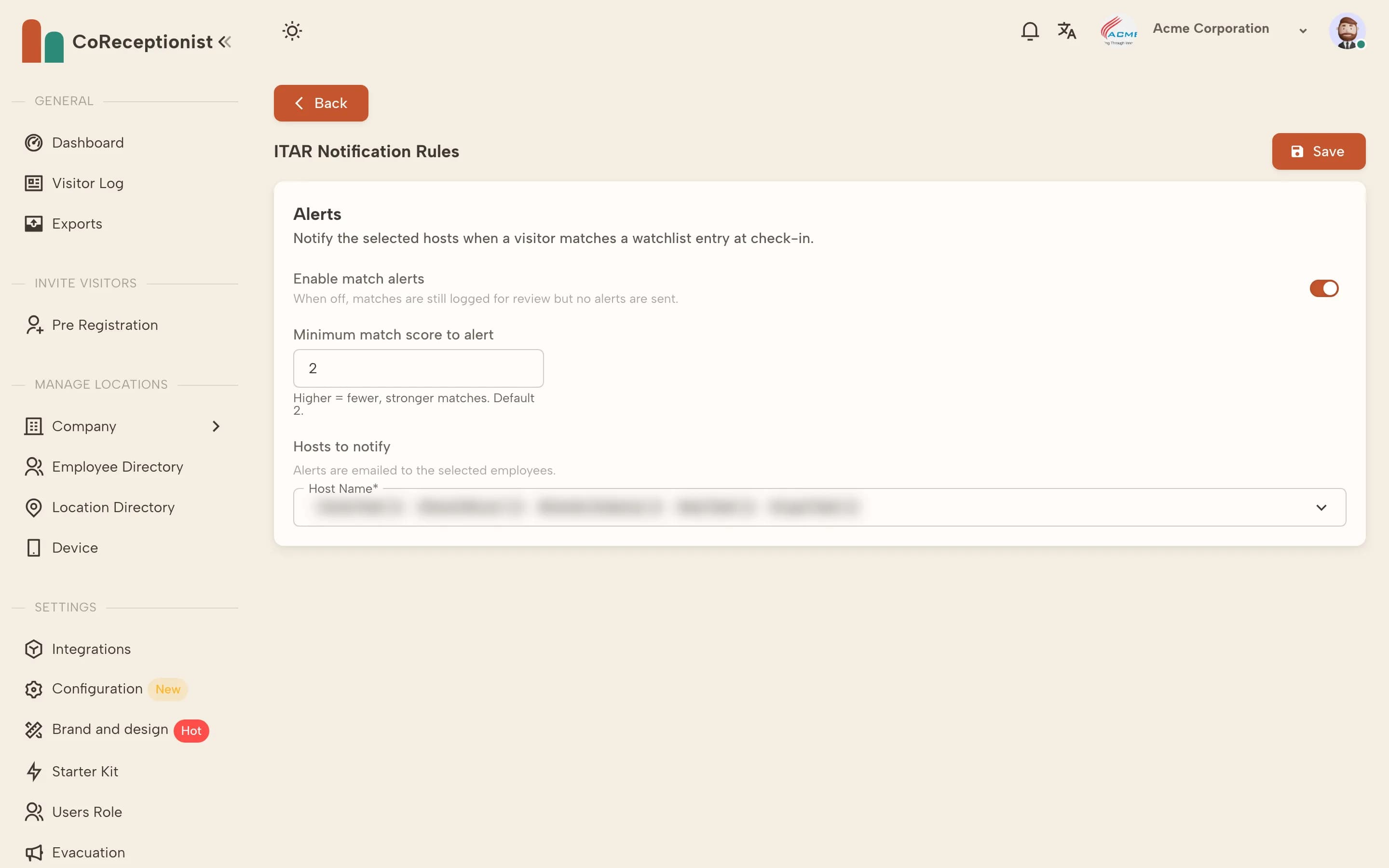
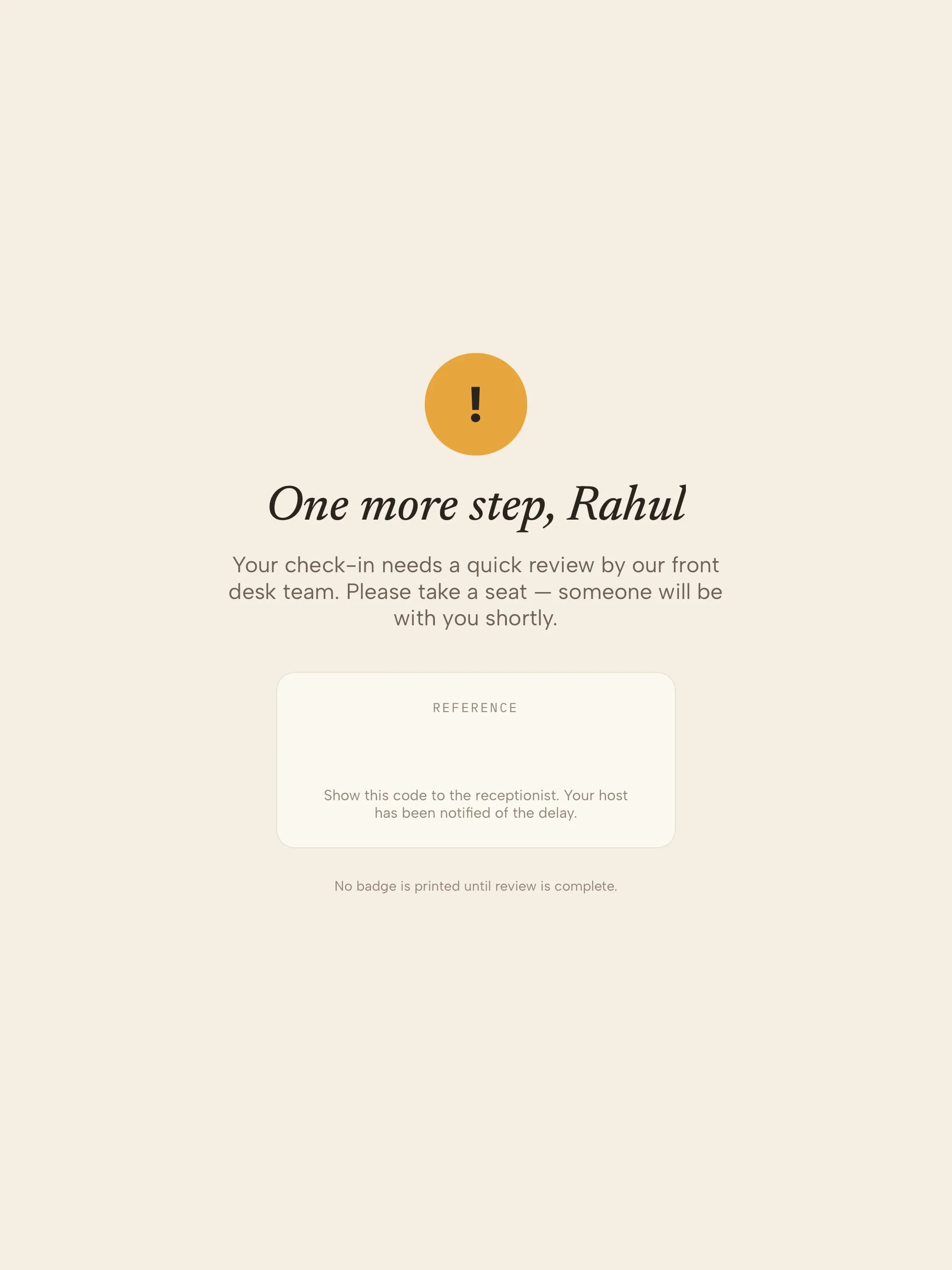
Screening rules live in the dashboard. A matched visitor sees a discreet hold, never an alarm.
Visitor screening software for export-controlled sites
Most denied party screening software checks customers, suppliers and shipments. Visitors are the gap: a contractor, auditor or prospective partner can walk into a facility that handles controlled technology without ever passing through that system.
CoReceptionist closes it at check-in. Visitors are screened against the U.S. Consolidated Screening List and your internal watchlist, and the outcome is attached to the visit in your visitor management system — the record your compliance team needs when someone asks who was on site.
Keep reading
Frequently asked questions
What is denied party screening?
Denied party screening checks a person or company against government lists of parties you are restricted from dealing with, such as the U.S. Consolidated Screening List. For visitors, it means checking who is walking in before they get a badge.
Which lists does CoReceptionist screen visitors against?
The U.S. Consolidated Screening List, which combines export screening lists maintained by the Departments of Commerce, State and Treasury, plus any internal watchlists you create in the dashboard.
What happens when a visitor matches?
Check-in pauses and no badge prints. The visitor is asked to take a seat, the people you chose are emailed, and the match appears as a pending screening alert with the list, matched name and match score.
Does it screen customers, suppliers or shipments?
No. CoReceptionist screens people at your front door. Screening customers, orders and shipments is the job of a trade-compliance platform; CoReceptionist covers the visitors that platform never sees.
How do we reduce false positives?
Raise the minimum match score, choose exact or contains matching for watchlist entries, and screen only the visitor types that need it. Every match is reviewed by a person before the visitor is admitted or turned away.
Does screening make us ITAR compliant?
Screening is one control in an export-compliance program, not a certification. It gives you a consistent check at check-in and a record of the result; your Technology Control Plan and Empowered Official still set the rules.