Industries / Manufacturing
For plant, operations & EHS managers
Contractor sign-in that inducts them before the floor
A manufacturing visitor management system for the people who actually come through your door. Contractors watch the safety video and sign site rules at the kiosk, couriers go to the dock, and the evacuation roster is always current.
14-day free trial · no credit card · contractor, delivery and visitor types set up for you
Sound familiar?
Where paper contractor sign-in breaks: these mornings
- A contractor reaches the floor before anyone confirms he watched the safety video.If something goes wrong, “he said he watched it” is the whole record.
- A courier wanders into the office looking for someone to sign.Reception drops what it's doing, and the pallet waits at the wrong door.
- The alarm goes off and nobody knows which contractors are inside.OSHA expects your emergency action plan to account for everyone after an evacuation. This morning's sign-in sheet, half filled in, can't.
- Your regular contractors sign the same rules every single visit.So they start skipping the sign-in sheet altogether.
How it's solved
Contractor check-in, induction and roll call — at the kiosk
Each of those moments has a check-in step that prevents it — set per visitor type, so contractors, couriers and customers each get the right one.
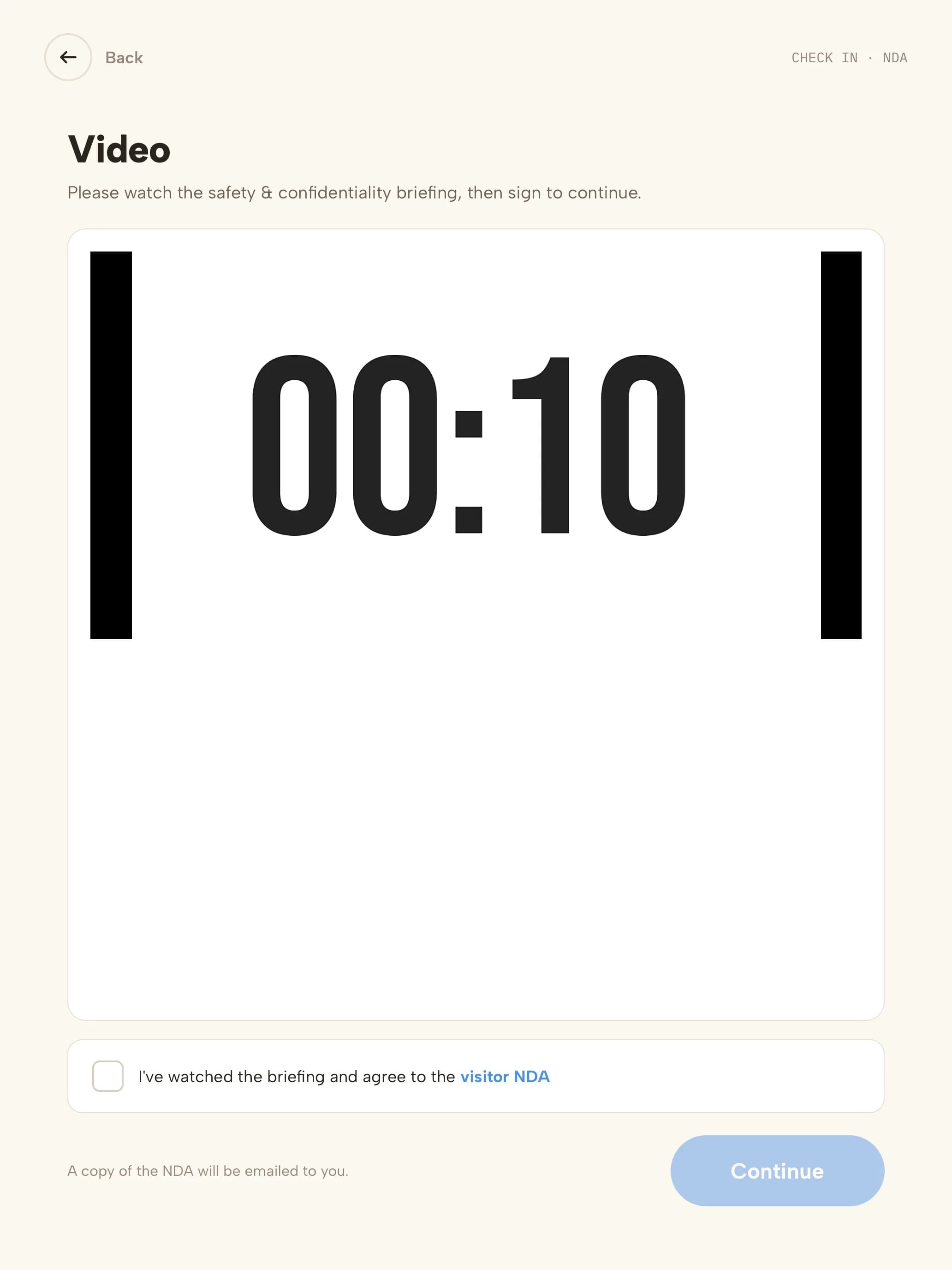
- A contractor reaches the floor before anyone confirms he watched the safety video.Induction before entryThe site safety video plays at the kiosk, and check-in can't continue until it's acknowledged — by signature, Yes/No or Agree/Disagree. You decide whether it can be skipped.
- A courier wanders into the office looking for someone to sign.Deliveries without receptionDrivers pick the Delivery type and their courier; the recipient is notified and the drop lands in the Visitor Log.
- The alarm goes off and nobody knows which contractors are inside.A roster that's always currentOpen the evacuation list from the kiosk to see every visitor and host on site, alert them by email and SMS, and mark people safe at roll call.
- Your regular contractors sign the same rules every single visit.Returning contractors in one scanPermanent QR invites check regulars in with a single scan, and you choose how often they re-sign the site rules.
Escorts and photo badgesVisitor types that need an escort can't finish check-in without one, and badges carry the visitor's photo.
Screening for defense workScreen visitors against the U.S. Consolidated Screening List and your own watchlist, with matches held discreetly for review.
A contractor's visit
From the door to the floor in six steps
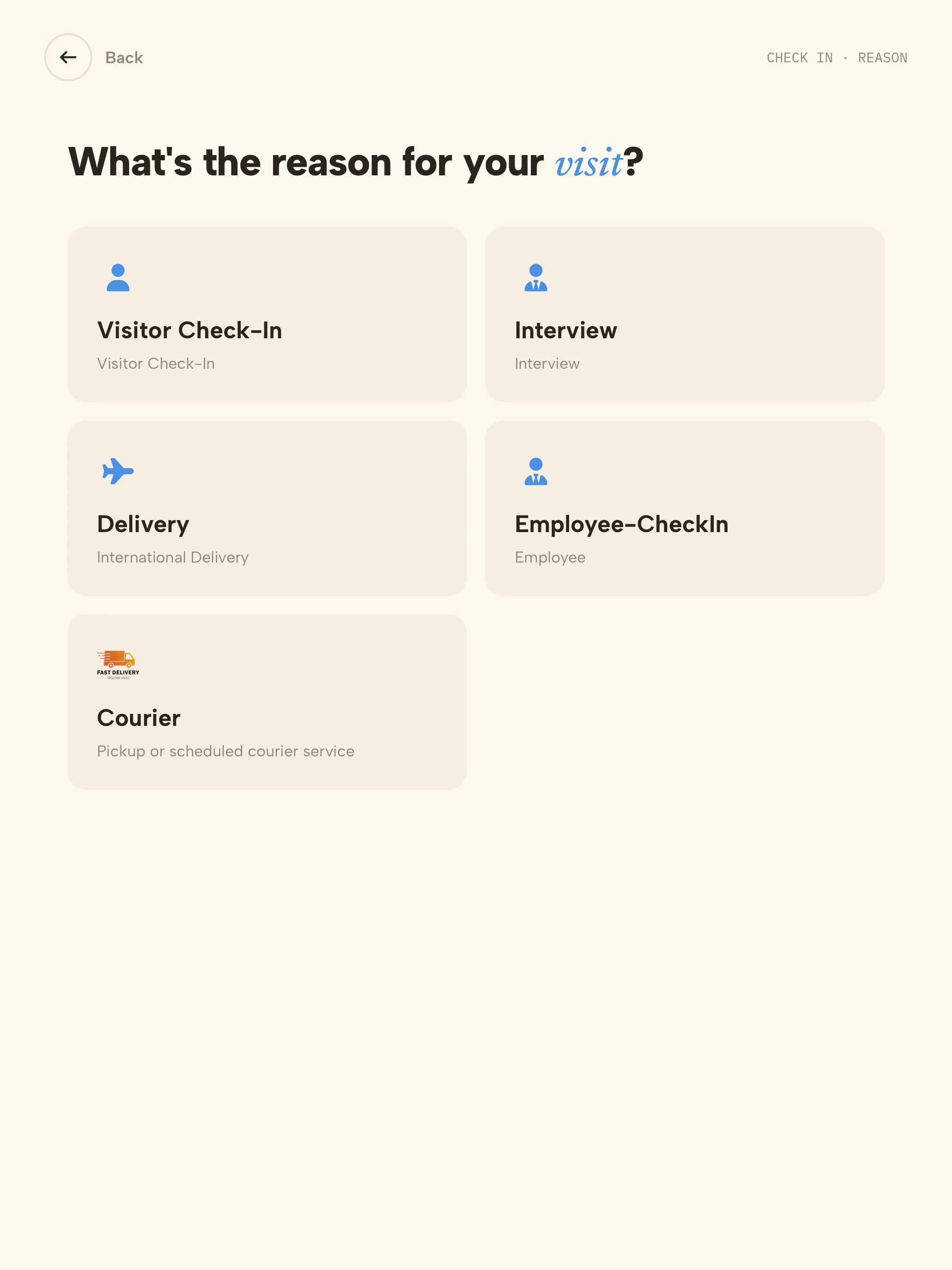 01Visit typeContractor, delivery or visitor — each type has its own steps.
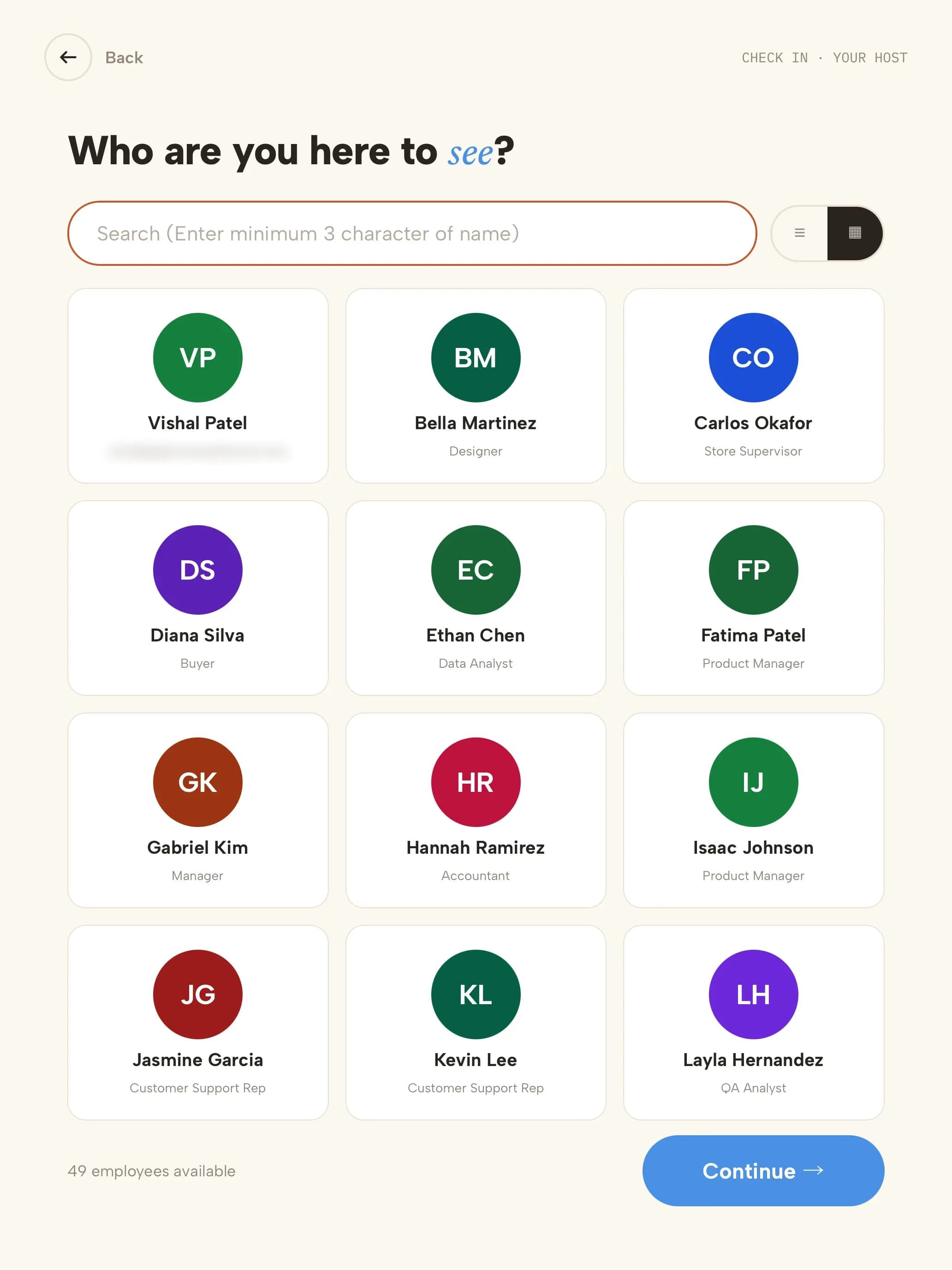 02HostThey find who they're meeting; the host is notified.
- 03InductionThe site safety video plays before check-in continues.
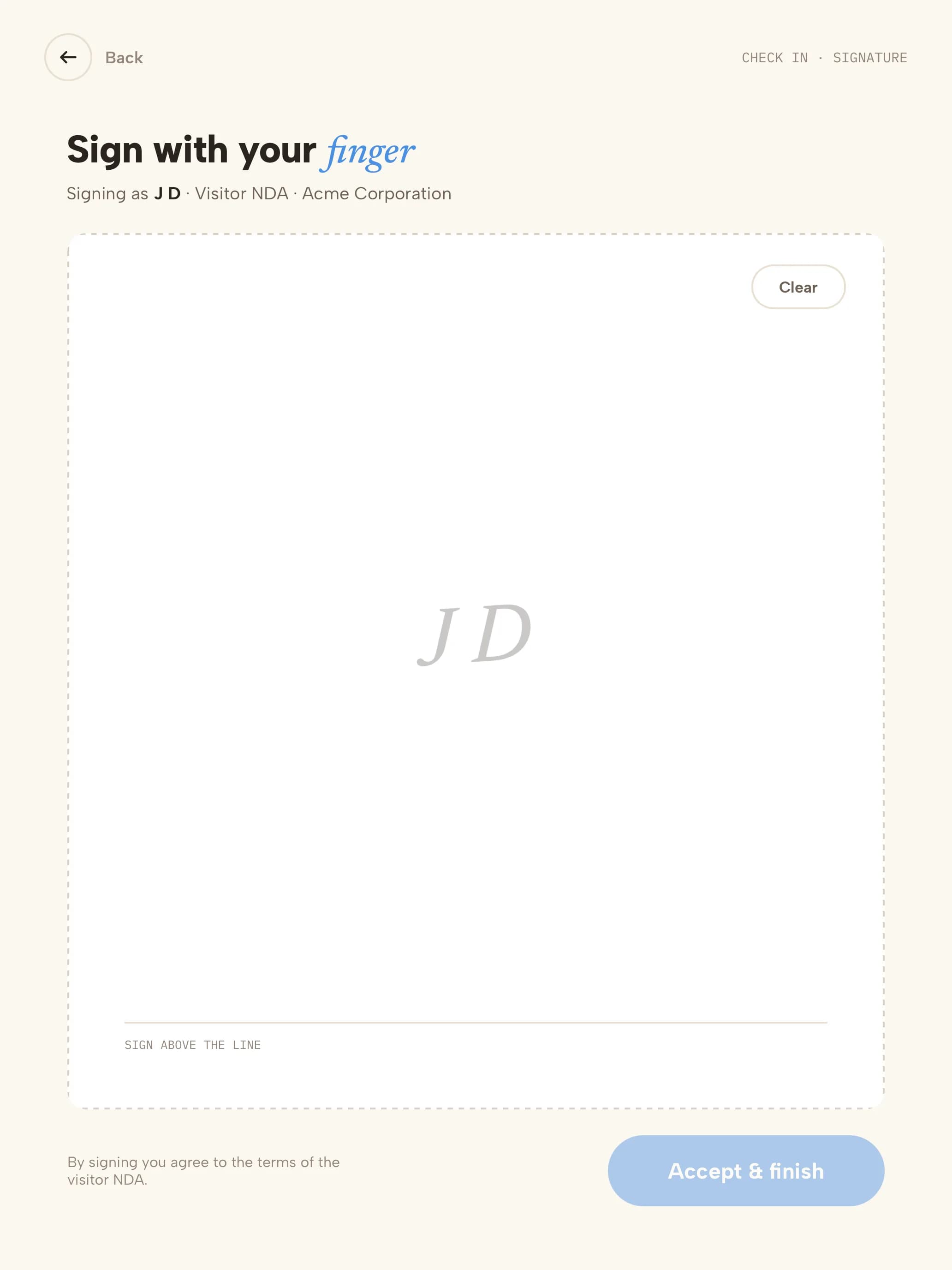 04Site rulesSigned with a finger; a copy is emailed to them.
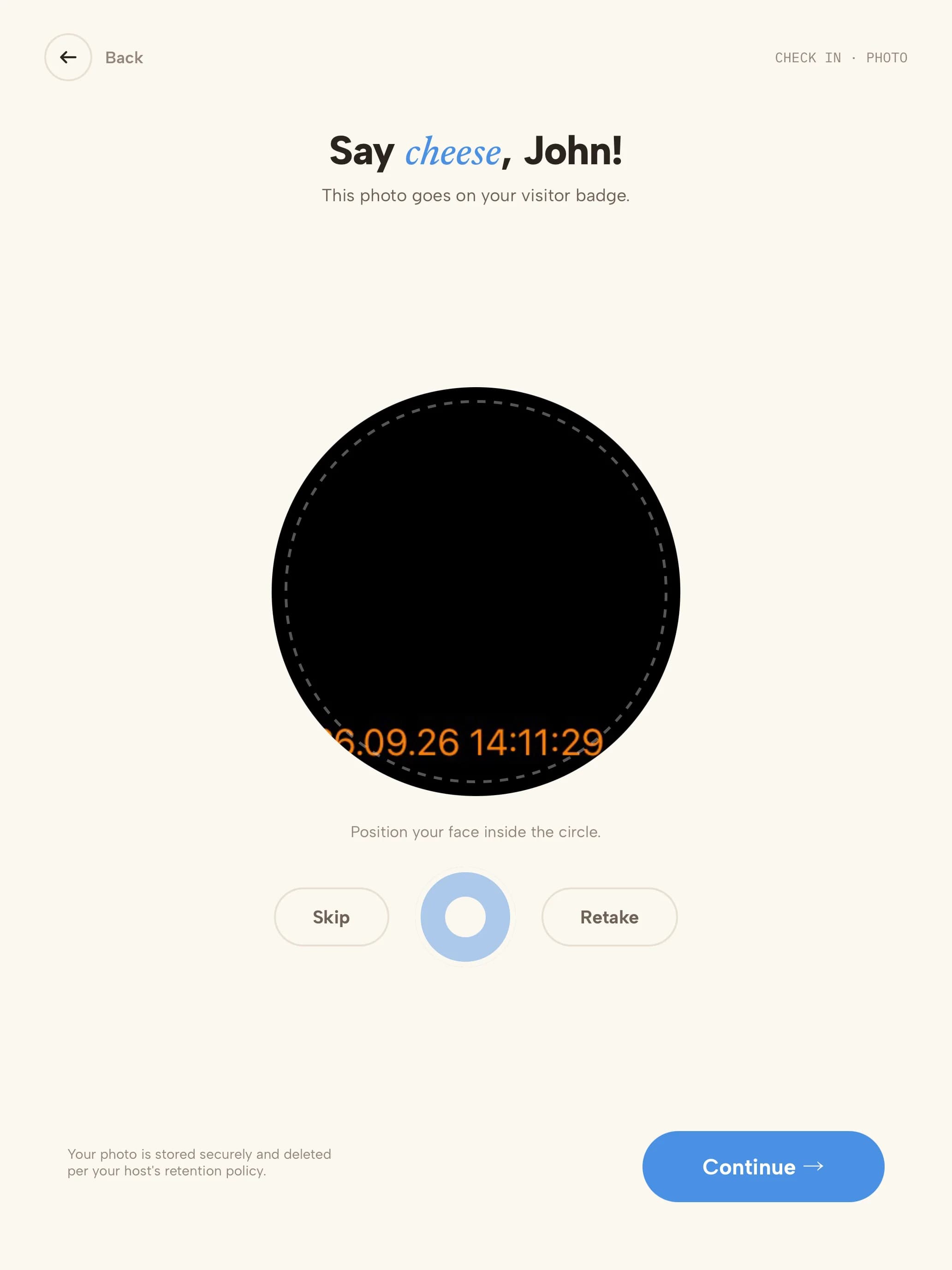 05PhotoTaken for the badge and the visit record.
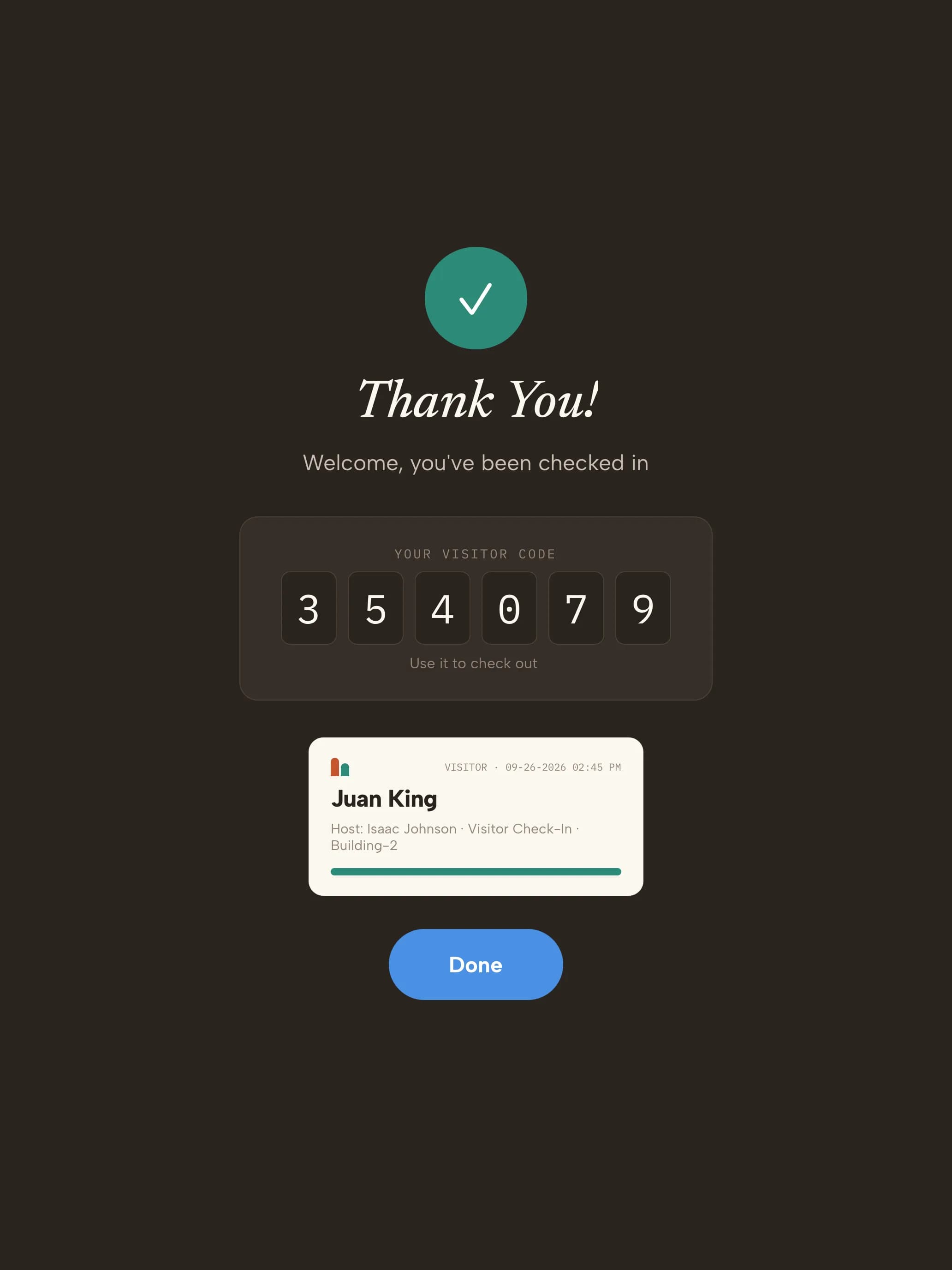 06BadgeVisitor code on screen and the badge prints.
Ready on day one
Your trial starts with factory visit types
Every kind of visitor gets its own check-in. These are ready the moment you sign up — adjust any step from the dashboard.
- ContractorMaintenance crews, installers, service techs
- Name & company
- Host
- Safety induction video
- Site rules
- Photo
- Escort
- Badge
- VisitorCustomers, auditors, interviews
- Name & company
- Host
- NDA
- Photo
- Badge
- DeliveryCouriers and freight drivers
- Courier
- Recipient notified
- Logged — no badge
- Returning contractorRegulars with a permanent QR invite
- Scan QR invite
- Site rules (when due)
- Badge
Start with these visit types14 days free · no credit card
The record you keep
What your contractor sign-in log looks like
| Visitor | Company | Type | Host | Induction | Site rules | Escort | In | Out |
|---|---|---|---|---|---|---|---|---|
| D. Whitaker | Coastline Electric | Contractor | Maintenance | Watched · acknowledged | Signed | Required · T. Ruiz | 07:05 | 15:30 |
| S. Park | Apex Robotics | Visitor | K. Osei | Not required | NDA signed | Not required | 10:20 | 12:05 |
| R. Okafor | Tri-City Freight | Delivery | Receiving dock | — | — | Not required | 11:42 | 11:50 |
| M. Lindqvist | Coastline Electric | Returning contractor | Maintenance | Watched · acknowledged | On file | Required · T. Ruiz | 13:10 | 16:45 |
Illustrative sample with fictional visitors. Your export includes the fields your visitor types collect.
“Great! The team is super responsive and quick. Very open to adding features and functionality. Very helpful and overall easy to work with. Great product.”
- Visitor data stored in a U.S. AWS region
- Encrypted at rest
- SOC 2 Type II engagement underway
Getting started
Three steps to your front door
- 1Start your trial14 days free, no credit card. Your account opens with 4 manufacturing visit types ready to use.
- 2Pair a tabletUse any iPad, or an Android tablet on Android 14 or later. Scan the pairing QR code and the kiosk is live. Add a label printer if you want badges.
- 3Add your teamAdd the people visitors come to see. They're notified by email, SMS, Slack or Microsoft Teams when someone arrives.
Questions, answered
Can this replace our contractor sign-in sheet?Yes. Contractors sign in at an iPad or Android kiosk, or from their phone by QR code. Every visit is timestamped with who they met, what they watched and signed, and when they left — searchable and exportable instead of filed in a binder.
Do we have to account for contractors and visitors in an evacuation?OSHA's emergency action plan rule (29 CFR 1910.38) requires procedures to account for all employees after an evacuation, and most plants extend that to contractors and visitors on site. CoReceptionist's evacuation list shows everyone checked in, so the warden starts roll call with a current list.
Can contractors watch a safety video before they check in?Yes. Add an induction video to the contractor visitor type. Visitors watch it, then confirm with a signature, Yes/No or Agree/Disagree — and you choose whether it can be skipped.
Do regular contractors have to re-sign every visit?No. You choose how often returning visitors are asked to sign again, and permanent QR invites let them check in with a single scan.
How do couriers check in?Drivers use the Delivery visitor type: they pick their courier and a message, the recipient is notified, and the delivery lands in the Visitor Log — nobody at reception is pulled away.
What happens during an evacuation?From the kiosk's admin screens, open the evacuation list to see every visitor and host on site, send the alert by email and SMS, and mark people safe during roll call. The warden signs off and the event is kept in the dashboard.
We do defense work. Can you screen visitors?Yes. Visitors can be screened against the U.S. Consolidated Screening List and your own watchlist at check-in, with matches held discreetly for review.
Evaluating Envoy or Sign In Solutions? Compare →
More in our Trust Center and Security FAQ.
Try it at your front door for 14 days
- 14 days free
- No credit card
- Contractor, delivery and visitor types set up for you
- Use any iPad or Android tablet