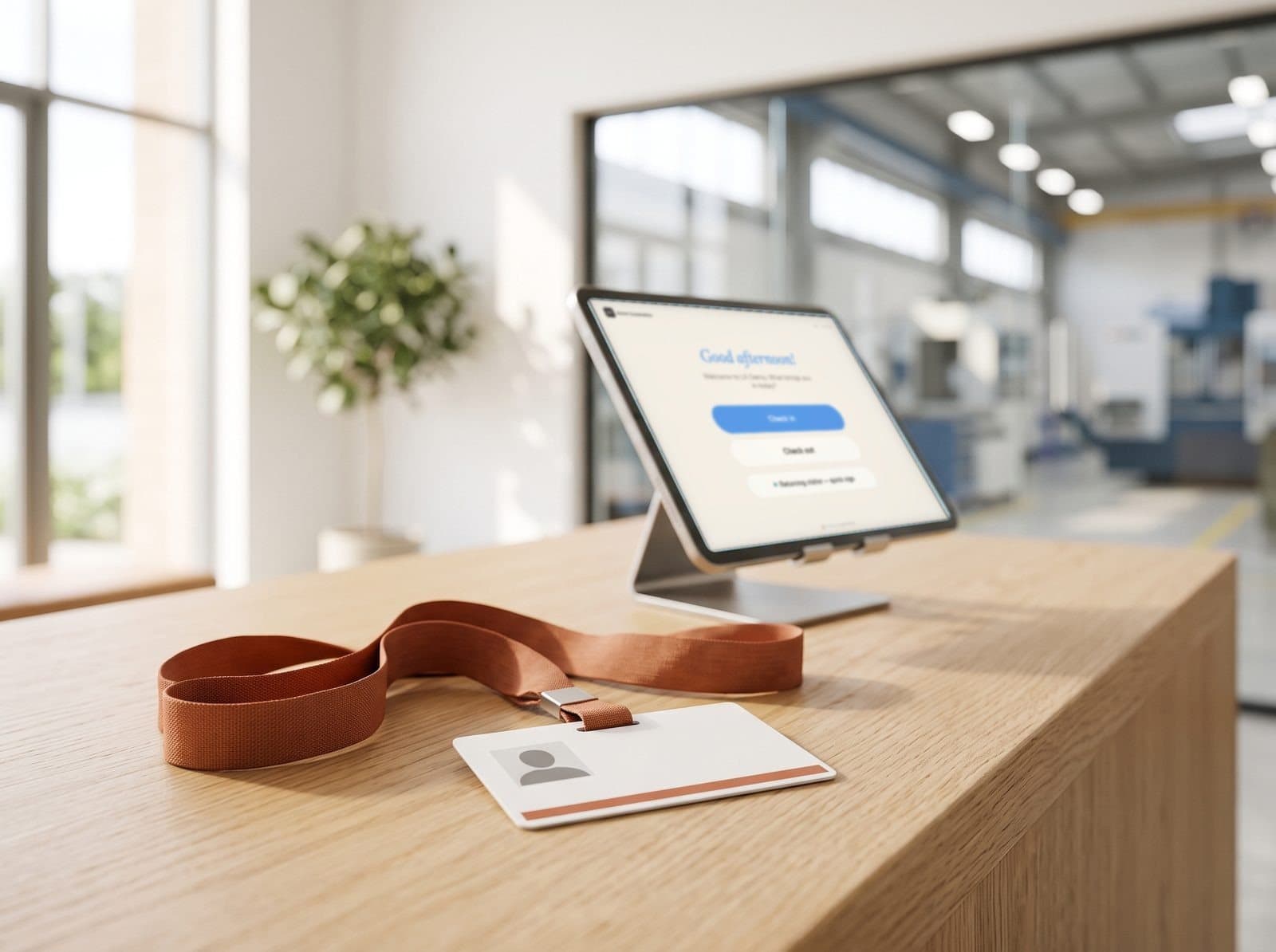
ITAR visitor management without the clipboard
Built for defense subcontractors and machine shops. Every visitor is screened against the U.S. Consolidated Screening List and your own watchlist before a badge prints. Matches get a discreet hold — never a scene in the lobby — while security reviews the flag with a full audit trail.
Where ITAR visitor requirements slip: the front desk

- A badge prints before anyone checks the screening list.The sign-in sheet shows a name and a time. It can't show that anyone screened them.
- A screening match turns into a scene in the lobby.Your receptionist isn't a compliance officer — and the visitor is standing right there.
- A visitor who needs an escort walks past reception alone.Under ITAR, letting a foreign person see controlled technical data is an export — and escort rules live in a binder, not at the door.
- An auditor asks for last quarter's visitor records.Someone loses a week matching sign-in sheets to NDA folders and escort notes.
Denied party screening and escorts, at the door
Each of those moments has a check-in step that prevents it — enforced on every visit, not remembered by whoever is at reception.
- A badge prints before anyone checks the screening list.Screen every visitor before entryThe Screening step checks each visitor against the U.S. Consolidated Screening List and your internal watchlist, on the visit reasons you choose. No badge prints until the check passes.
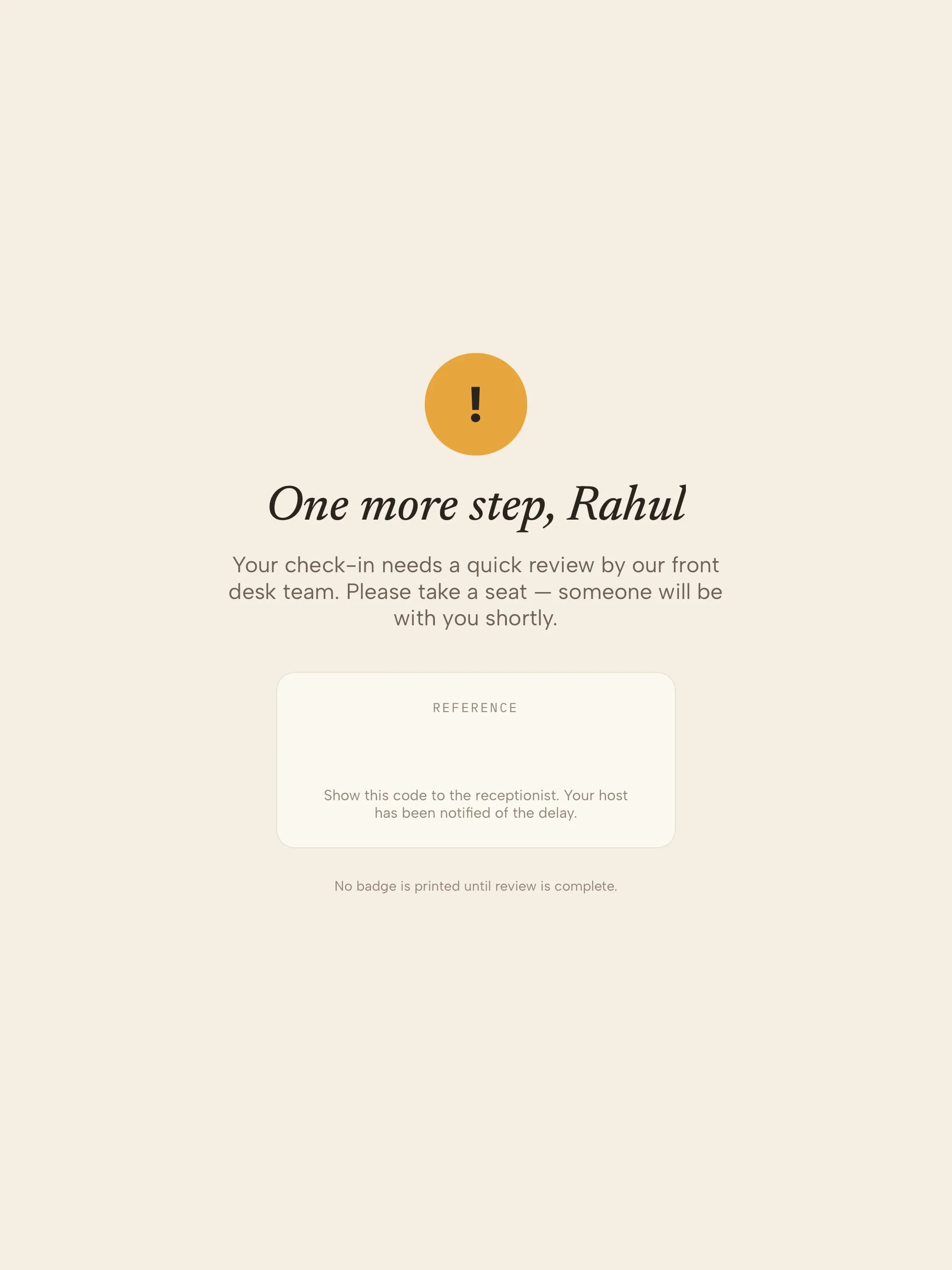
- A screening match turns into a scene in the lobby.Handle matches quietly — and on recordA match puts the visit on hold. The visitor sees a polite “one more step”; your security reviewer gets the full context and a reference number, and the decision is kept with the visit.
- A visitor who needs an escort walks past reception alone.Escort the visitors who need itVisitor types that require an escort cannot complete check-in without one being assigned.
- An auditor asks for last quarter's visitor records.Produce records when askedTimestamped logs export from the dashboard — who arrived, who cleared them, what they signed and when they left. Retention is set per site.
Screened before the badge prints, in six steps
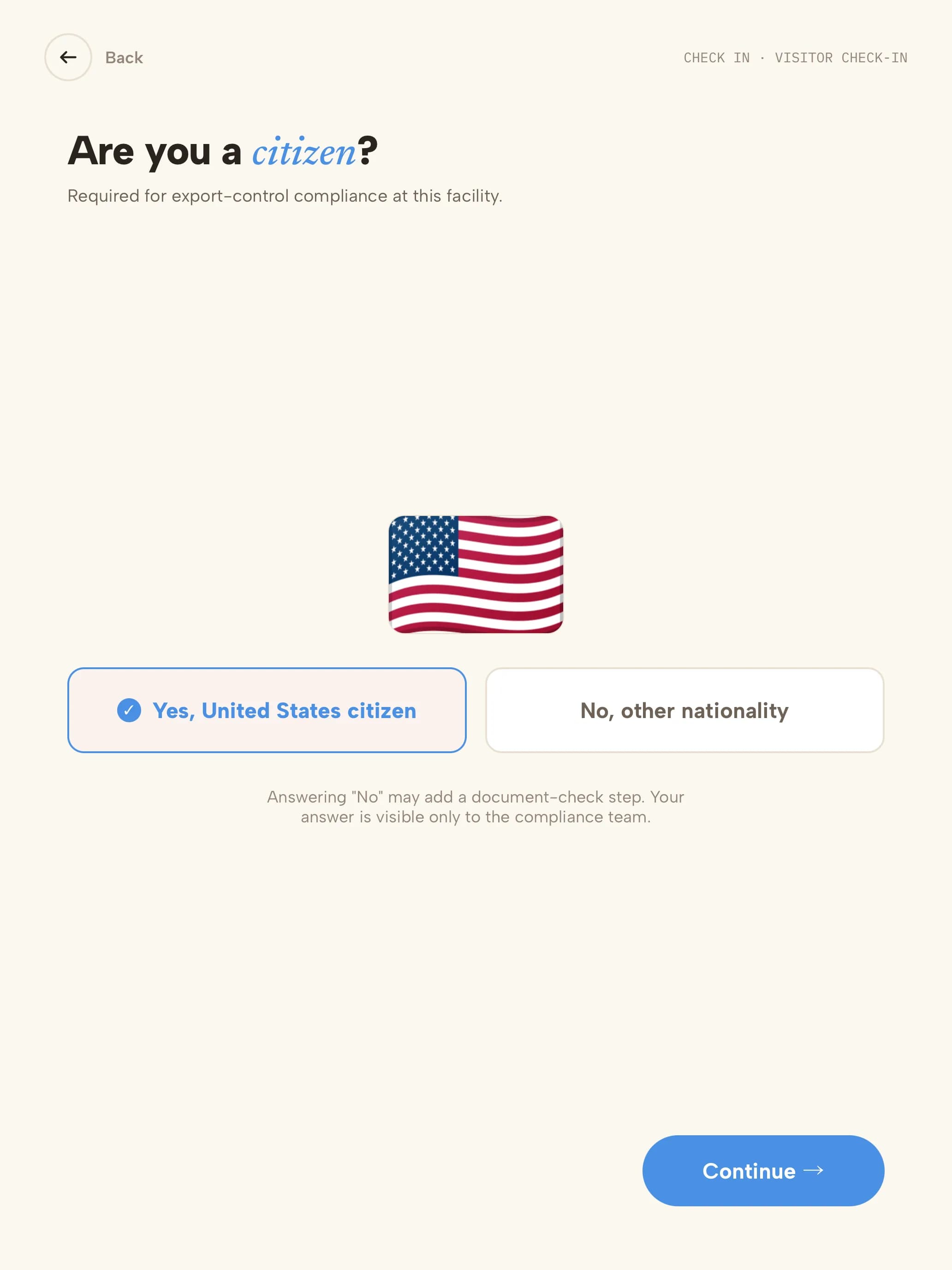 01CitizenshipVisitors confirm whether they're a U.S. citizen, for screening and the badge.
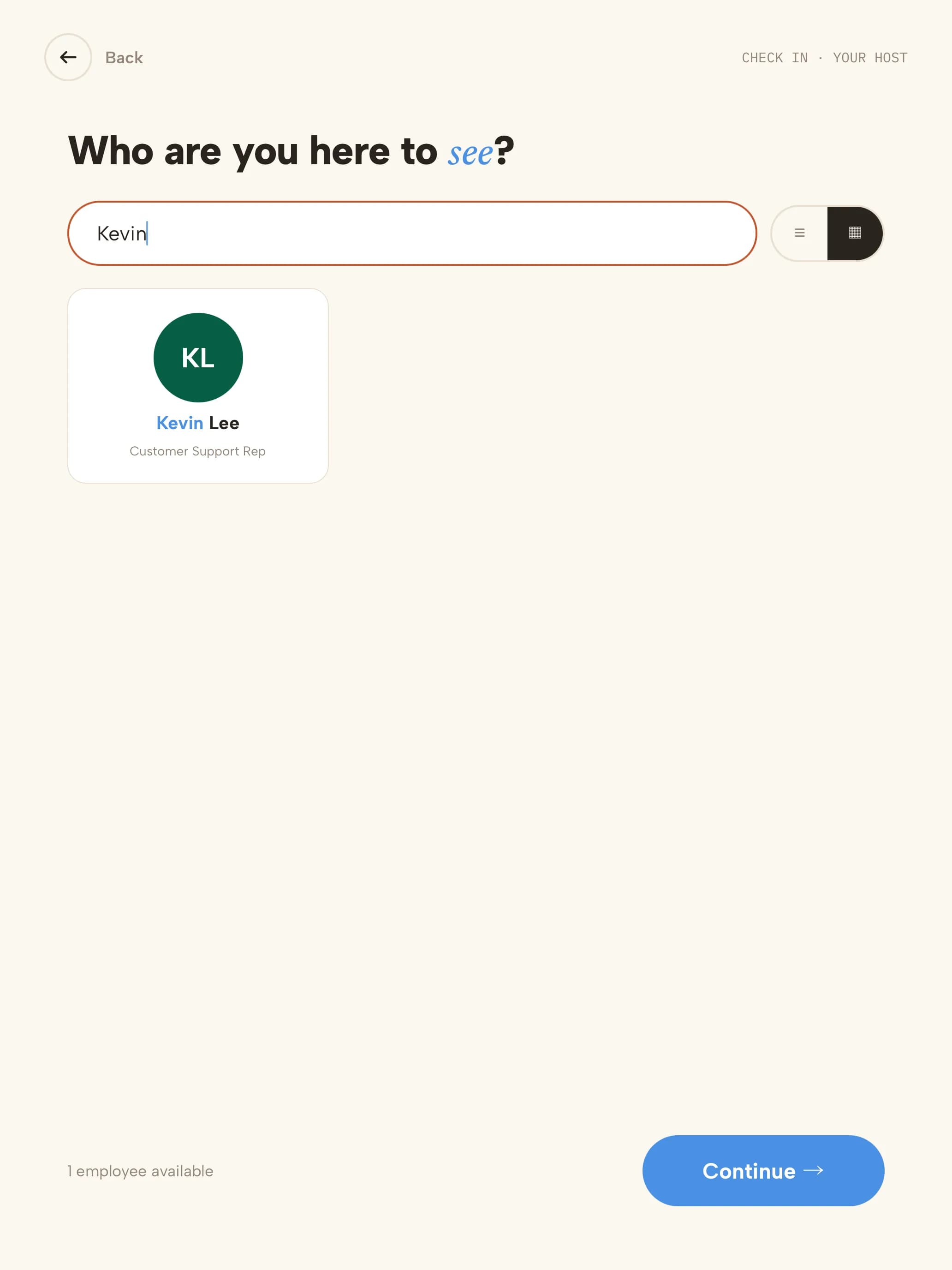 02HostThey search for their host by name; the host is notified.
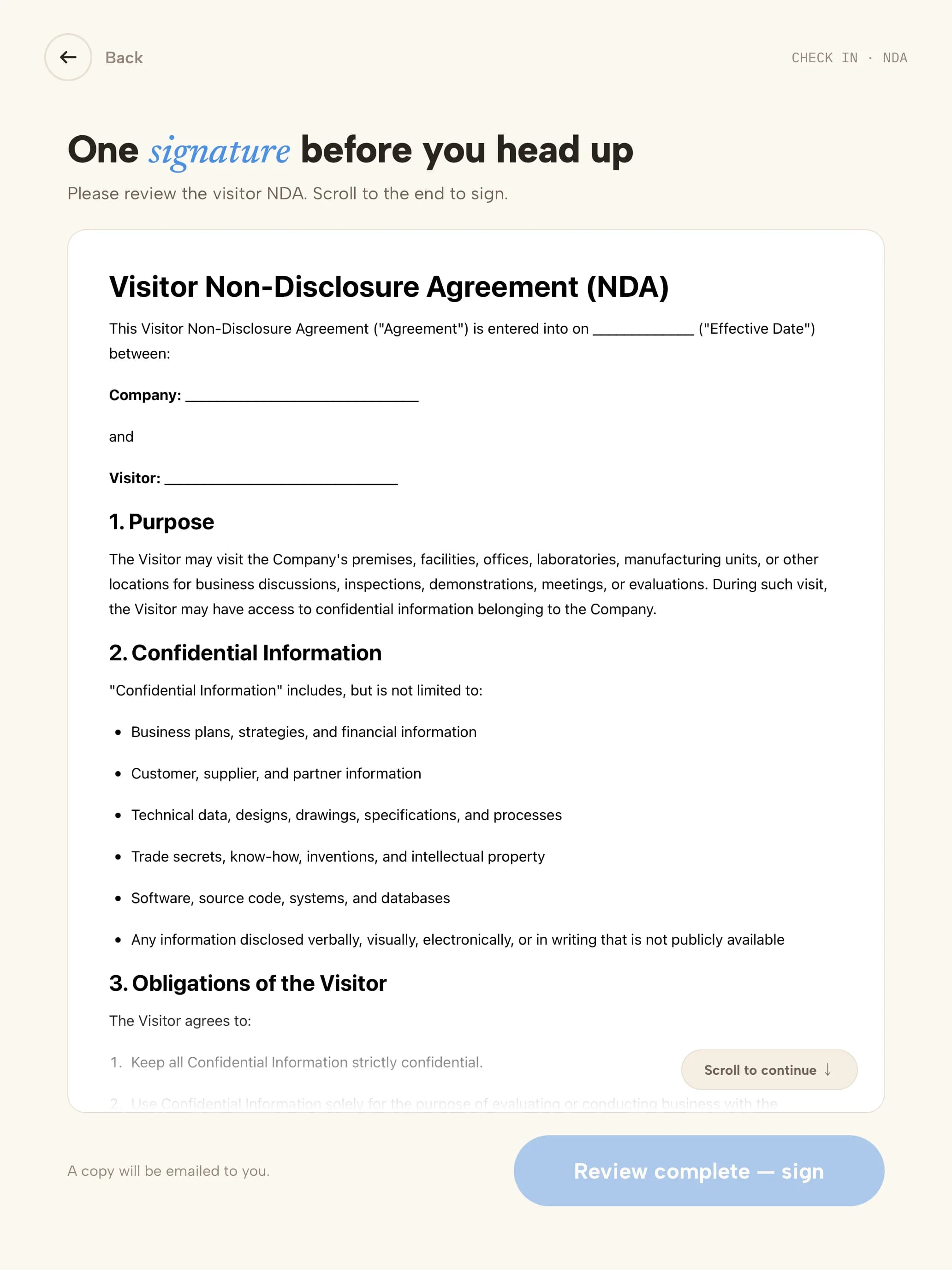 03ITAR noticeThe ITAR notice or NDA is read on screen.
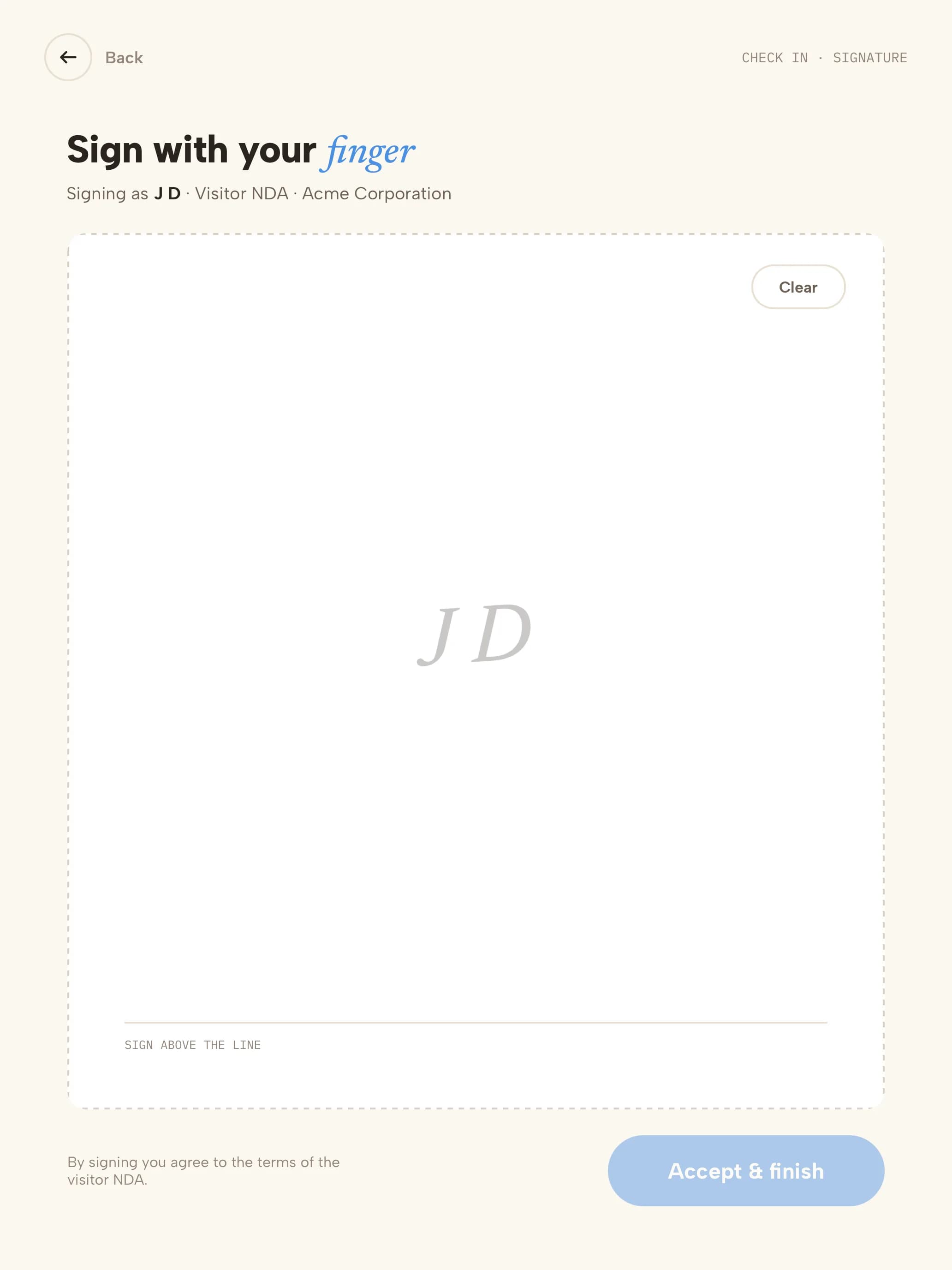 04SignatureSigned with a finger; a copy is emailed to them.
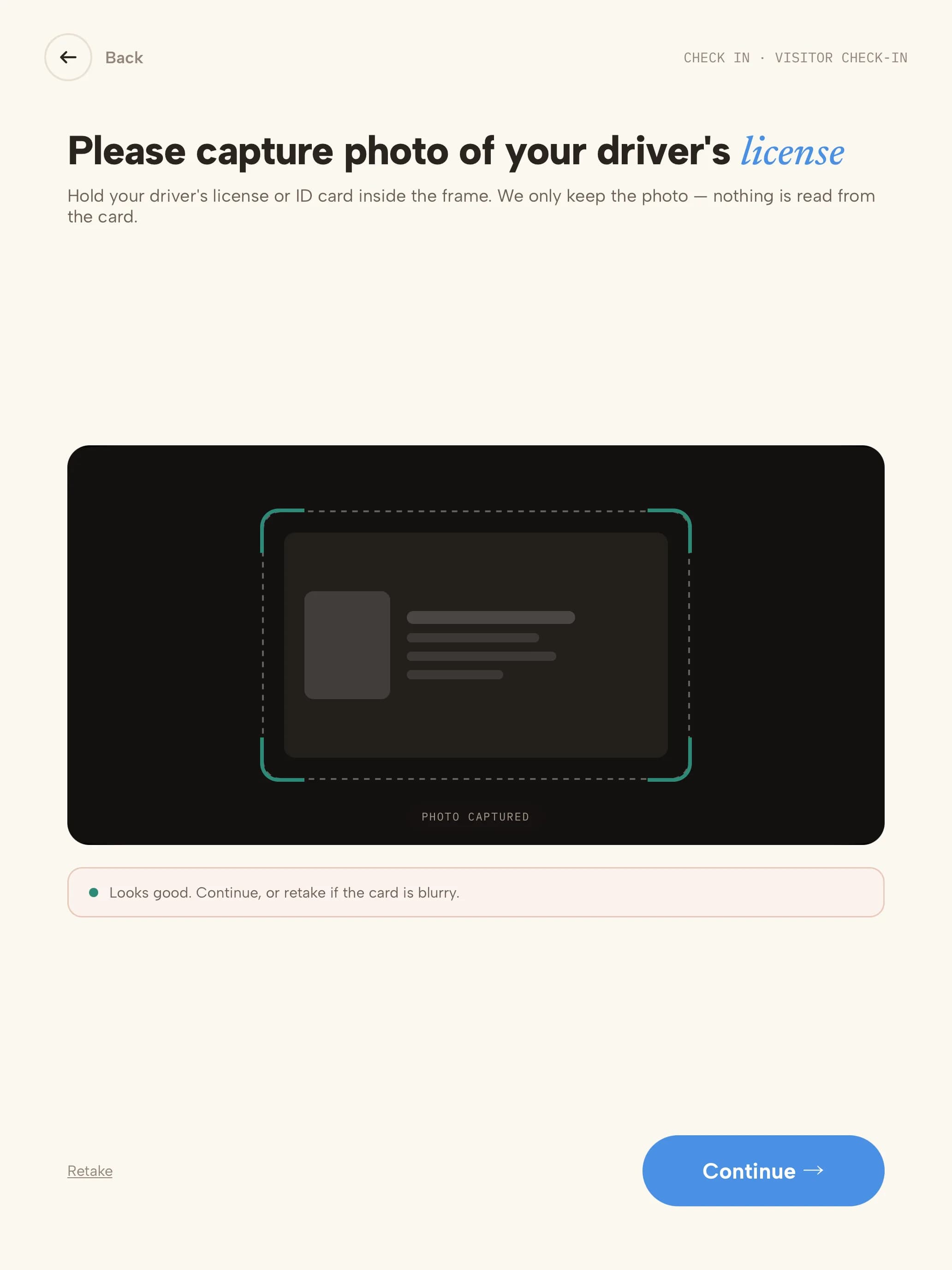 05IDDriver's licence or ID captured; only the photo is kept.
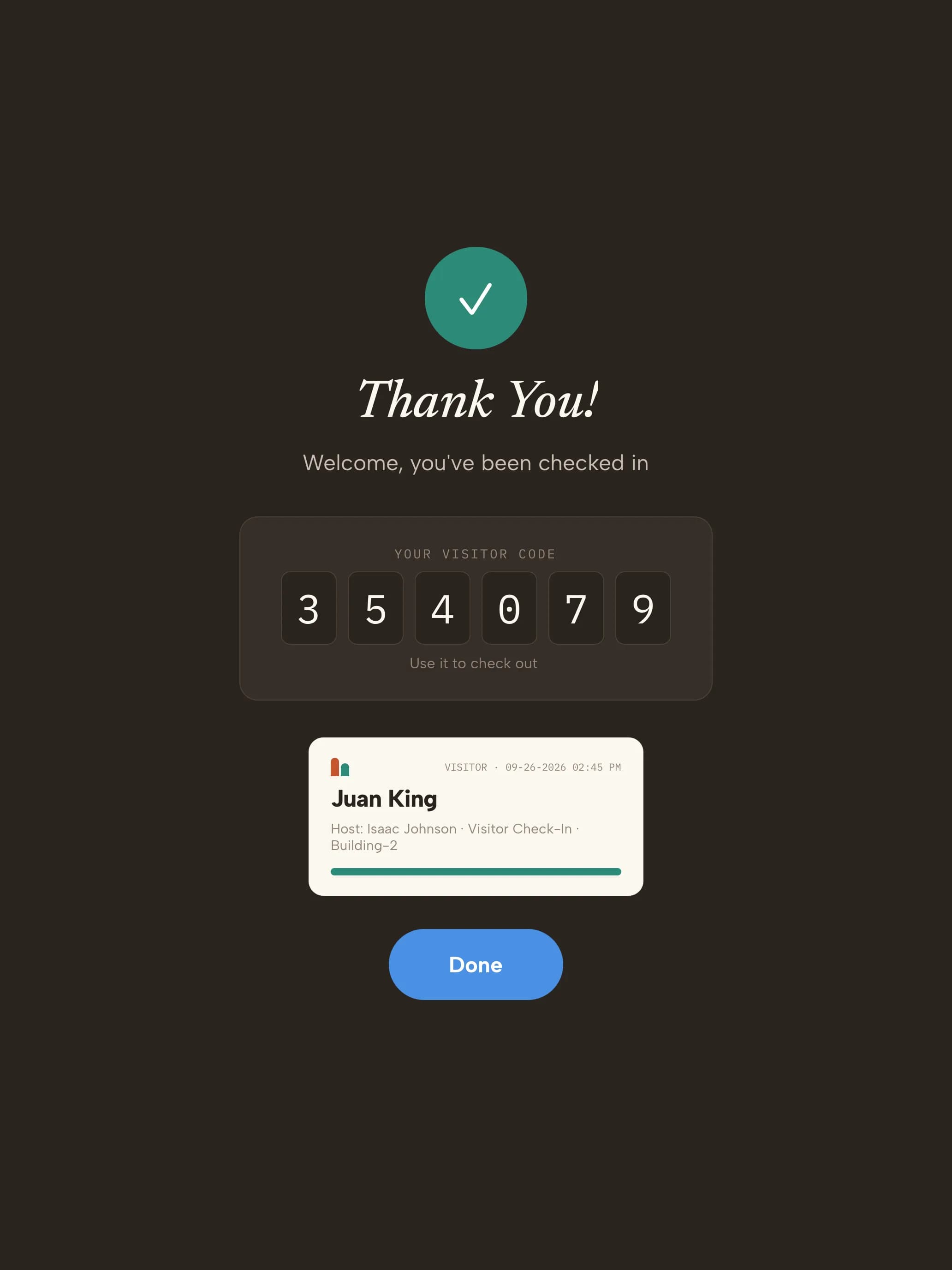 06BadgeCleared visitors get their code and badge; matches wait discreetly for review.
Your trial starts with ITAR visit types
Every kind of visitor gets its own check-in. These are ready the moment you sign up — adjust any step from the dashboard.
- Customer or supplierProgram reviews, supplier audits, customer meetings
- Name & company
- U.S.-person status
- Host
- Screening
- ITAR notice + NDA
- Photo
- Escort
- Badge
- ContractorMaintenance, IT and facilities work
- Name & company
- Host
- Screening
- Site rules
- Photo
- Escort
- Badge
- InterviewCandidates meeting the hiring team
- Name
- U.S.-person status
- Host
- Screening
- NDA
- Escort
- Badge
- DeliveryCouriers and freight drivers
- Courier
- Recipient notified
- Logged — no badge
What an ITAR visitor log export looks like
| Visitor | Company | Reason | Host | Screening | Signed | Escort | In | Out |
|---|---|---|---|---|---|---|---|---|
| J. Alvarez | Pacific Composites | Supplier audit | M. Chen | Clear | ITAR notice + NDA | Required · M. Chen | 08:42 | 11:15 |
| R. Okafor | Tri-City Freight | Delivery | Receiving dock | Clear | — | Not required | 09:10 | 09:24 |
| A. Novak | Meridian Test Labs | Customer visit | L. Romero | Held · cleared by Security (ref H-2041) | ITAR notice + NDA | Required · L. Romero | 13:05 | 15:40 |
Illustrative sample with fictional visitors. Your export includes the fields your visit reasons collect.
“Great! The team is super responsive and quick. Very open to adding features and functionality. Very helpful and overall easy to work with. Great product.”
- Visitor data stored in a U.S. AWS region
- Encrypted at rest
- SOC 2 Type II engagement underway
Three steps to your front door
- 1Start your trial14 days free, no credit card. Your account opens with 4 aerospace visit types ready to use.
- 2Pair a tabletUse any iPad, or an Android tablet on Android 14 or later. Scan the pairing QR code and the kiosk is live. Add a label printer if you want badges.
- 3Add your teamAdd the people visitors come to see. They're notified by email, SMS, Slack or Microsoft Teams when someone arrives.
See screening at your door
30 minutes, live. We configure the check-in flow around your compliance needs and leave you with a working trial.
Questions, answered
Evaluating Envoy or Sign In Solutions? Compare →
More in our Trust Center and Security FAQ.
Try it at your front door for 14 days
- 14 days free
- No credit card
- ITAR visit types set up for you
- Screening on every plan