Visitor management is how an organization controls and records who enters its buildings — guests, contractors, interview candidates, couriers and anyone else who isn't staff. It covers what happens before a visitor arrives, at the front door, while they're on site, and after they leave.
This guide explains what visitor management is, why it matters, how it works in practice, and how organizations move from a paper sign-in sheet to a digital system.
Visitor management, defined
At its simplest, visitor management answers four questions for every visit:
- Who is here? Name, company and contact details.
- Why are they here, and who are they seeing? The host and the reason for the visit.
- Are they allowed in, and on what terms? Screening, signed agreements and any escort rules.
- When did they arrive and leave? A record you can search later.
A receptionist with a paper logbook is a visitor management process. So is a self-service kiosk with automatic host alerts. The difference is how reliably the four questions get answered, every time, at every door.
Why visitor management matters
- Security. Knowing who is in the building — and spotting anyone who shouldn't be — is the foundation of physical security.
- Safety. In an evacuation, an accurate list of visitors on site lets wardens account for everyone.
- Compliance. Many industries must show who had access to a site, what they agreed to, and whether they were screened.
- Privacy. A paper sign-in sheet exposes every earlier visitor's name to the next person in line.
- First impressions. A visitor's experience at the front door is often their first experience of your organization.
The stages of visitor management
Before the visit. The host registers the visitor and sends an invitation with directions and a QR code. Security can see who is expected.
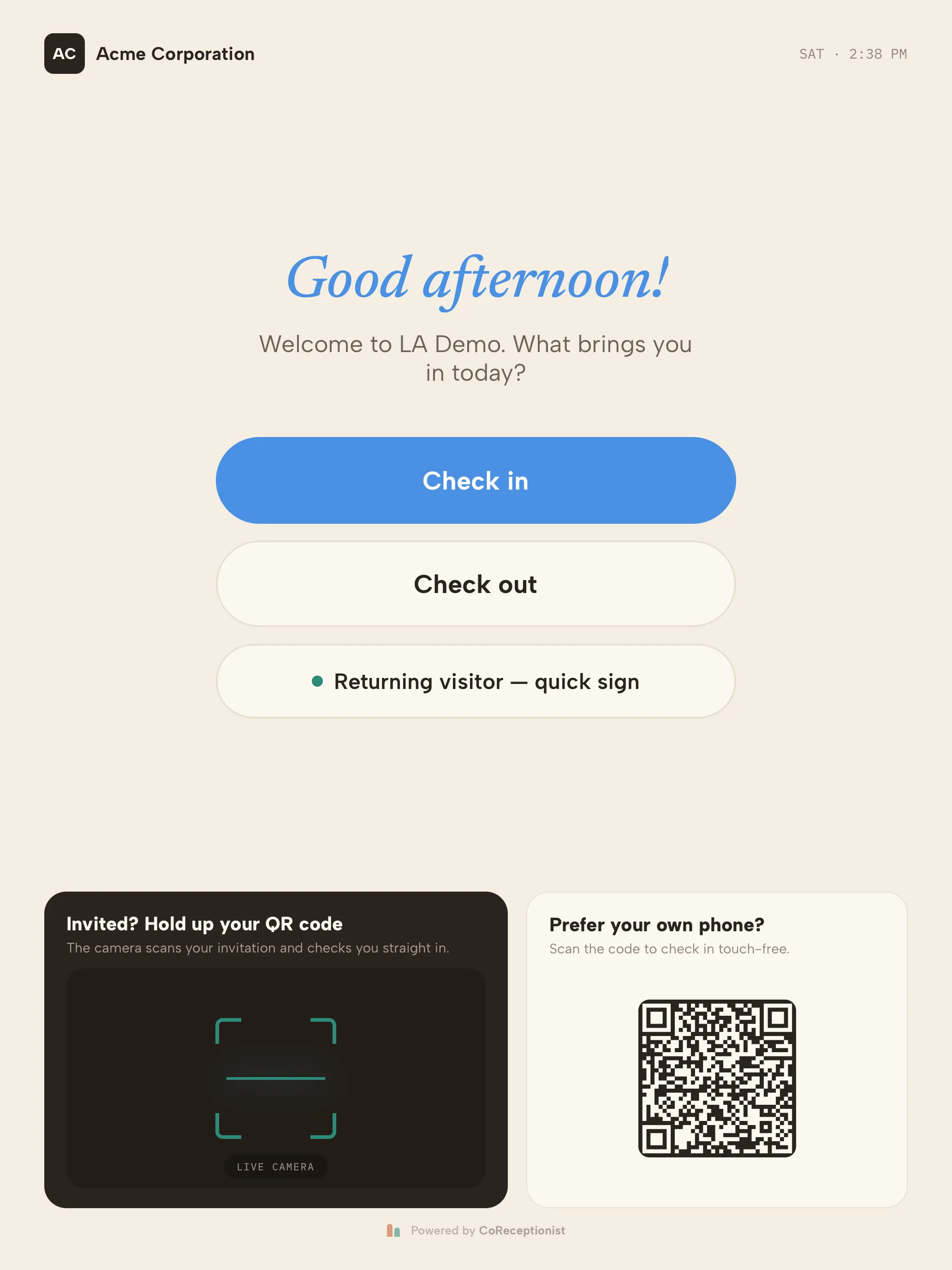
At arrival. The visitor checks in at a kiosk or on their own phone, answers the questions for their visitor type, and is screened if your policy requires it. Their host is alerted and a badge prints.
During the visit. The visitor wears a badge, follows any escort rules, and appears on the live list of who is on site.
At departure. The visitor checks out, closing the record. Automatic check-out at the end of the day catches anyone who forgets.
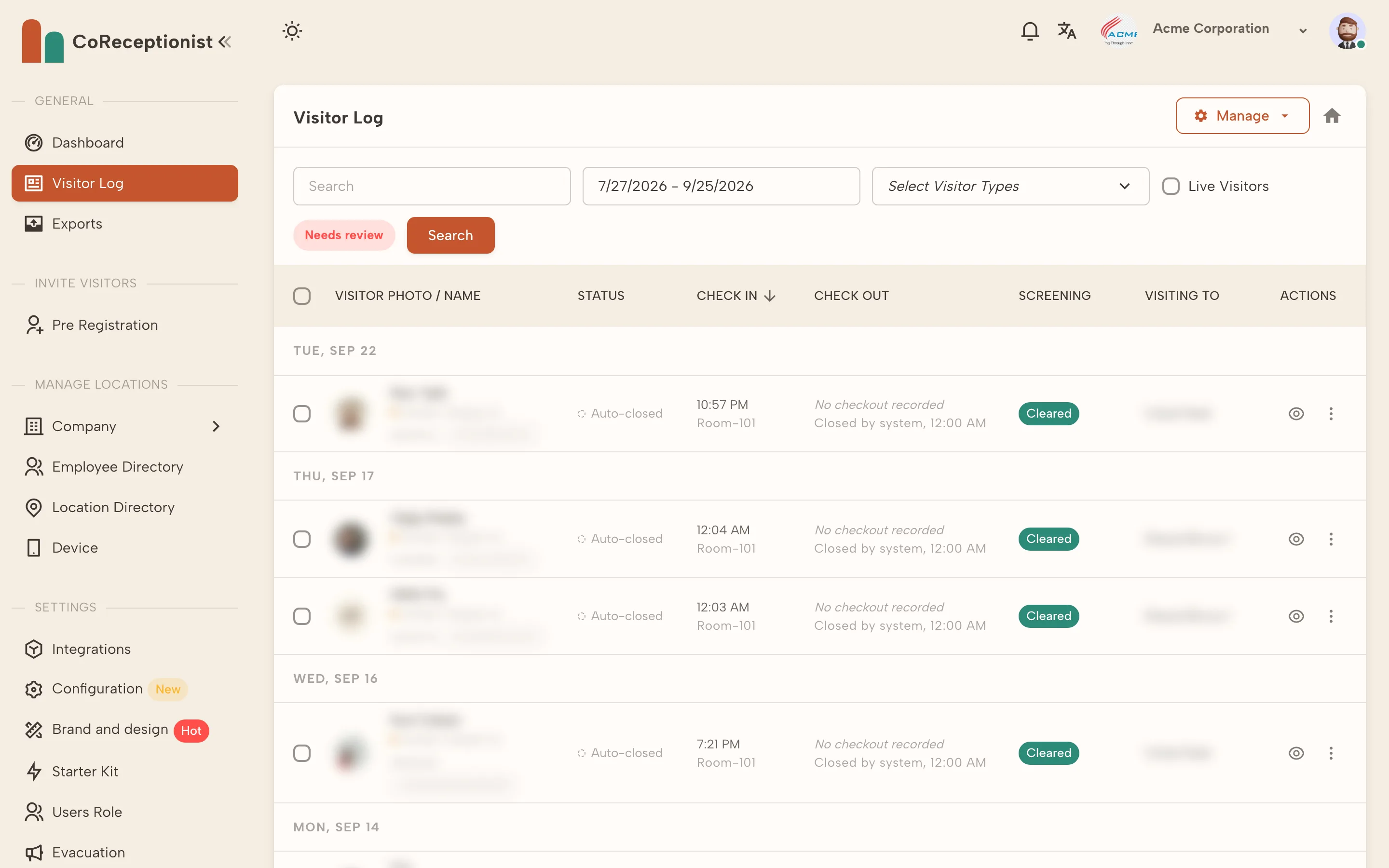
After the visit. The visit lives in a searchable log, with any signed documents and screening results attached — ready for an audit, an incident review or a simple "were they here?"
Paper vs digital visitor management
Paper sign-in sheets are cheap and familiar, but they leave gaps: few visitors sign out, handwriting is hard to read, nothing alerts the host, and there's no quick way to search past visits. We compare the two in detail in digital visitor log vs paper.
A digital visitor management system closes those gaps. Visitors register themselves, hosts are notified automatically, documents are signed on screen, and every visit lands in one log across every location.
Who needs visitor management?
Any organization that receives visitors, but some feel the need most:
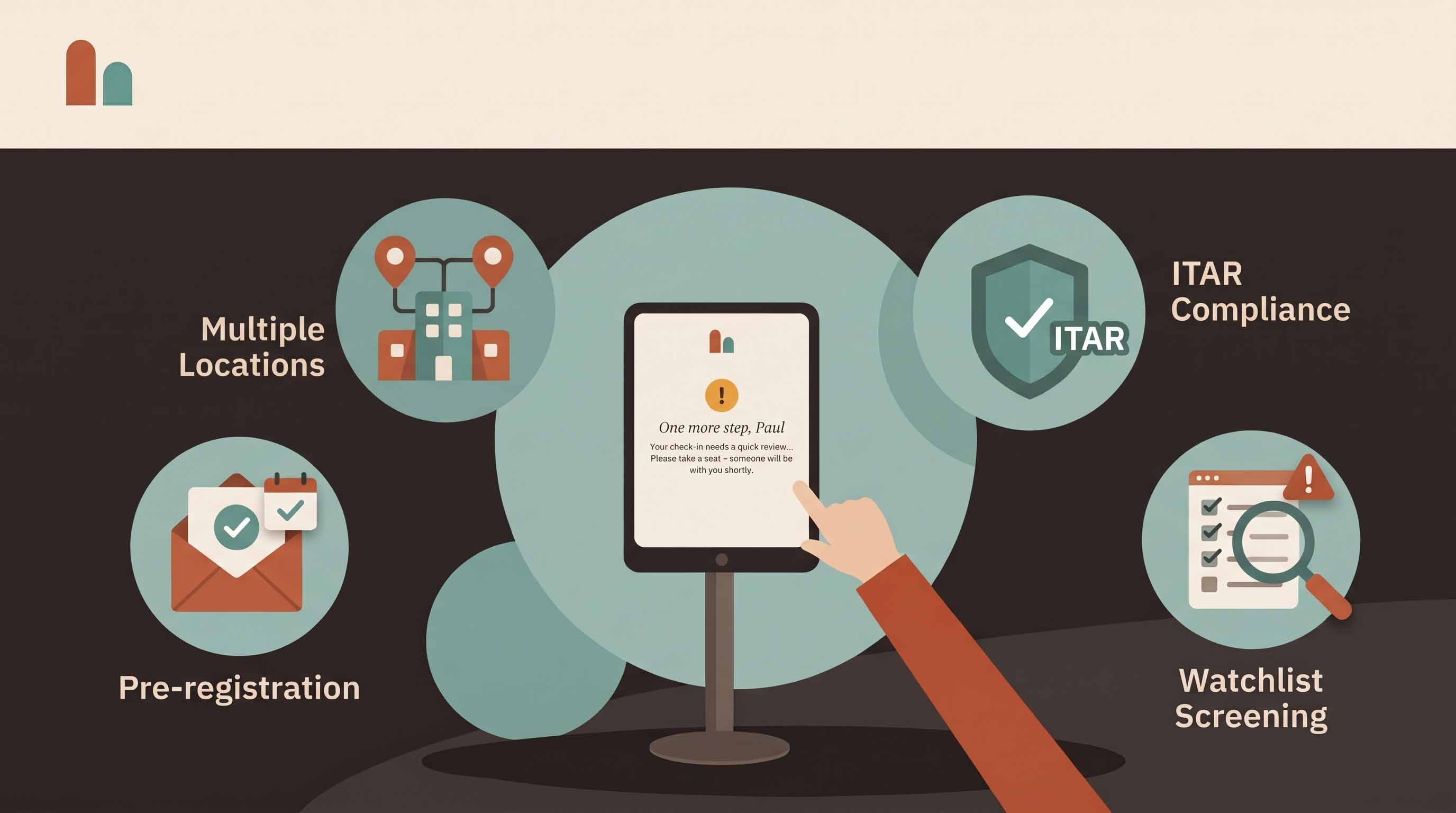
- Manufacturing and aerospace: contractor inductions, safety rules and, for defense work, ITAR screening. See our ITAR visitor requirements guide.
- Schools: every adult on campus known and badged. See our school visitor management guide.
- Healthcare: patient visitors, vendors and contractors in a busy, open environment.
- Offices and coworking: guests, interviews and deliveries, often with nobody at the front desk.
- Government and legal: screening, signed agreements and a clear audit trail.
What a visitor management system includes
Most modern systems share a core set of features:
- Self check-in on a tablet kiosk, plus touchless QR check-in
- Pre-registration with QR invitations
- Host notifications by email, SMS or chat tools
- Badge printing
- Documents and NDAs signed at check-in
- Watchlist or denied-party screening
- A live list of who is on site, and an evacuation roster
- A searchable, exportable visitor log
Our visitor management system guide covers each feature, what it costs and how to choose one.
Getting started
- Write down who visits and what each type of visitor needs to provide or agree to.
- Decide what you have to prove later — screening, signatures, evacuation records.
- Try a system on your own tablet, at your own entrance, for a full week.
- Ask reception and a few hosts what got easier.
Or use our visitor management system buyer's checklist to compare options.
Frequently asked questions
What is the purpose of visitor management? To know who is on site, why, and on what terms — for security, safety, compliance and a better visitor experience.
What is the difference between visitor management and access control? Access control decides which doors a badge or credential opens. Visitor management registers, screens and records the people who visit. Many sites use both.
Is visitor management only for large companies? No. A single office with a tablet at the front door gets most of the benefits — a private sign-in, automatic host alerts and a searchable record.
Start a 14-day free trial of CoReceptionist — no credit card required.