A visitor management kiosk that feels like a welcome
Turn an iPad or Android tablet into a self-service visitor check-in kiosk. Visitors check themselves in, hosts are alerted instantly, badges print automatically — and every visit is logged.
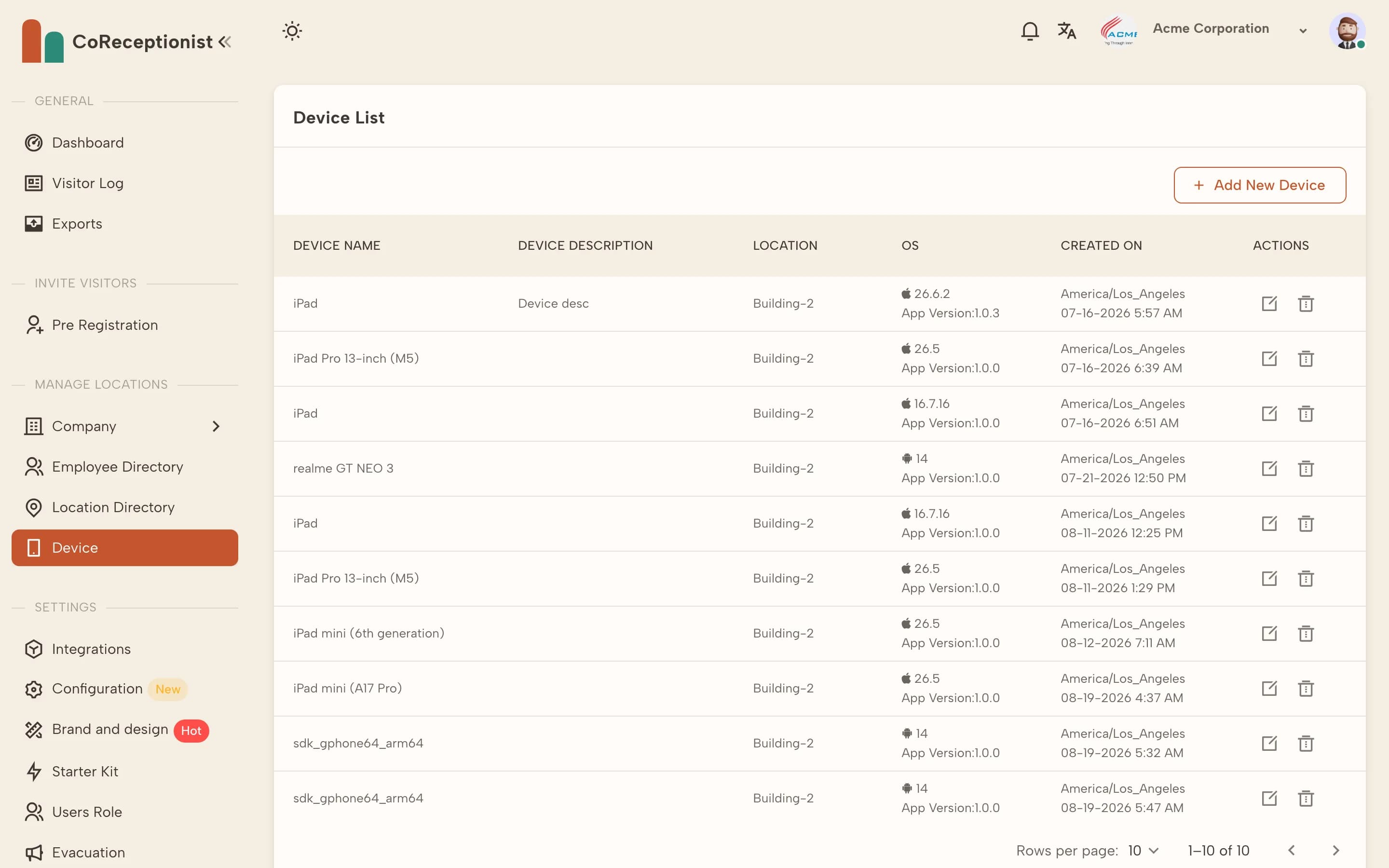
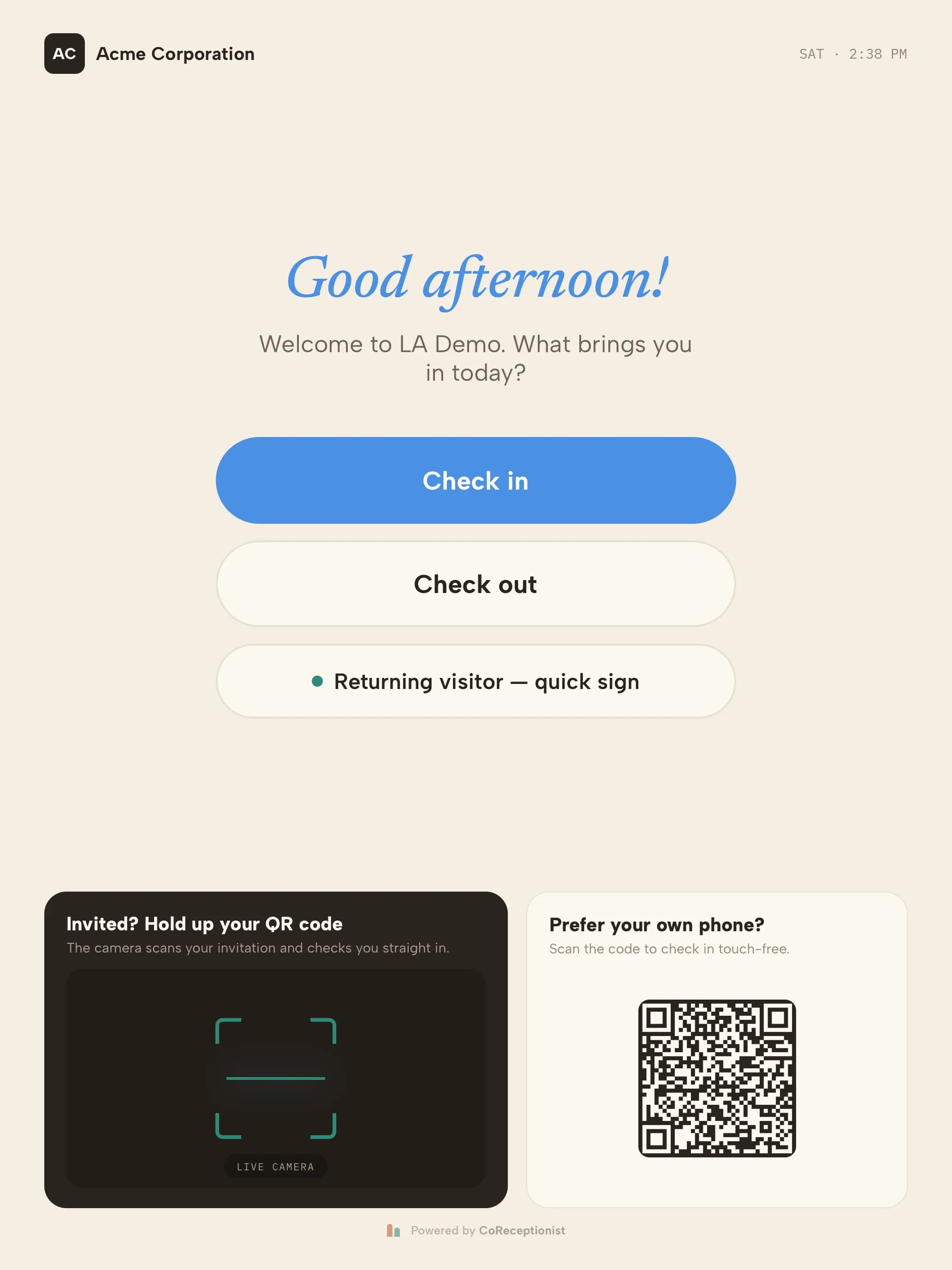
Kiosks are paired and revoked from the dashboard. Visitors see your brand on the welcome screen.
Check-in kiosk vs. a paper sign-in sheet
A paper sign-in sheet shows every earlier visitor's name to the next person in line, can't tell a host their guest is waiting, and has to be retyped when an auditor asks. A visitor sign-in kiosk keeps each record private, notifies the host the moment the guest signs in, and exports the whole log in seconds.
The kiosk is the front end of CoReceptionist's visitor management system — screening, documents, badges and records all run behind the same welcome screen.
Keep reading
Frequently asked questions
What is a visitor check-in kiosk?
A visitor check-in kiosk is a tablet at your entrance where guests sign themselves in. It collects their details, notifies their host, prints a badge and records the visit — replacing the paper sign-in book and freeing up reception.
What is a visitor management kiosk?
A visitor management kiosk is the self-service front end of a visitor management system: a tablet that registers, screens and badges visitors, notifies hosts and logs every visit to the cloud. CoReceptionist's kiosk runs on iPad and Android tablets.
Which tablets does the CoReceptionist kiosk run on?
iPad and Android tablets. Keep the operating system up to date and mount the tablet near the entrance in portrait or landscape.
Do I need a badge printer?
No, badges are optional. If you want them, the kiosk prints on a Brother QL-820NWB using 62 mm DK-2205 or DK-2251 rolls, connected over Wi-Fi or Bluetooth.
Can visitors check in without touching the kiosk?
Yes. Pre-registered guests scan the QR code from their invitation, and walk-ins can scan the QR code on the welcome screen to sign in on their own phone.
How long does kiosk setup take?
Most teams finish in under an hour: add a location, review visitor types, brand the welcome screen, pair the tablet and run a test check-in.
What happens if a kiosk tablet is lost or stolen?
Revoke it remotely from the Devices page in the dashboard. Visitor records live in the cloud, not on the tablet.