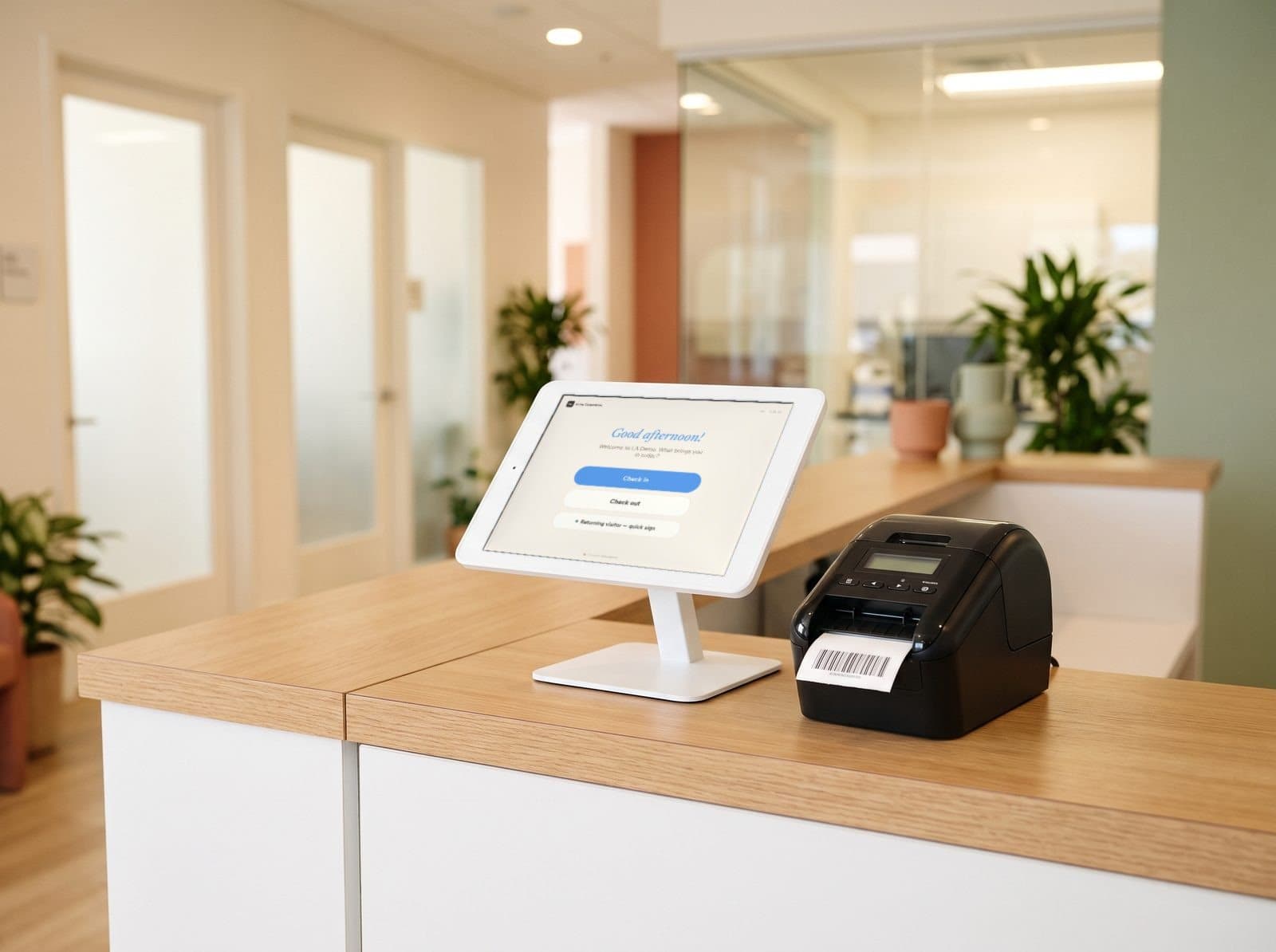
Healthcare visitor management for clinics and labs
A healthcare visitor management system for everyone who isn't a patient. Vendor reps, contractors, couriers and visitors check in with the right steps, get a photo badge, and your team always knows who is in the building.
Where healthcare front desks get stretched

- A vendor rep walks past the front desk to find a physician.No sign-in, no badge, and no record they were in clinical areas — until someone asks.
- A contractor arrives to service equipment in the lab.Lab biosafety guidance expects access to be controlled and everyone entering to be told about the hazards. A clipboard can't show either happened.
- Someone the front desk doesn't recognize is in a staff-only corridor.Healthcare workers account for 73% of nonfatal workplace-violence injuries in the U.S. (BLS) — and nobody can say who checked in today.
- A courier drops off supplies at the busiest moment of the morning.Patient check-in stops while the front desk works out who the package is for.
Vendor, contractor and courier check-in — at the kiosk
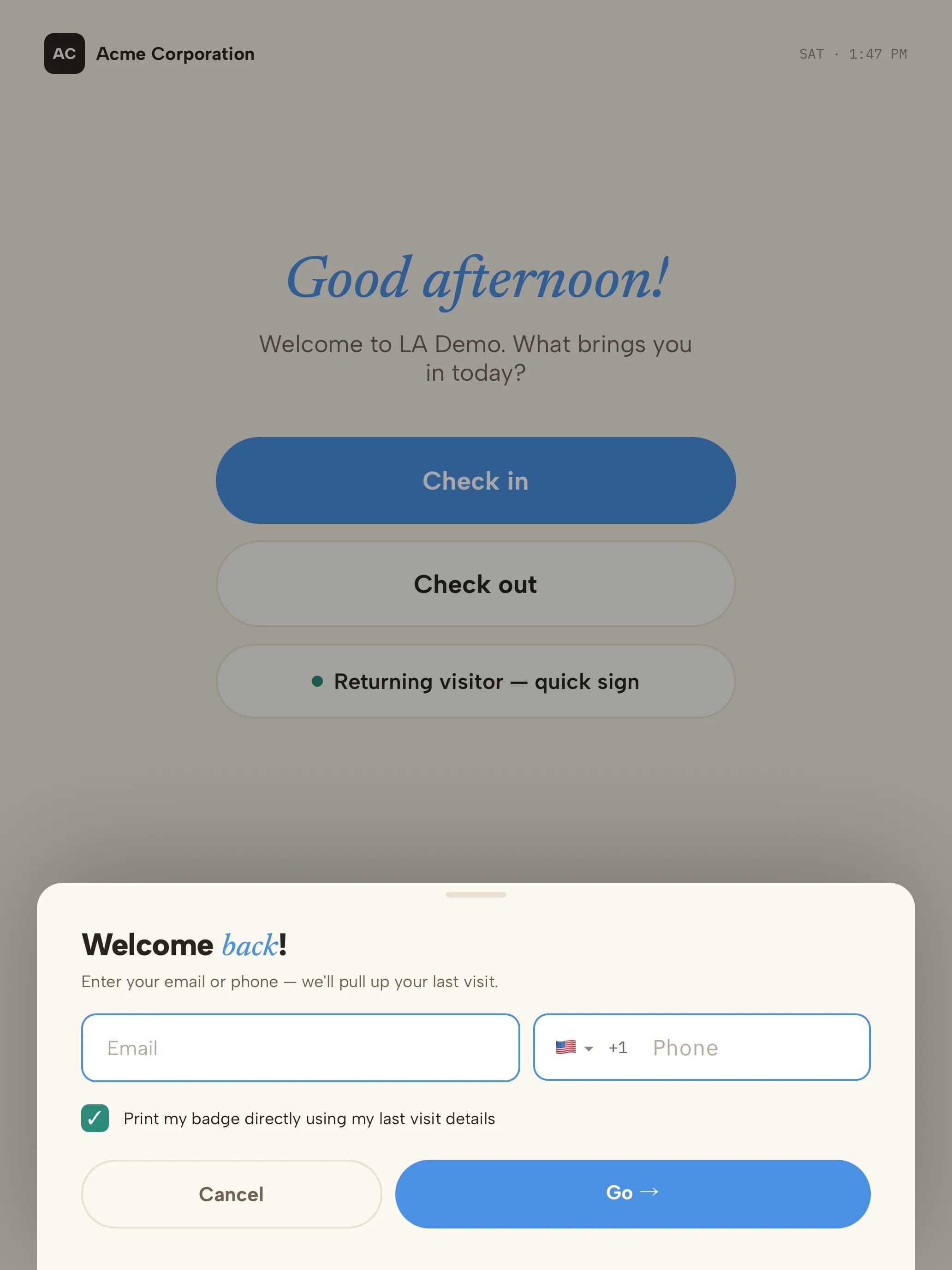
Each of those moments has a check-in step that prevents it — set per visit type, so reps, contractors, couriers and visitors each get the right one while your front desk stays with patients.
- A vendor rep walks past the front desk to find a physician.Every rep checked in, badged and on recordReps choose the vendor visit type, find who they're seeing and sign your vendor policy. Their host is notified, a photo badge prints, and the visit is logged.
- A contractor arrives to service equipment in the lab.Safety rules and escorts before the labContractors acknowledge your lab safety rules — or watch a short briefing video — before check-in continues, and visit types that need an escort can't finish without one.
- Someone the front desk doesn't recognize is in a staff-only corridor.Photo badges and a live rosterBadges carry the visitor's photo, so staff can tell at a glance who belongs. Live Visitors in the Visitor Log — or the evacuation list on the kiosk — shows everyone in the building right now.
- A courier drops off supplies at the busiest moment of the morning.Deliveries without the front deskCouriers pick the Delivery type and leave a message; the recipient is notified and the drop lands in the Visitor Log.
Checked in and badged in five steps
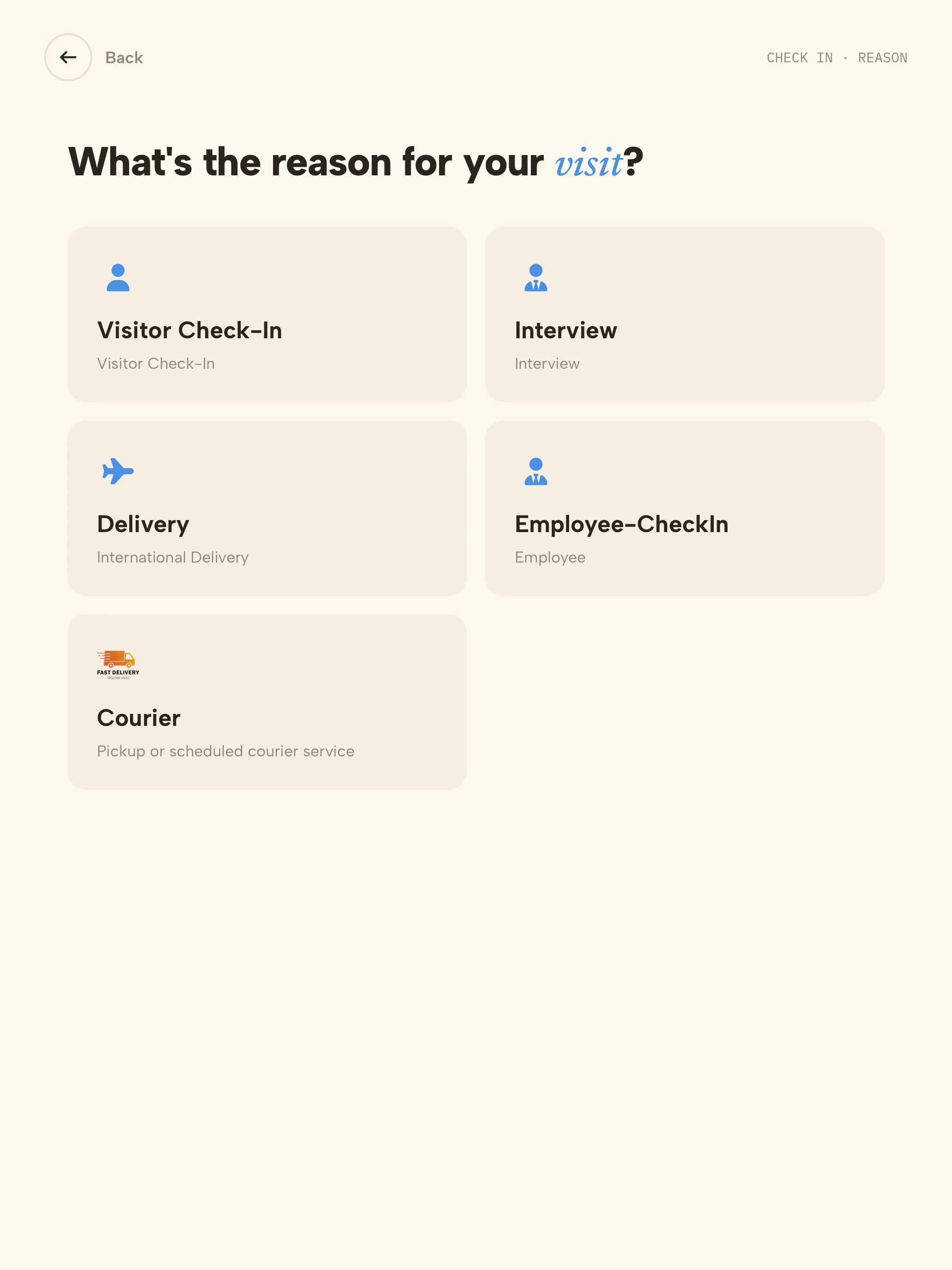 01Visit typeVendor rep, contractor, courier or visitor — each answers only what applies.
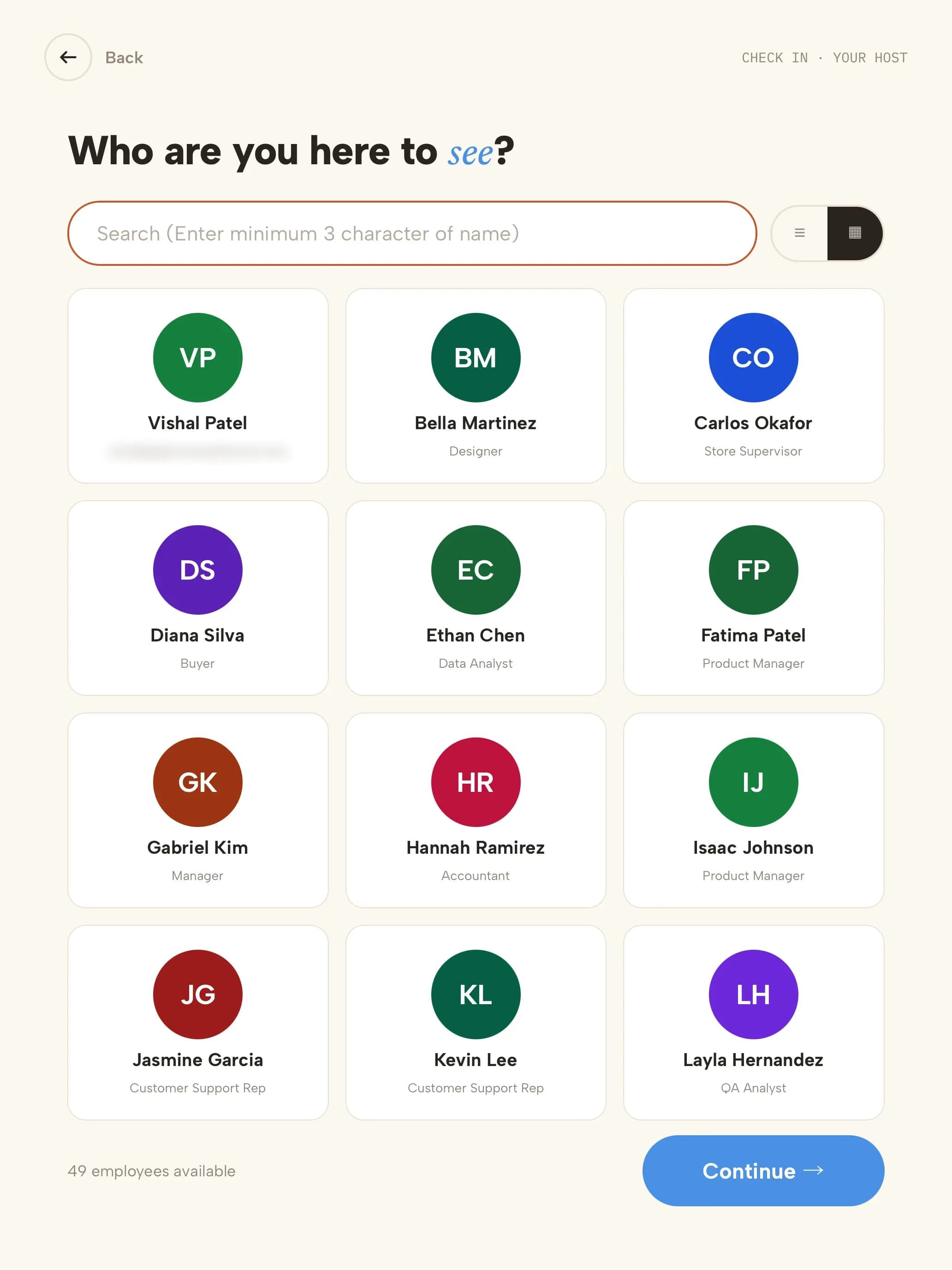 02HostThey choose the staff member expecting them; that person is notified.
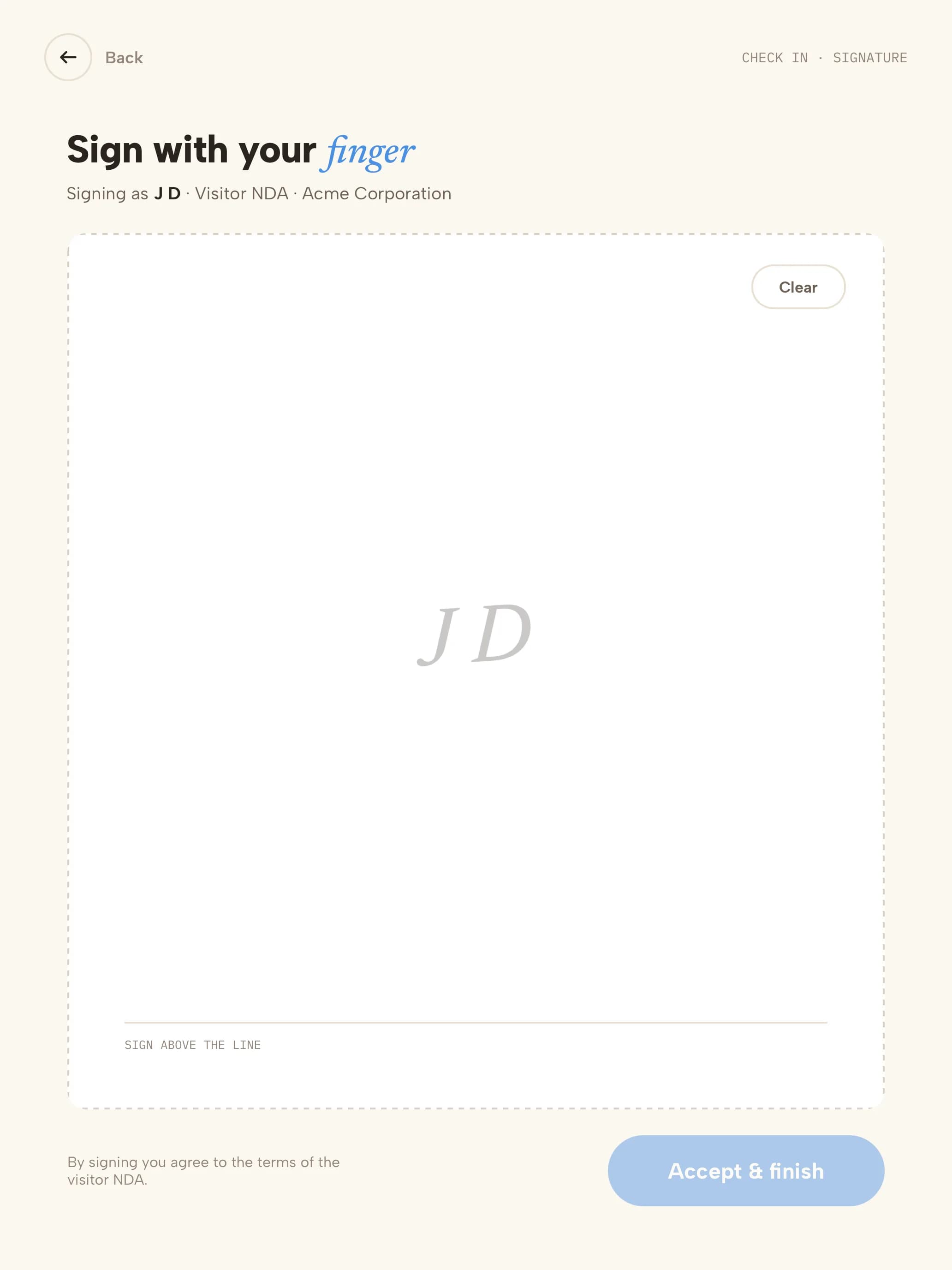 03PolicyYour vendor policy, signed with a finger; a copy is emailed to them.
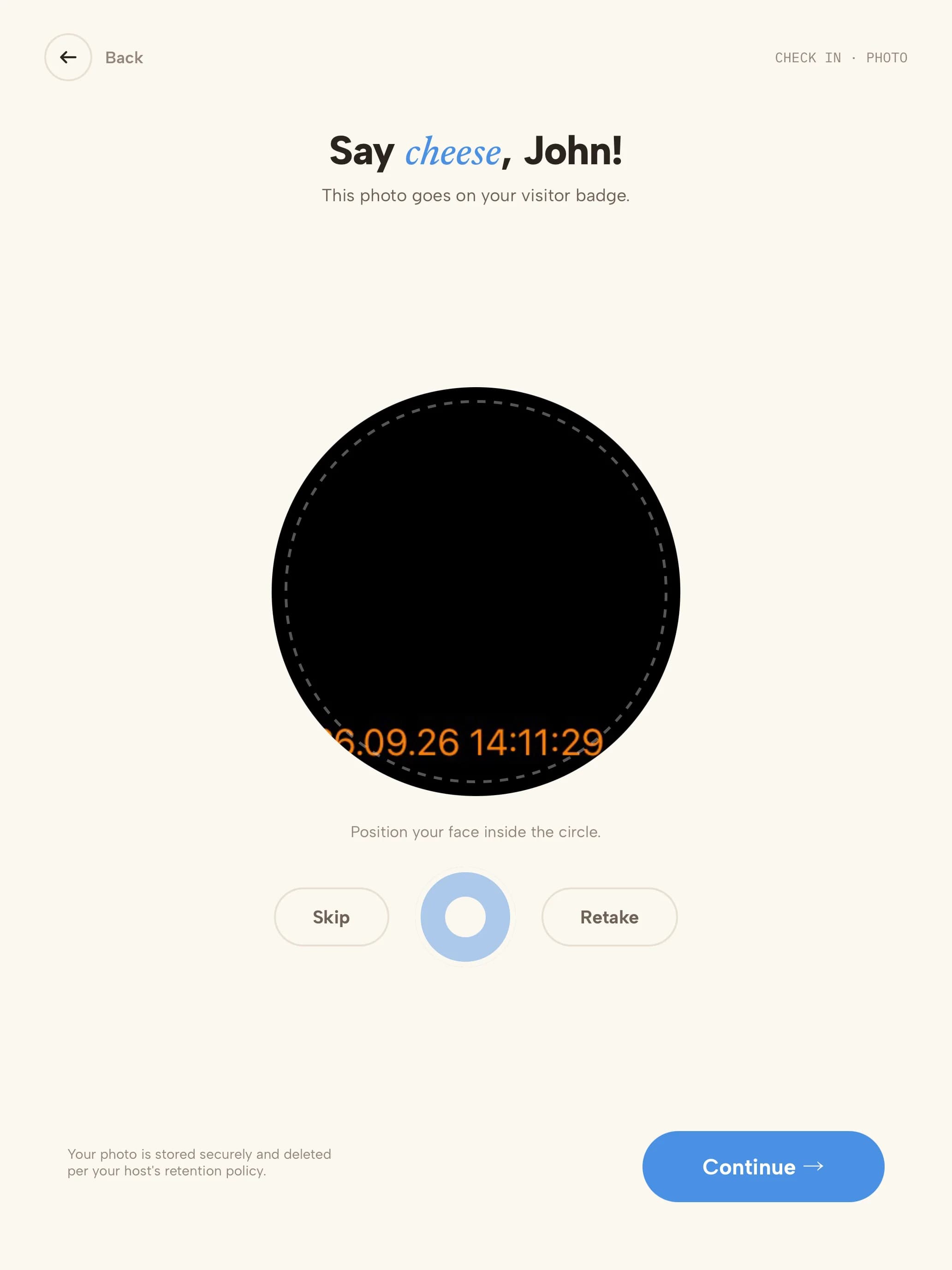 04PhotoTaken for the photo badge.
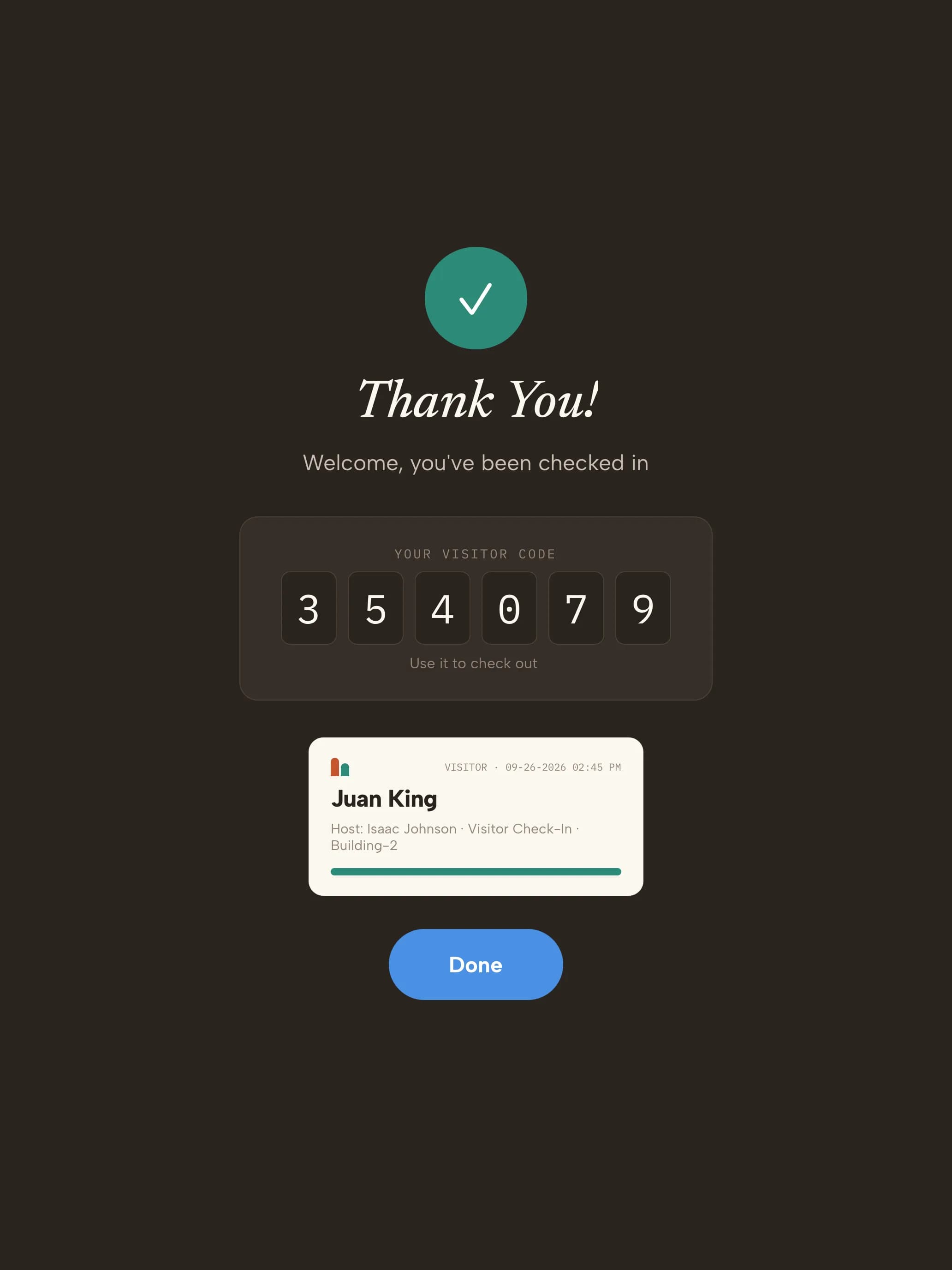 05BadgeVisitor code on screen and the badge prints.
Your trial starts with healthcare visit types
Every kind of visitor gets its own check-in. These are ready the moment you sign up — adjust any step from the dashboard.
- Vendor repPharma, device and supply reps
- Name & company
- Who you're seeing
- Watchlist check
- Vendor policy
- Photo
- Badge
- ContractorEquipment service, IT and facilities
- Name & company
- Host
- Watchlist check
- Safety rules
- Photo
- Escort
- Badge
- CourierSupplies, specimens and deliveries
- Courier
- Recipient notified
- Logged — no badge
- VisitorInterviews, inspectors and meetings
- Name
- Host
- Photo
- Badge
What your healthcare visitor log looks like
| Visitor | Company | Type | Seeing | Watchlist | Signed | In | Out |
|---|---|---|---|---|---|---|---|
| L. Grant | Northwind Medical | Vendor rep | Dr. Alvarez | Clear | Vendor policy | 09:12 | 09:55 |
| P. Shah | Crestline Services | Contractor | Lab manager · escorted | Clear | Lab safety rules | 10:30 | 12:10 |
| M. Ruiz | Coastal Courier | Courier | Lab | — | — | 11:05 | 11:07 |
| J. Keller | — | Visitor | Front desk | Held · reviewed by practice manager (ref H-0912) | — | 14:20 | 14:31 |
Illustrative sample with fictional visitors and companies. Your log includes the fields your visit types collect — never health information.
- Visitor data stored in a U.S. AWS region
- Encrypted at rest
- SOC 2 Type II engagement underway
Three steps to your front door
- 1Start your trial14 days free, no credit card. Your account opens with 4 healthcare visit types ready to use.
- 2Pair a tabletUse any iPad, or an Android tablet on Android 14 or later. Scan the pairing QR code and the kiosk is live. Add a label printer if you want badges.
- 3Add your teamAdd the people visitors come to see. They're notified by email, SMS, Slack or Microsoft Teams when someone arrives.
Questions, answered
Evaluating Envoy or Sign In Solutions? Compare →
More in our Trust Center and Security FAQ.
Try it at your front door for 14 days
- 14 days free
- No credit card
- Healthcare visit types set up for you
- Use any iPad or Android tablet