Resources / Knowledge Base / Getting Started / Set up locations
GETTING STARTED · 2 MIN · UPDATED SEP 2026
Set up locations
There are two levels: company locations (sites with an address and timezone) and the Location Directory inside each one.
1
Add a company locationOpen Company → Switch Location and add a location. Enter the name, address, timezone and date and time format.
2
Add building, floor and roomWith the location selected, open Location Directory and choose Add New Location. Enter the building, floor and room name.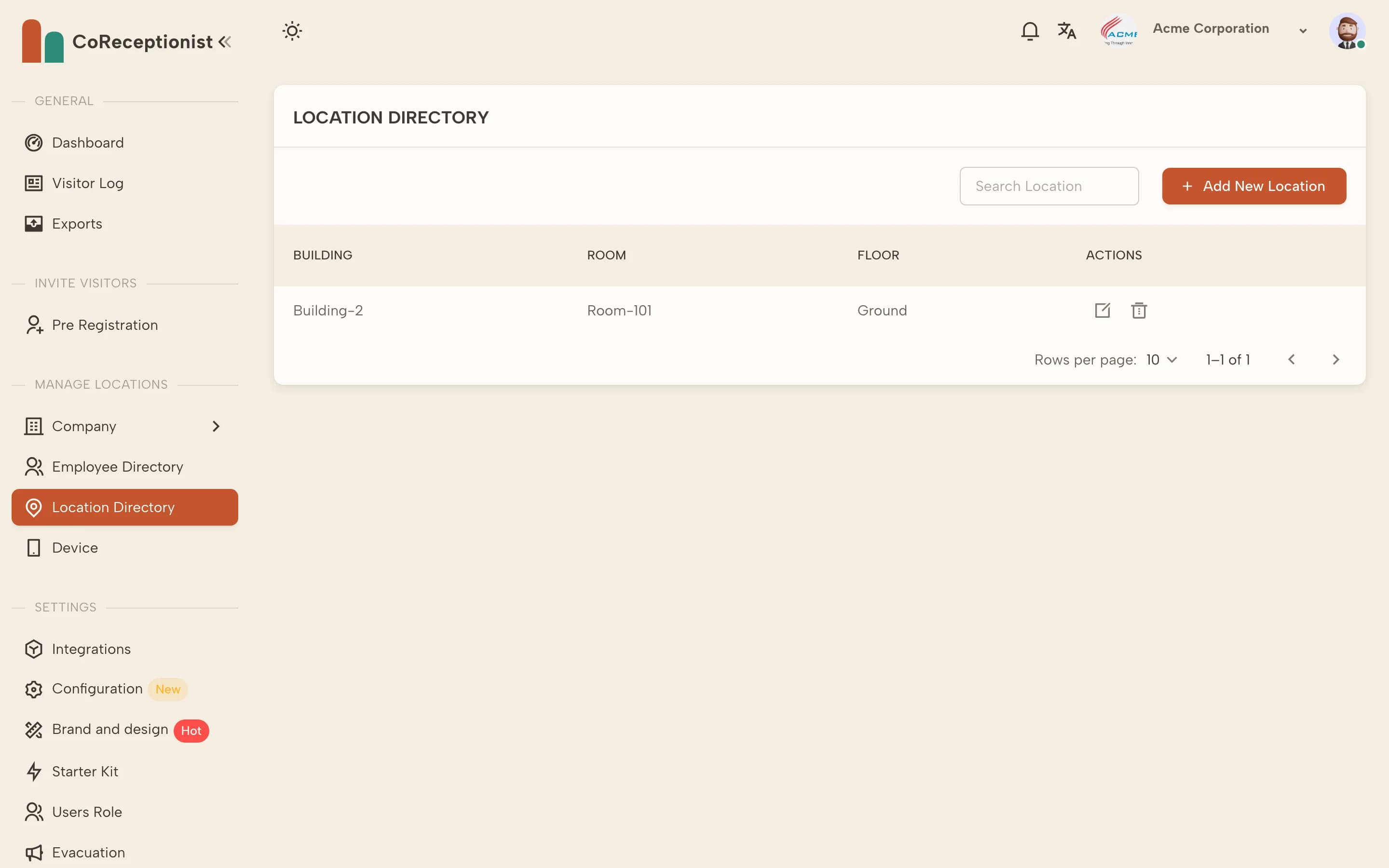
3
Pair kiosks to itWhen you add a device, pick this location — the kiosk's check-ins and visitor log belong to it.
Was this helpful?