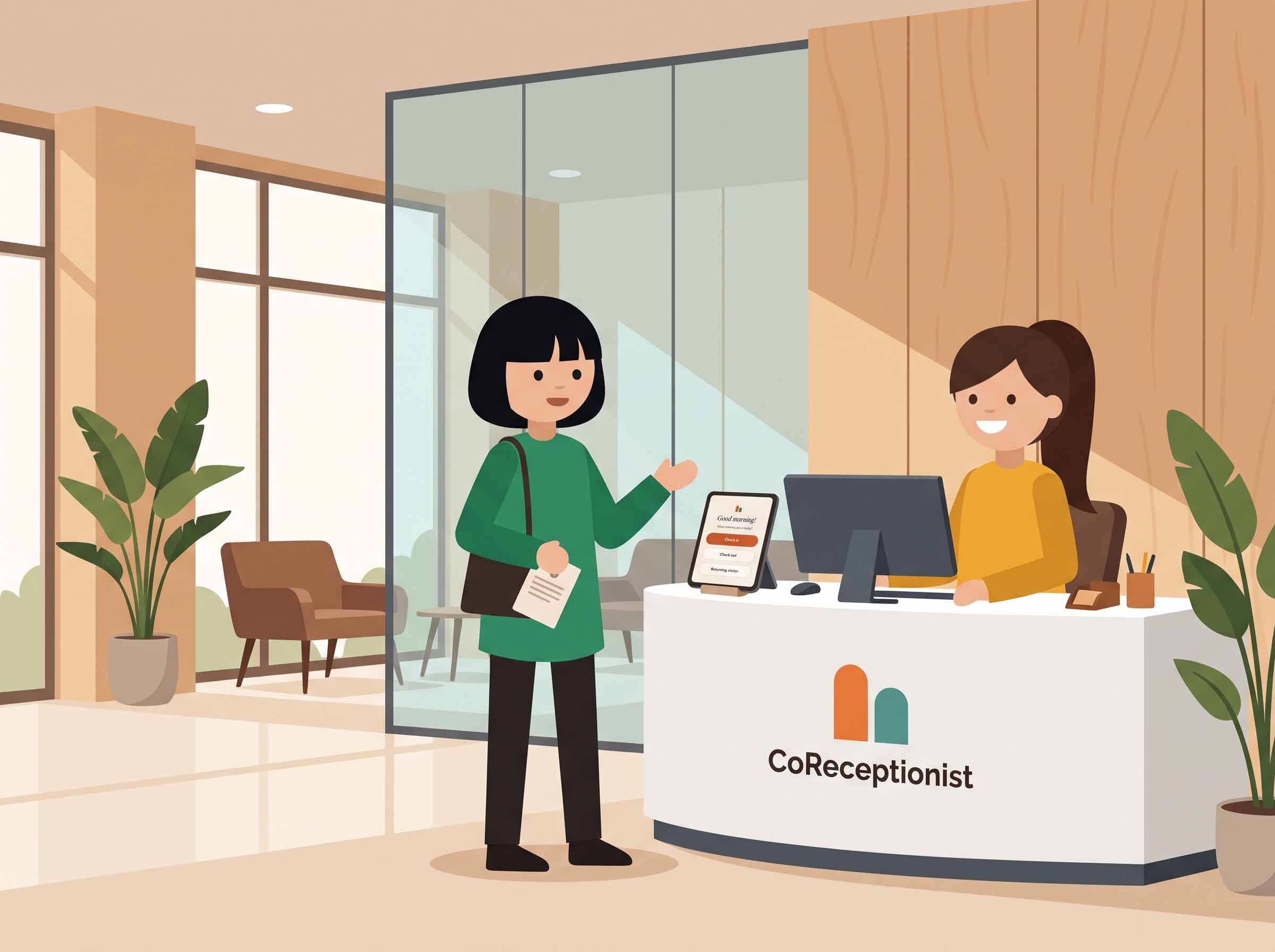
First impressions matter, but perimeter security matters just as much. For years, facility leaders, operations directors, and security teams have had to choose between two imperfect setups: an open front desk that relies on pen-and-paper clipboards, or an intimidating, airport-style security apparatus that creates lobby bottlenecks and frustrates legitimate guests.
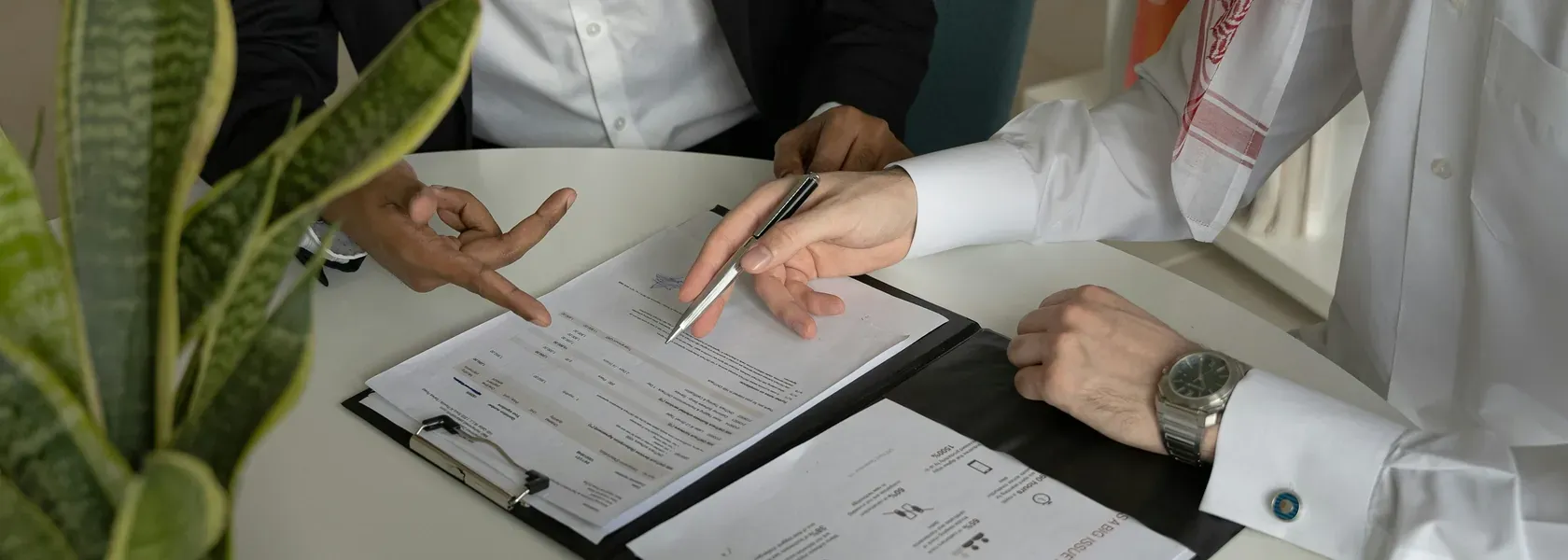
Paper visitor sheets leave confidential guest data exposed on clipboards, create zero accountability during building evacuations, and cannot check a visitor against a security watchlist. On the other hand, many legacy digital platforms lock basic compliance checks, contractor inductions, and alert integrations behind custom enterprise tiers that take months to implement.
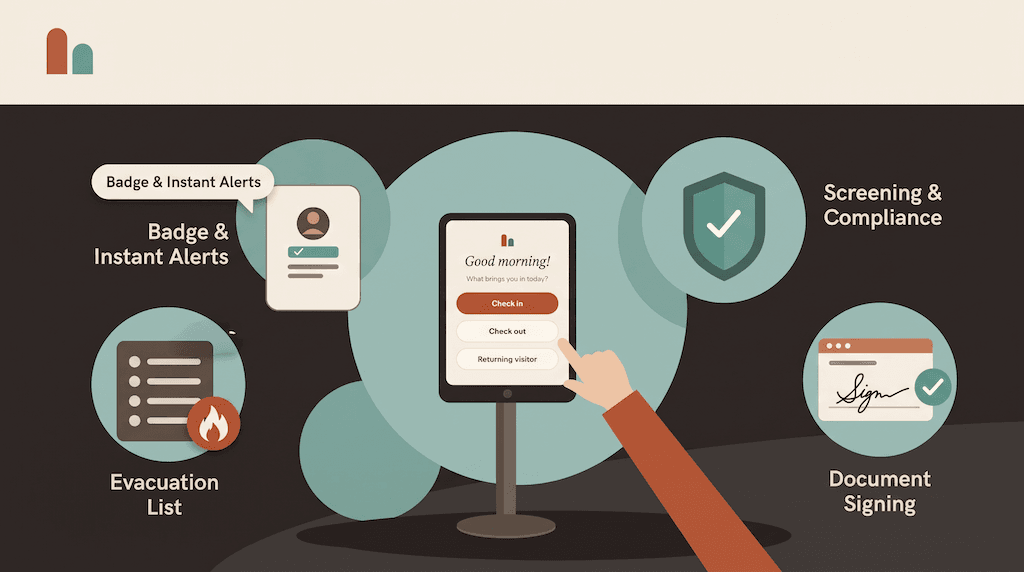
Modern workplace operations demand a balanced approach: front-desk software that is warm at the door, but serious underneath.A complete visitor management system (VMS) turns the front desk into an efficient, self-service intake hub while enforcing strict perimeter compliance behind the scenes. Here are five core features built into CoReceptionist that redefine how forward-thinking workplaces welcome guests and safeguard their facilities.
1. Automated Denied-Party Screening & Custom Watchlists
In high-compliance industries like aerospace, defense manufacturing, and technology, physical facility security must align with strict legal standards. Verifying visitor identity cannot wait until after someone is already inside the building.
CoReceptionist integrates automated background verification directly into the self-service sign-in flow:
Federal List Screening: Incoming visitor credentials are automatically cross-checked against the U.S. Consolidated Screening List, enabling organizations to support rigorous ITAR visitor management and export compliance standards before granting access.
Internal Watchlists: Teams can maintain custom internal lists to prevent unauthorized vendors, former employees, or trespassers from completing sign-in.
Discreet Security Notifications: If a match occurs, the kiosk handles the interaction safely and professionally. Rather than triggering an audible alarm or creating an awkward lobby scene, the system initiates a silent hold and routes an instant notification directly to on-duty security personnel with exportable audit details.
Unlike platforms that place watchlist screening behind five-figure enterprise paywalls, compliance-ready screening is accessible from day one.
2. Dynamic Check-In Routes for Every Visitor Type ** A one-size-fits-all check-in form causes lobby friction. An interview candidate needs a fast, welcoming experience; an HVAC contractor requires a safety briefing; a delivery driver needs to drop a package in seconds. CoReceptionist utilizes adaptive, purpose-driven check-in workflows**:
Contractors & Technicians: Automatically prompt maintenance vendors to complete digital NDA signing, acknowledge on-site safety protocols, watch mandatory induction videos, and select their supervising facility escort.
Delivery Drivers: Couriers use dedicated, low-friction drop-off pathways. They select package or food delivery, log the recipient's name, and record a drop-off photo or signature to keep the reception desk clutter-free.
**Clients & Job Candidates: **Provide a fast, branded welcome screen that collects essential visitor information, snaps a badge photo, and instantly generates a professional visitor badge.
Configurable routes ensure every visitor provides exactly the information your operations require—nothing more, nothing less.
**3. Instant Multi-Channel Alerts & Package Routing ** Front-desk staff should not spend their working hours manually paging employees or walking down hallways to announce visitor arrivals.
With automated host routing: ** Real-Time Host Alerts:** The moment a visitor completes sign-in, the system pings the host employee via** Slack, SMS, or email**. The host sees the visitor’s name, purpose of visit, and photo badge thumbnail immediately on their phone or desktop.
Two-Way Communication: Hosts can send quick acknowledgment replies (such as "Be right down in 2 minutes") directly back to the visitor kiosk display, keeping guests informed without staff intervention.
Delivery Logging: When packages or supplies arrive, couriers log the drop-off in seconds. The recipient receives an instant notification with package location details, eliminating lost shipments and front-desk clutter.Automating arrival notifications speeds up lobby throughput and frees on-site administrators to focus on high-value workplace tasks.
4. Live Evacuation Rosters for Real-Time Life Safety
A visitor management system is more than front-desk software; during an emergency, it functions as a critical life-safety tool.
Relying on paper logbooks during a building evacuation introduces unacceptable blind spots. If an alarm sounds, finding a physical clipboard and checking off illegible signatures is slow and dangerous.
Real-Time Digital Roster: CoReceptionist maintains a live, cloud-synchronized register of every employee, guest, contractor, and vendor currently inside your facility.
One-Touch Evacuation Mode: In a drill or real facility incident, safety officers and floor wardens can activate Evacuation Mode from any smartphone, tablet, or web browser.
Live Roll Calls: Wardens account for evacuees at designated outdoor assembly points in real time, quickly identifying missing individuals and providing emergency responders with verifiable headcount and audit logs.
5. Hardware Freedom with Touchless, Multilingual Accessibility
Workplace technology should adapt to your operational setup, not force you into expensive, proprietary equipment.
iPad and Android Compatibility: CoReceptionist runs natively on commercial off-the-shelf tablets across both iOS and Android ecosystems. Deploy check-in kiosks on existing hardware or pick the tablet models that fit your budget.
Touchless QR Code Sign-In: For high-volume lobbies or zero-touch preferences, visitors can scan an on-screen QR code using their own smartphone camera. The entire registration flow—including document signing and badge creation—completes directly on their personal mobile browser without touching a shared screen.
Multi-Language Support: Cater effortlessly to international visitors, enterprise clients, and diverse workforces. Guests can select their preferred language—including English, Spanish, French, and German—directly on the kiosk or mobile registration flow.
Built for Security-Minded Facilities
Whether you are managing an aerospace plant requiring rigorous ITAR controls, an industrial site managing daily contractor crews, or a corporate headquarters seeking a modern lobby impression, your front desk serves as the front line of your facility. You no longer have to compromise between welcoming hospitality and perimeter defense. By combining automated screening, flexible visitor routes, instant team communication, and live emergency tools, CoReceptionist provides complete workplace visibility without operational friction.
Ready to modernize your lobby? Start your 14-day free trial—every feature included, no credit card required—or schedule a live demo with our product team today.