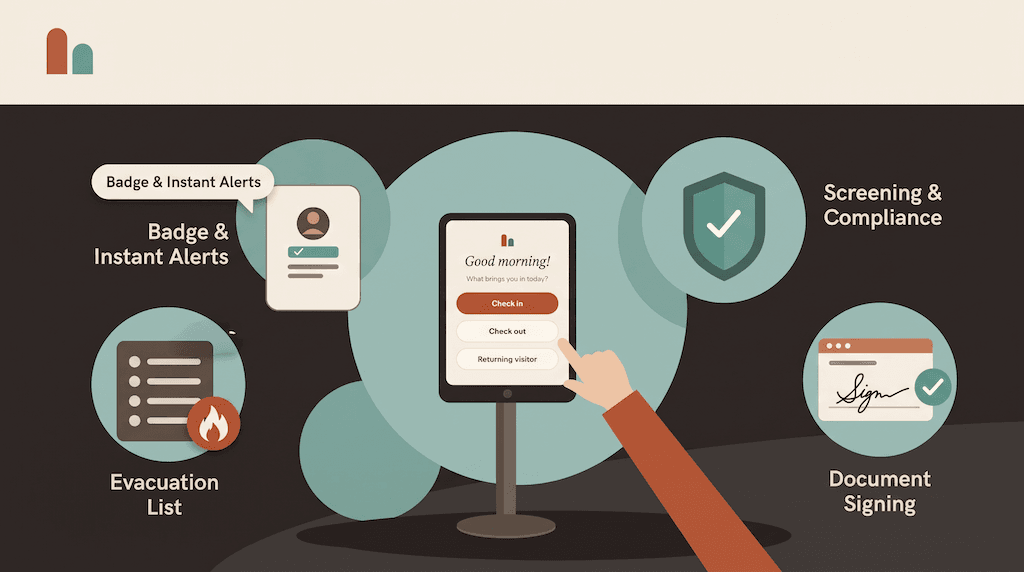
Every adult who walks into a school should be known, expected and accounted for. That's the job of a school visitor management system — and of the check-in policy behind it. The software matters less than the rules it enforces, consistently, at every front office in your district.
This guide covers what a school visitor check-in policy should include, how to set up check-in for the different people who visit a school, and where a digital system helps (and where it doesn't).
What a school visitor check-in policy should cover
A good policy answers six questions, in writing, for every entrance:
- Who must check in? Usually every adult who isn't staff — parents, volunteers, contractors, substitutes, vendors and visiting officials. Write down any exceptions.
- What do they provide? Name, reason for the visit and who they're seeing at minimum. Many schools also capture a photo and an ID.
- What do they agree to? Your visitor code of conduct, site rules or volunteer agreement, acknowledged before entry.
- What do they wear? A visible badge, so staff can spot anyone who hasn't checked in.
- Where can they go, and with whom? Which visitors need an escort, and which areas are off limits.
- How do they leave? Sign-out at the front office, so your list of who is in the building stays accurate.
Then decide who owns the policy, who handles exceptions, and how often it's reviewed.
Different visitors, different check-in
Schools see more kinds of visitor than most offices, and they don't all need the same steps. Set up a check-in flow for each:
- Parents and guardians: quick sign-in, the reason for the visit and who they're seeing. Regular visitors can use returning-visitor sign-in with just an email or phone number.
- Volunteers: your volunteer agreement acknowledged at check-in, plus a badge that marks them as a volunteer.
- Contractors and maintenance: site rules or a safety induction video before work starts, and a record of where they're working.
- Substitute teachers: routed to the office staff who need to know they've arrived.
- Deliveries: a separate courier flow that notifies the recipient, so drivers don't queue with parents.
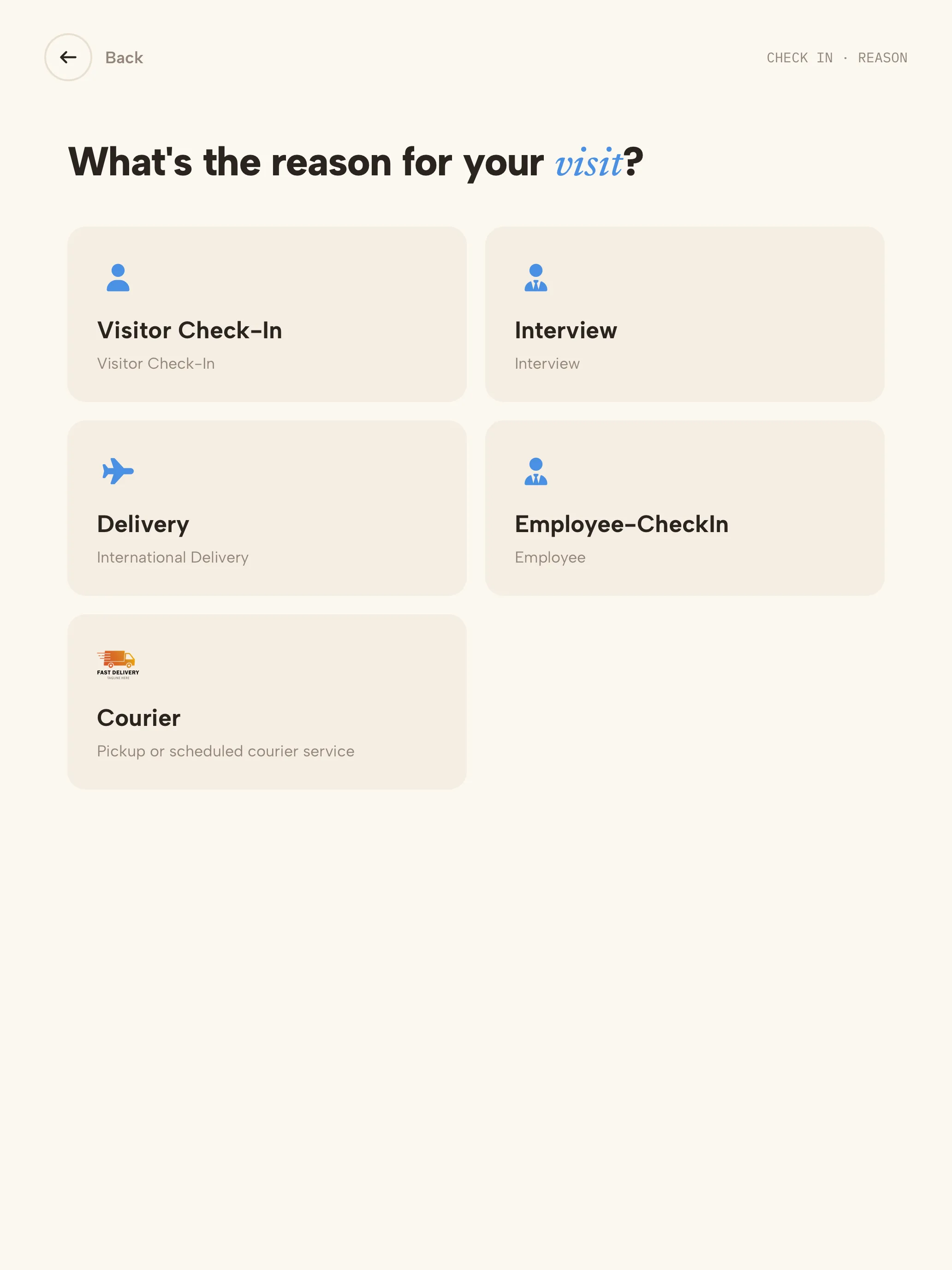
Each visitor type in CoReceptionist has its own questions, documents and badge, so a parent dropping off a lunch isn't asked the same questions as a contractor working on the roof.
Using a watchlist at the front office
Most schools keep a short list of people who shouldn't be admitted, or who need staff attention when they arrive: individuals subject to a no-contact order, people banned after an incident, or adults not authorized to collect a student.
A visitor management system makes that list work at the door. With CoReceptionist, you add names to your own watchlist with exact, contains or sound-alike matching. When someone on the list checks in, they see a polite "one more step" message, no badge prints, and the staff you choose are alerted to handle it discreetly — away from students and other parents.
A note on sex-offender registry checks
Many K-12 visitor systems check visitors' IDs against sex-offender registries, and some districts require it. CoReceptionist doesn't run registry checks today. It screens visitors against your own watchlist and, where needed, the U.S. Consolidated Screening List, and it can capture a photo of a visitor's ID — but it doesn't verify IDs against registries.
If your district requires registry screening, you'll need it in place before choosing any system. If it doesn't, a well-maintained watchlist, a clear policy and a badge on every adult cover most front offices.
Getting agreements signed at the door
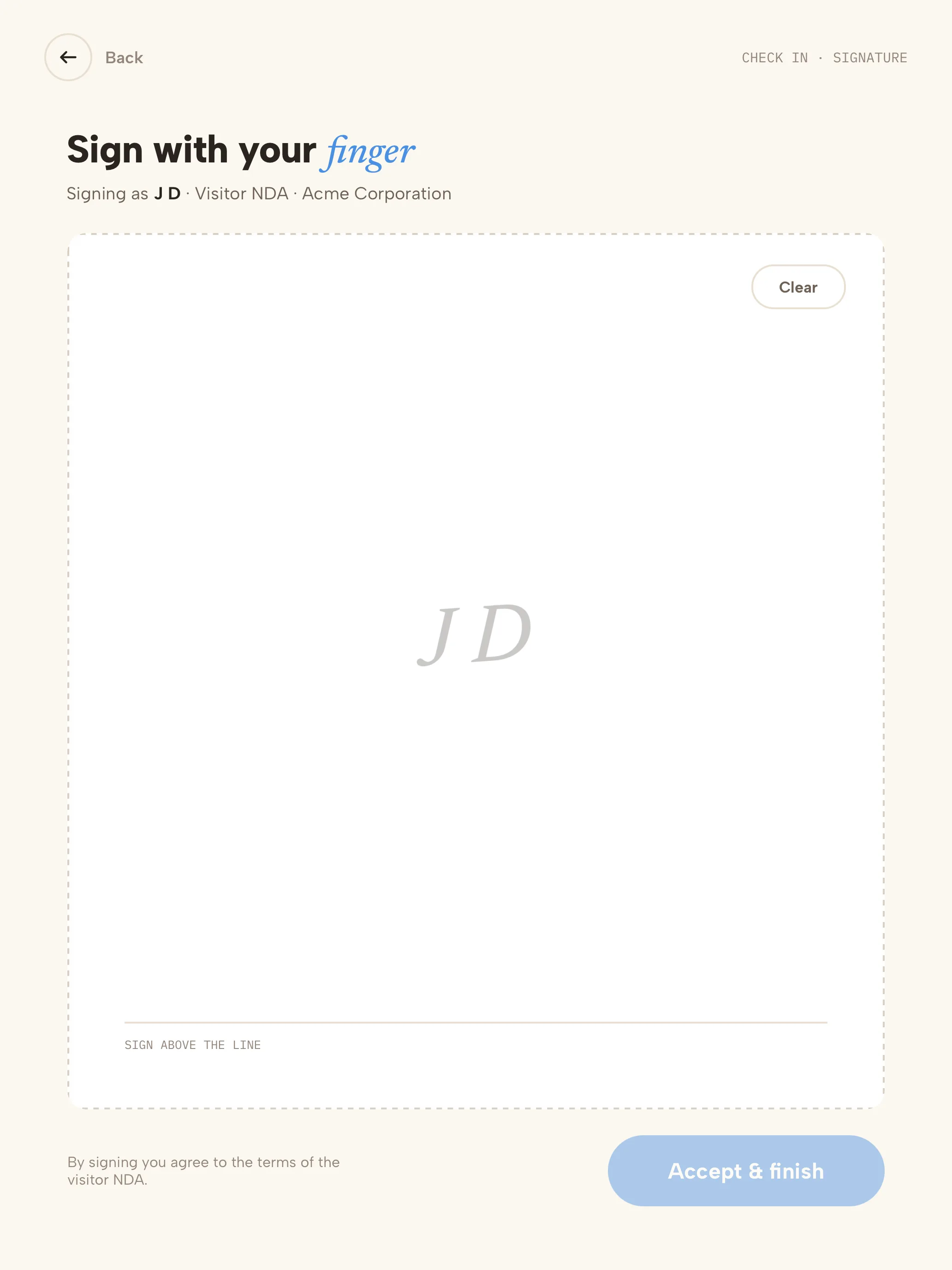
Volunteer agreements, codes of conduct and site rules are worth most when they're signed before the visitor walks in. With CoReceptionist, visitors read the document on the kiosk and sign with a finger; a copy is emailed to them, and the signed agreement stays attached to the visit record.
Drills and emergencies
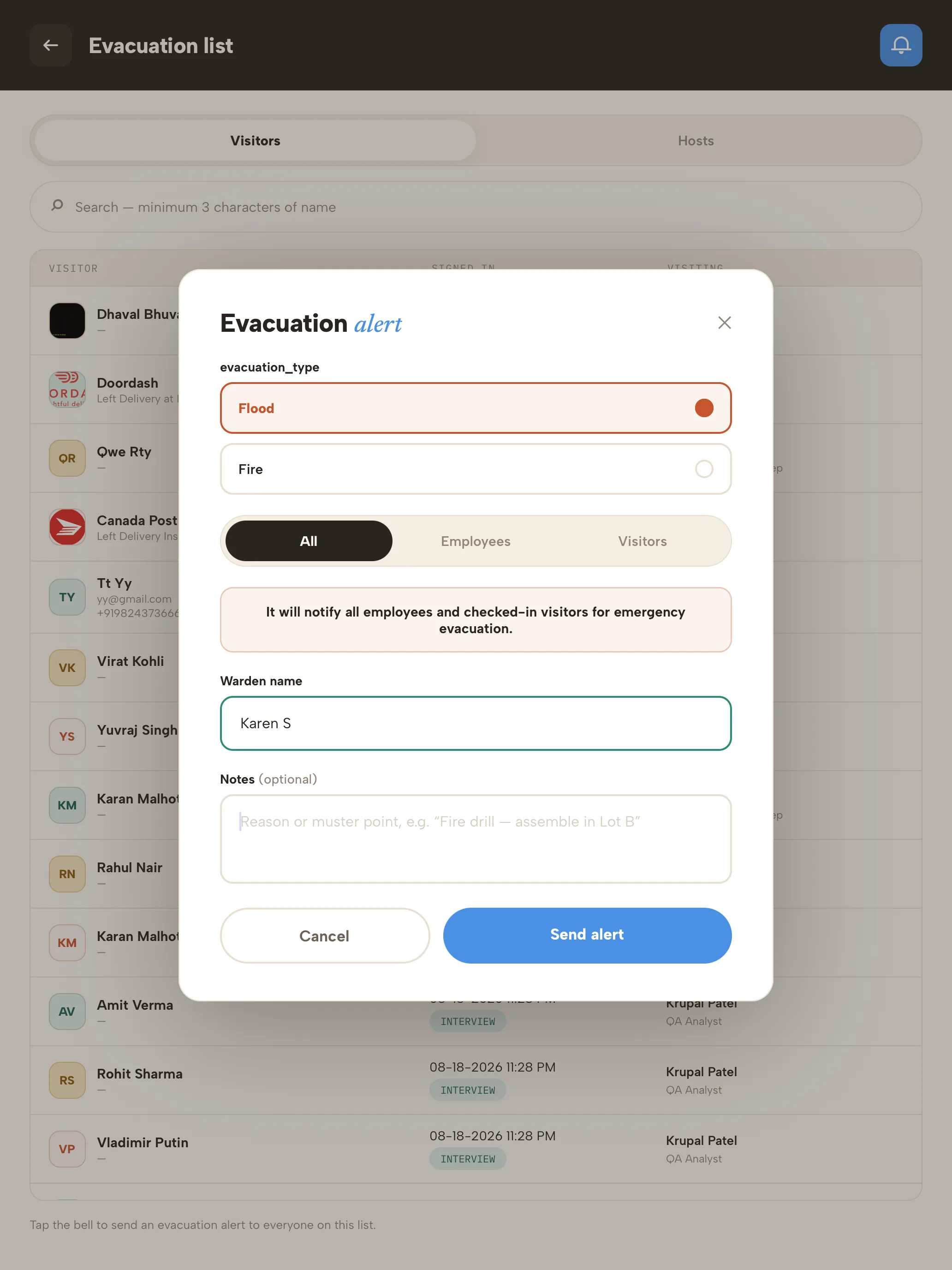
Schools practice evacuations more than almost anyone, and visitors are the hardest people to account for. A live list of who is on site — parents, volunteers, contractors — turns a guess into a roll call.
From the kiosk, office staff open the evacuation list, send an alert by email and SMS, and mark people safe as they reach the assembly point. Every drill is recorded with the warden, the time and who was accounted for. Accurate sign-out is what makes the list trustworthy, so turn on auto check-out at the end of the school day.
Privacy at the front office
A paper sign-in sheet shows every earlier visitor's name to the next parent in line — and often why they came. A digital log shows each visitor only their own entry. Ask only for what your policy needs, limit who can see visitor records by role, and set how long records are kept.
Rolling out digital check-in at a school
- Write or update the policy first. The system should enforce it, not define it.
- Start with one school's front office. Run the kiosk beside the sign-in book for a week.
- Set up visitor types for parents, volunteers, contractors, substitutes and deliveries.
- Load staff as hosts, so the right person is alerted when their visitor arrives.
- Build your watchlist with your safeguarding lead, and agree who receives alerts.
- Tell families. A short note explaining the new check-in, and why, heads off most questions.
- Run a drill with the new roster before rolling out to other schools.
Frequently asked questions
Do parents need to check in every time? Your policy decides. Many schools require it for anyone going beyond the front office. Returning-visitor sign-in keeps it quick for parents who visit often.
Can we screen visitors before they enter? Yes — against your own watchlist at check-in, with matches held discreetly for staff review. CoReceptionist doesn't check sex-offender registries.
What hardware do we need? An iPad or Android tablet at the front office, and optionally a badge printer.
Does the system store student information? The visitor log records visitors — who came, when, who they saw and what they signed. It isn't a student information system.
See how CoReceptionist works for schools and campuses, or start a 14-day free trial — no credit card required.