Every visitor, welcomed in their language
Visitors check in on the kiosk or their own phone in English, Español, Français or العربية. You write your text once — CoReceptionist translates it, and you can fine-tune any line.
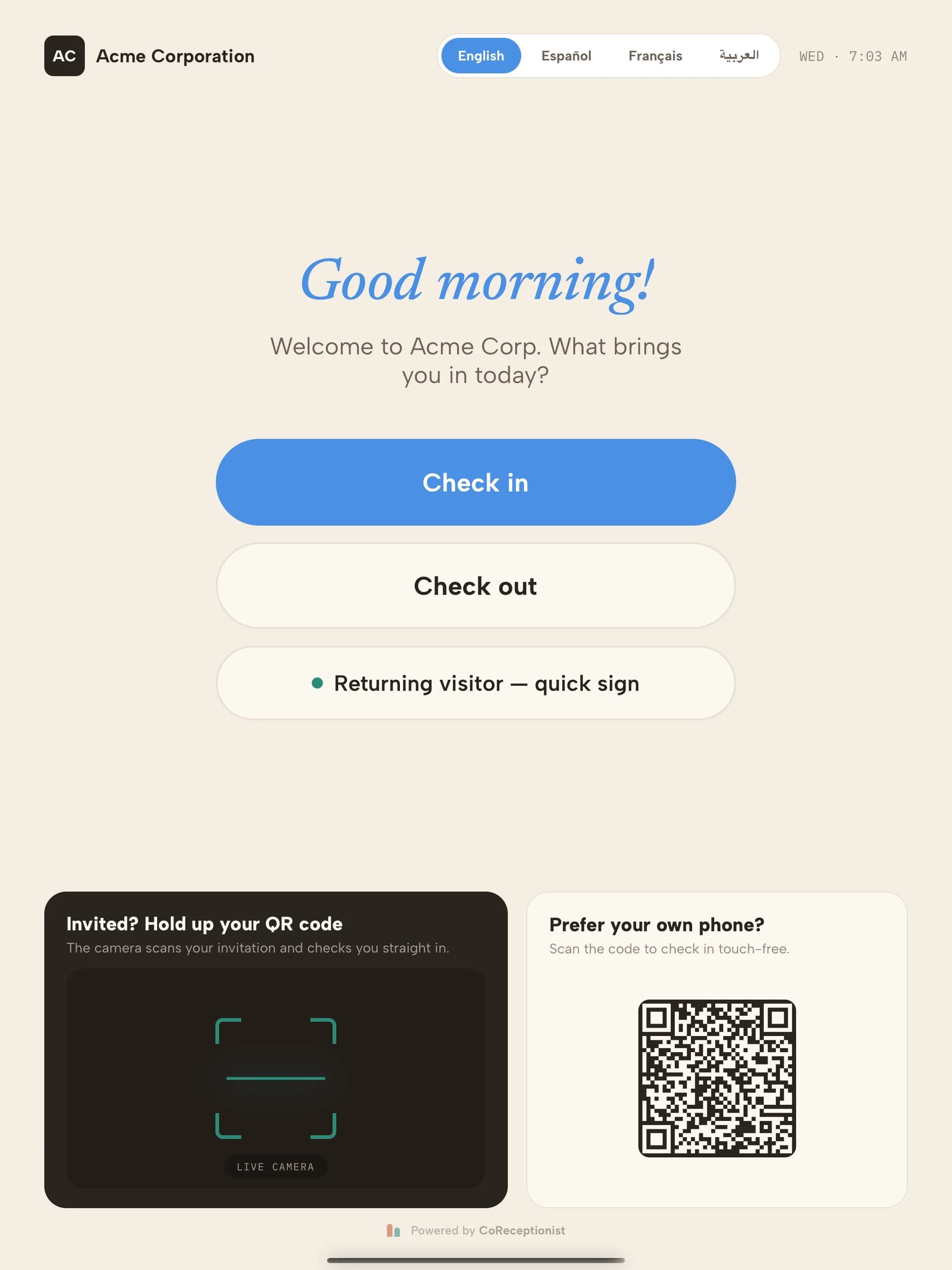
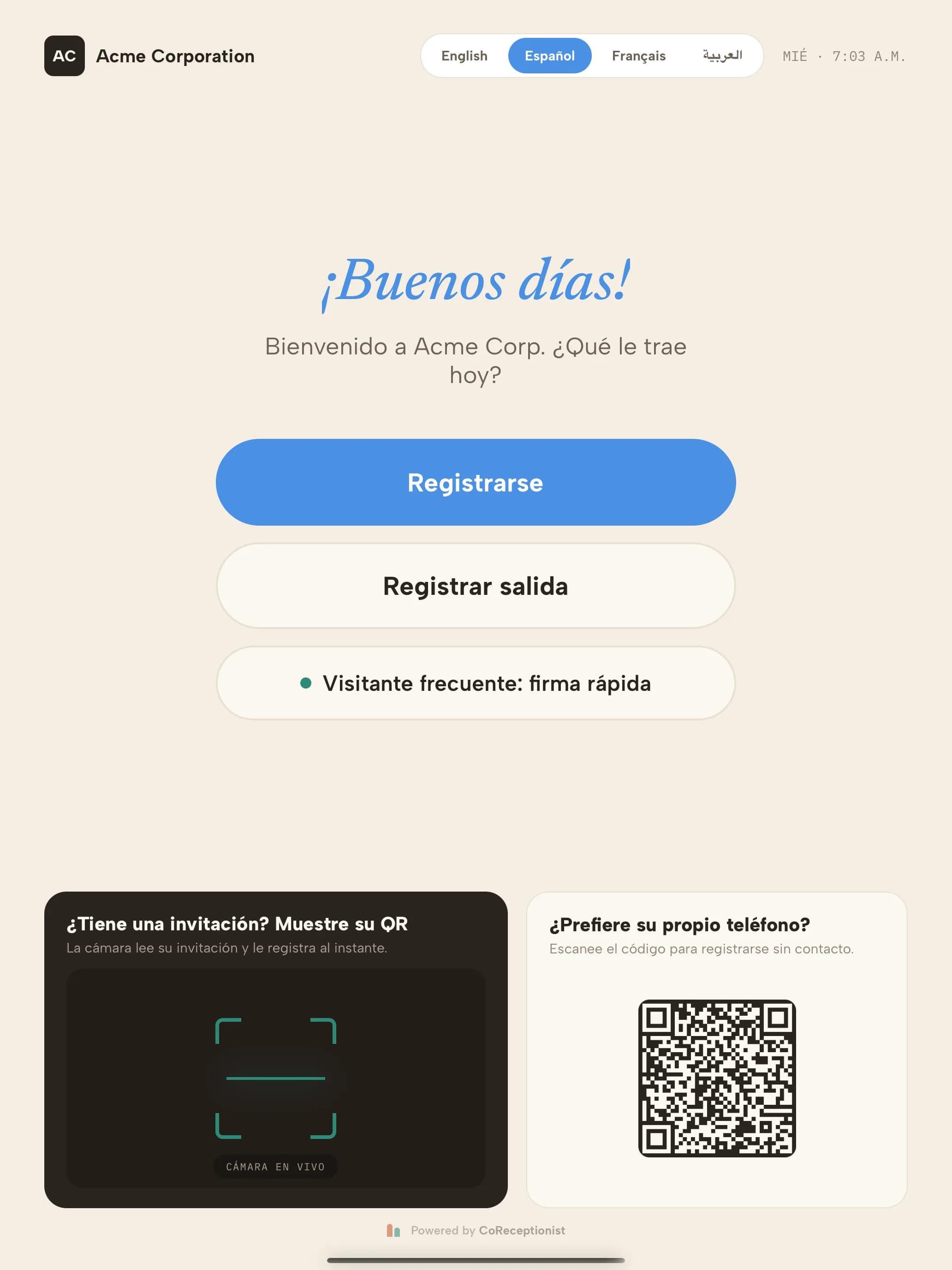
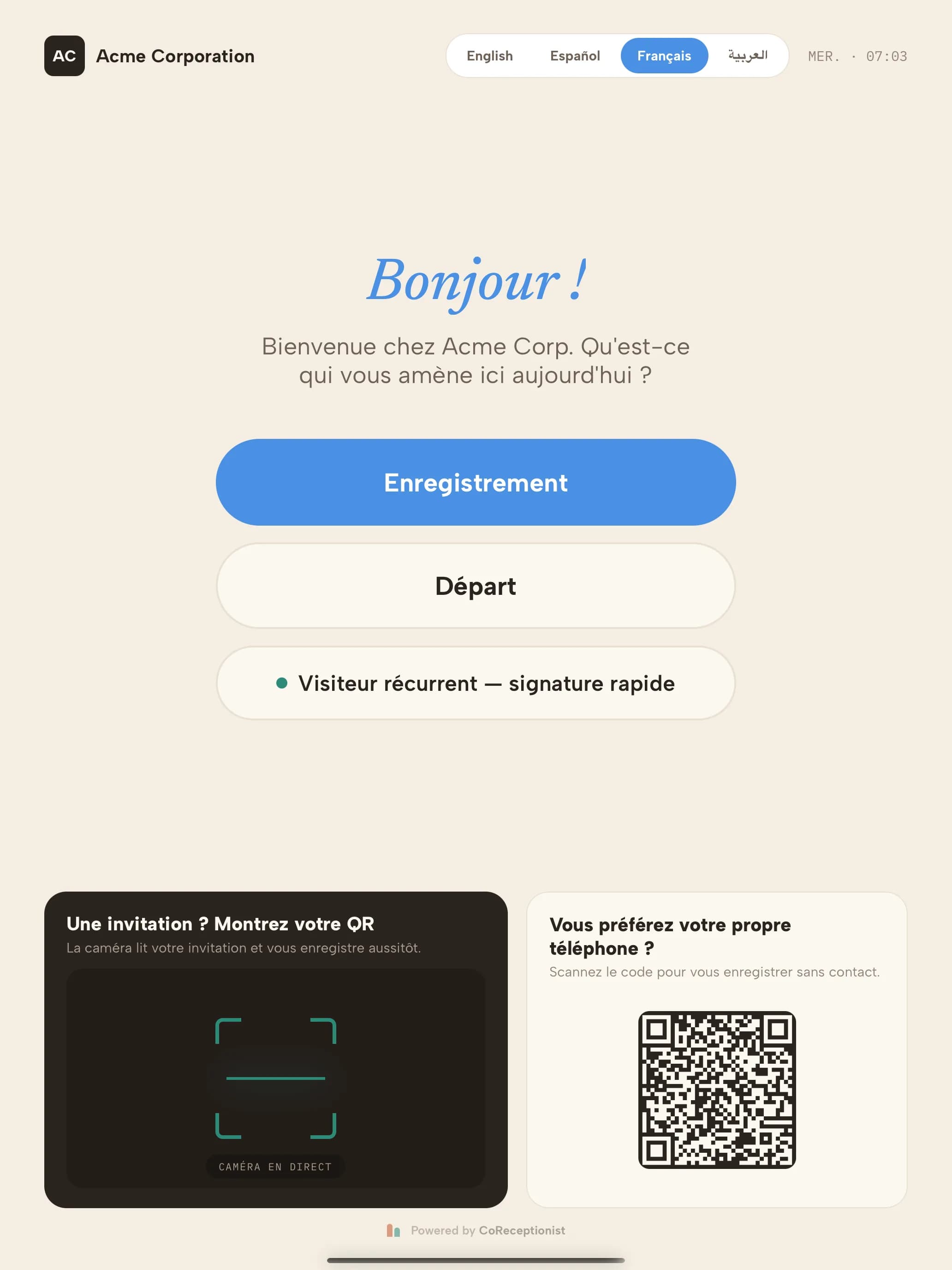
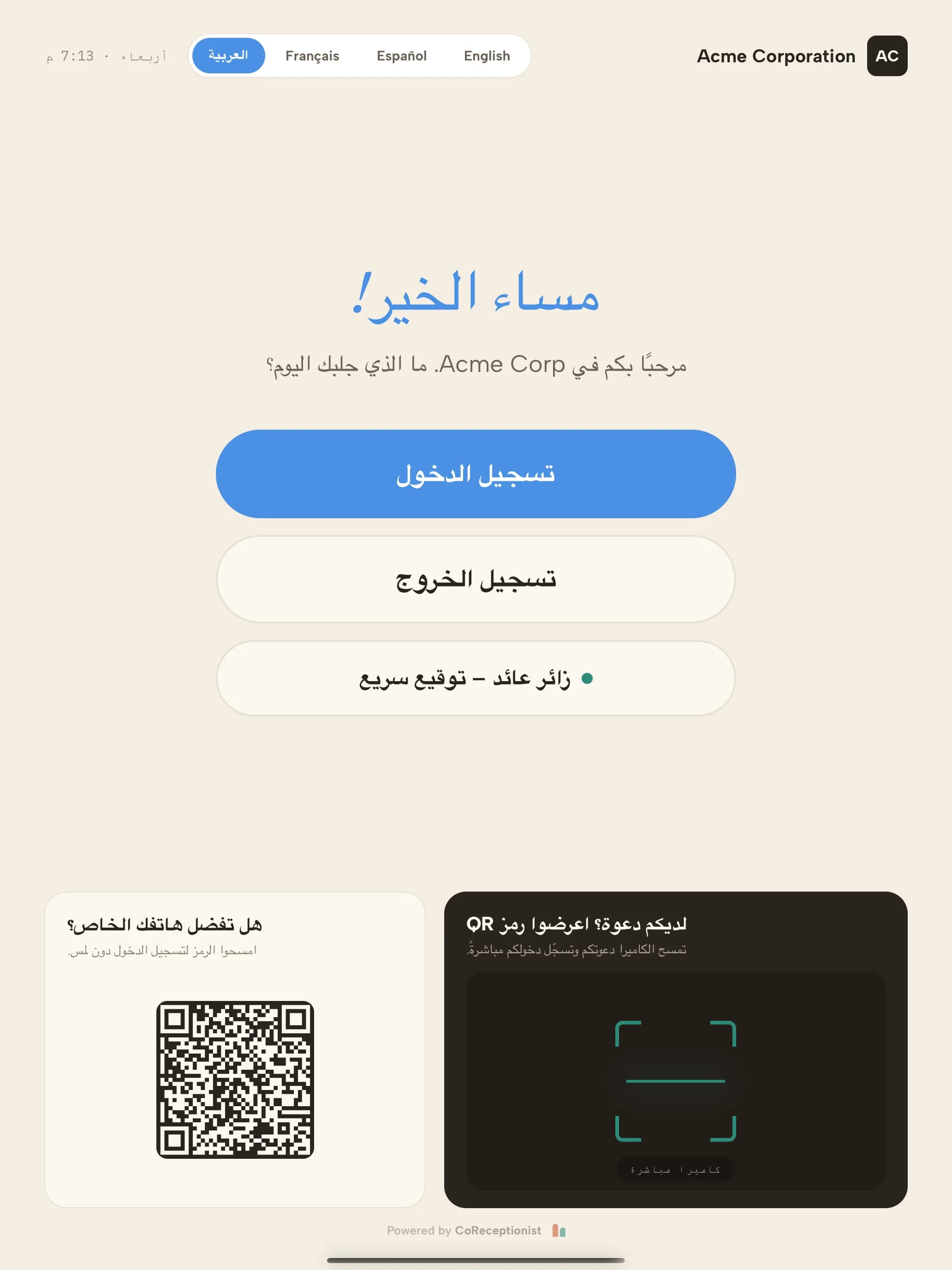
The same welcome screen in each language. Visitors tap theirs; the kiosk returns to your default after every visit.
From the invitation to the evacuation alert
A visitor's language follows them through every step that's meant for them — not just the welcome screen.
Write once. Review what matters.
Your welcome message, visitor types, check-in questions, NDAs, delivery messages and invite email are written in one text language. A few seconds after you save, CoReceptionist machine-translates anything new or changed into every language you offer.
The Translations editor shows each original beside its translation, with filters for Machine, Edited, Missing and Needs review. Short labels like button names are worth a look — machine translation sees them without context. Fix a line once and it stays yours. See how to review and edit translations.
Visitors choose. Staff don't have to.
Your default language is where every kiosk visit starts, and it's what your team sees: printed badges, host arrival alerts by email, SMS, Slack or Microsoft Teams, and the visitor log. Answers are stored against your default language too, so reports, exports and filters work the same whichever language a visitor used.
Your default doesn't have to be the language you write in — for example, English text with Spanish as the kiosk default. Read how languages work.
Set it up
Frequently asked questions
Which languages does the CoReceptionist kiosk support?
English, Spanish (Español), French (Français) and Arabic (العربية). Turn on any combination for each location; visitors only see a language picker when more than one is on.
Do I have to translate my check-in questions myself?
No. Write your welcome message, visitor types, questions and NDAs once in your own language and CoReceptionist translates them automatically within seconds of saving. You can review and edit any translation in Settings → Languages.
Will my edits be overwritten when I change the original text?
Never. Lines you edit by hand are kept. If the original changes later, the line is marked Original changed so you can decide whether to update it.
Are NDAs translated automatically?
They are translated, but a translated NDA stays hidden until an admin approves it — visitors sign legal text, so a person checks it first. Until then, visitors read and sign the original.
What language do badges and host notifications use?
Your company's default language. Badges, host emails, SMS, Slack and Teams messages stay in one language so staff and security can read them at a glance.
Does the kiosk follow the iPad's language setting?
No. The kiosk offers only the languages you turn on in the dashboard, and returns to your default language after every visit so the next person starts fresh.
Does multi-language check-in cost extra?
No. Like every CoReceptionist feature, it's included on every plan.