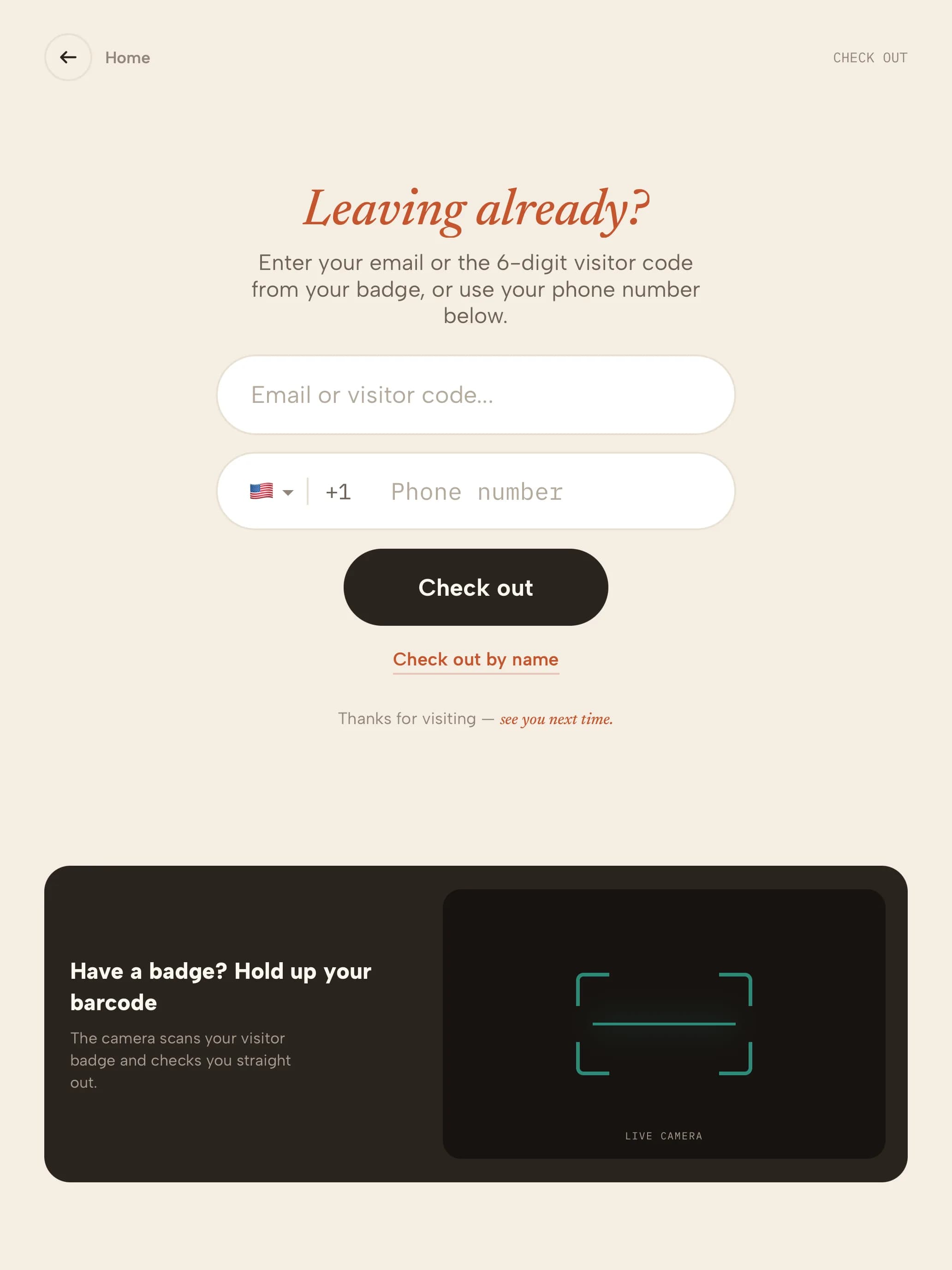
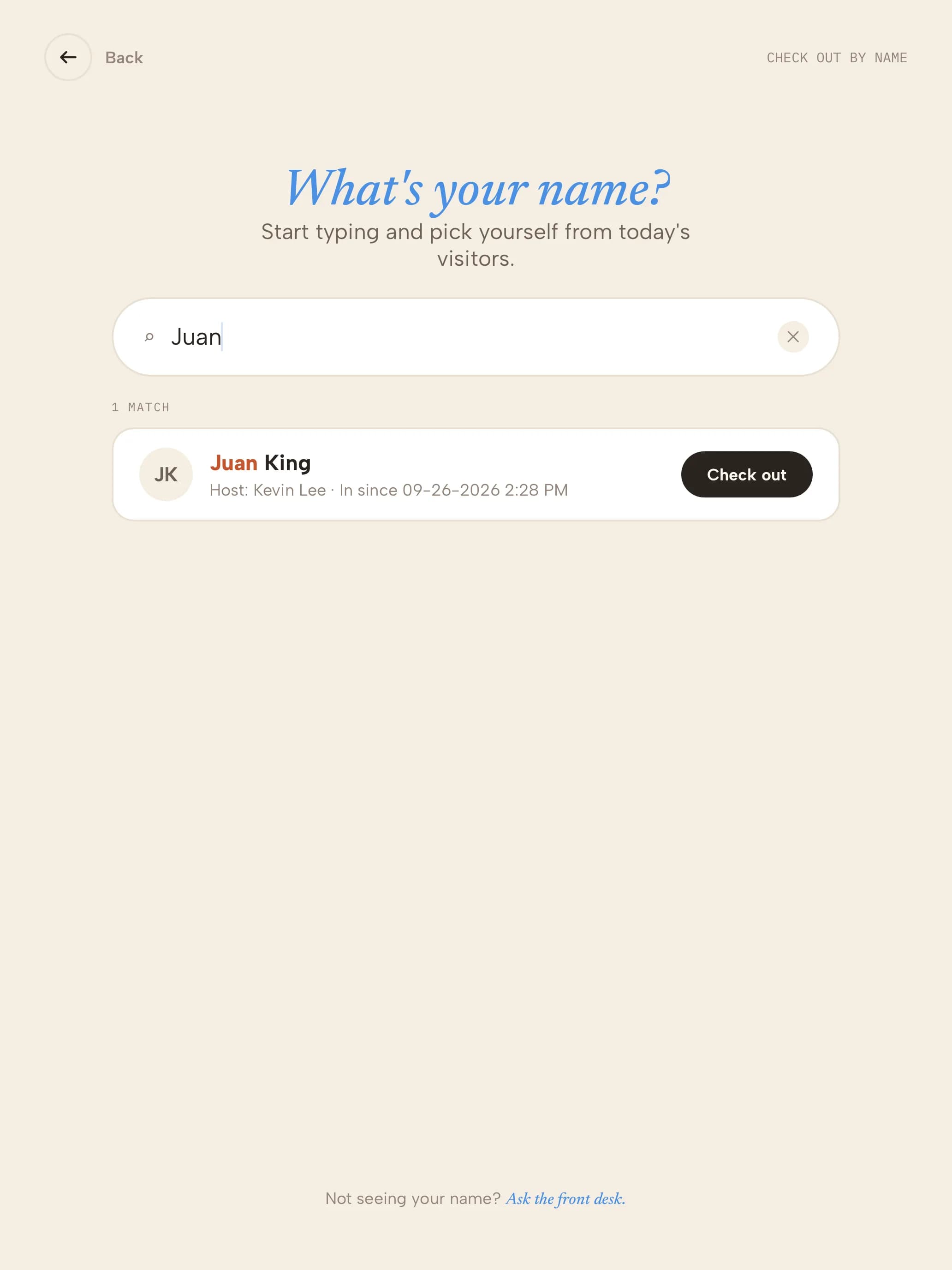
Check-out settings are under Configuration → Additional Configurations.
1
Choose the check-out modePick Secure (the visitor enters their email, visitor code or phone), With Name (they find their name in today's list), or Name & Secure (both). You can also hide the Check out button altogether.
2
Check out by nameWith name check-out on, visitors tap Check out by name and pick themselves from today's on-site visitors.
3
Auto check-outTurn on Auto Checkout to check everyone out automatically each night.
4
Check someone out from the dashboardIn the Visitor Log, open the visitor's row actions and choose Check out now, then set the check-out time.