VISITORS & PRE-REGISTRATION · 2 MIN · UPDATED SEP 2026
Usethevisitor log
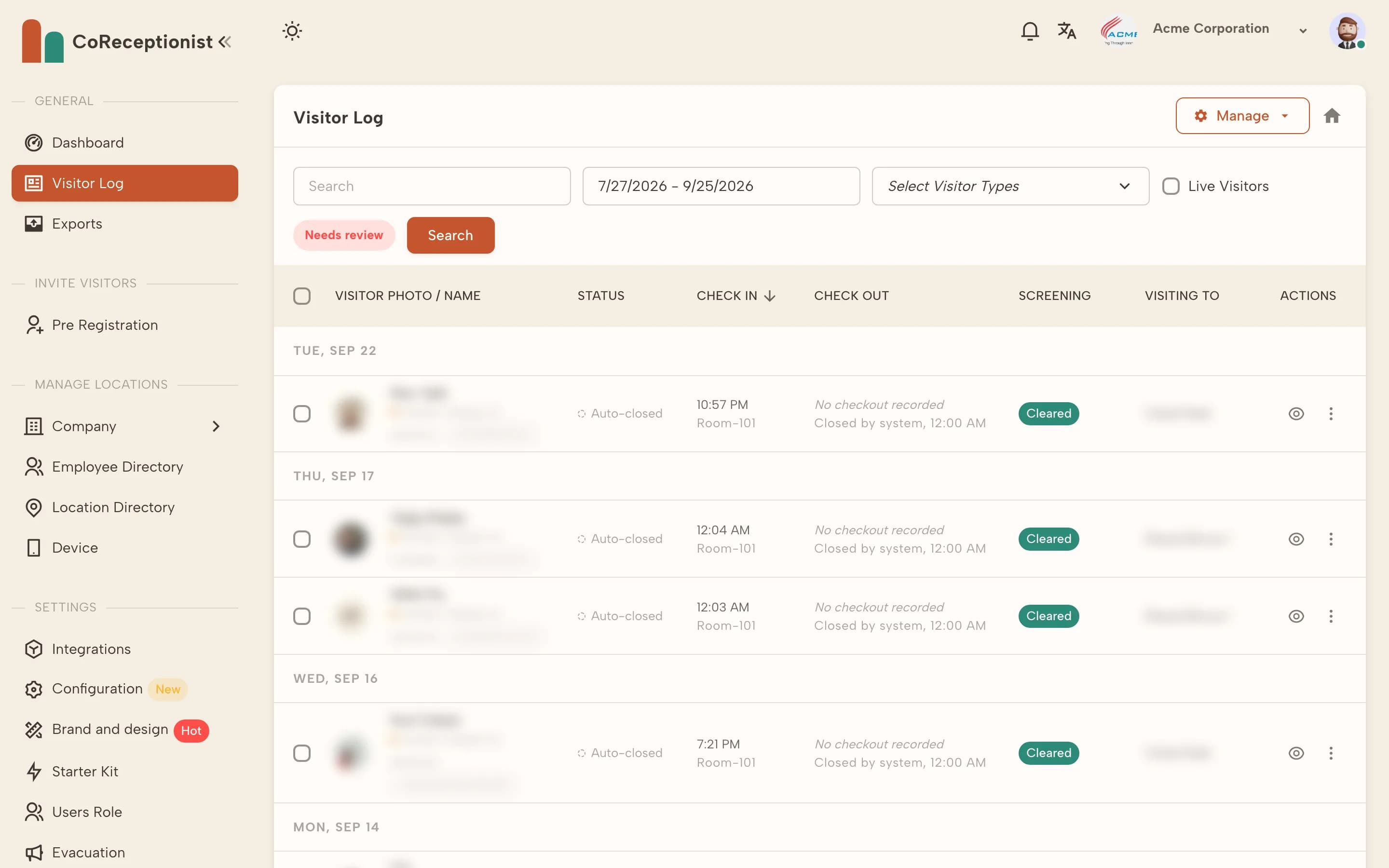
The Visitor Log lists every check-in, grouped by day, with status, host and screening result.
1
Filter the logSet the date range, pick visitor types, search by name, or tick Live Visitors to see only people on site now. Needs review shows unreviewed screening matches.
2
Open a visitUse View details for the full record — visitor type, host, notes, group members and any screening result.
3
Act on a visitFrom a row's actions you can add notes, check the visitor out, open their NDA and documents, or delete the log (if your company allows it).
4
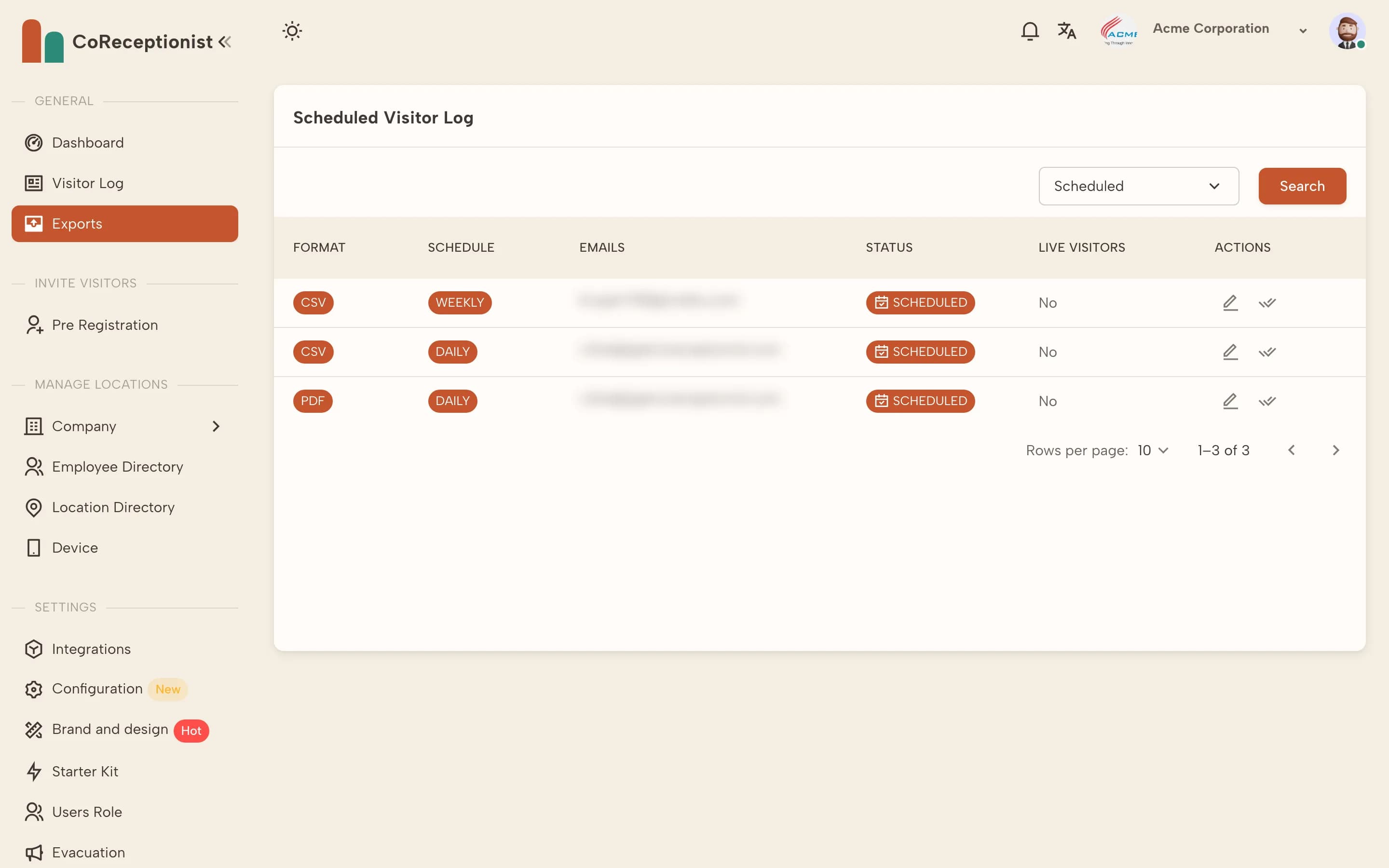
Export or emailUse Manage to export the log or email it to up to 10 addresses. Recurring exports are set up under Exports.
TIPThe dashboard's Today's Visitor, Currently On-site and Pending Screening Alerts cards open the log with the matching filter applied.