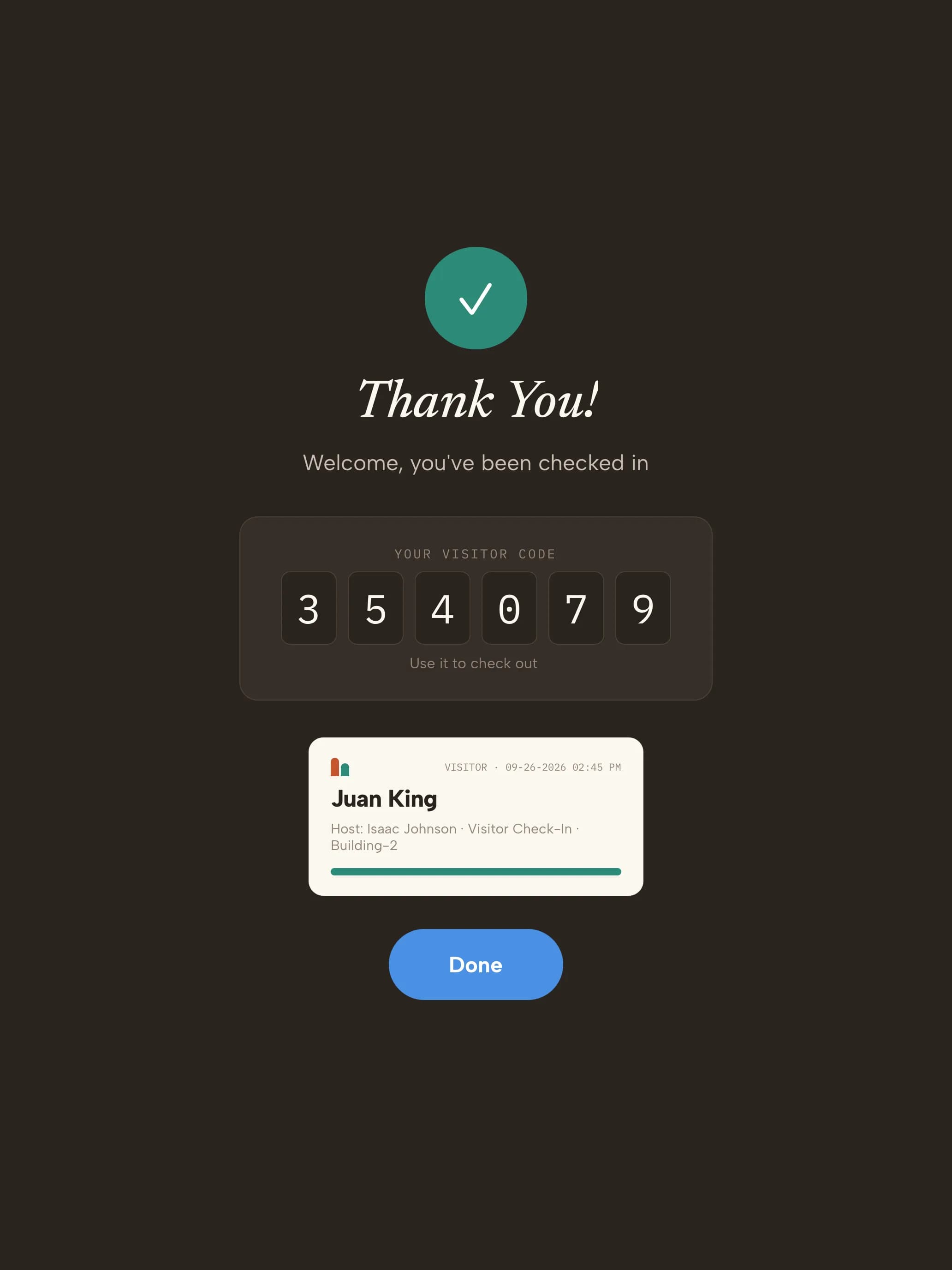
Turn on badge printingEdit the visitor type and turn on Enable Pass Layout.
2
Lay out the badgeIn the badge section, pick portrait or landscape, add the fields you want to print, and set bold, italic, font size and color for each.
3
ITAR badge (optional)For screened sites, turn on Enable ITAR Visitor Badge and choose the citizenship field it uses.
4
Print a test badgeOn the kiosk, open Printer set-up and print a test badge.