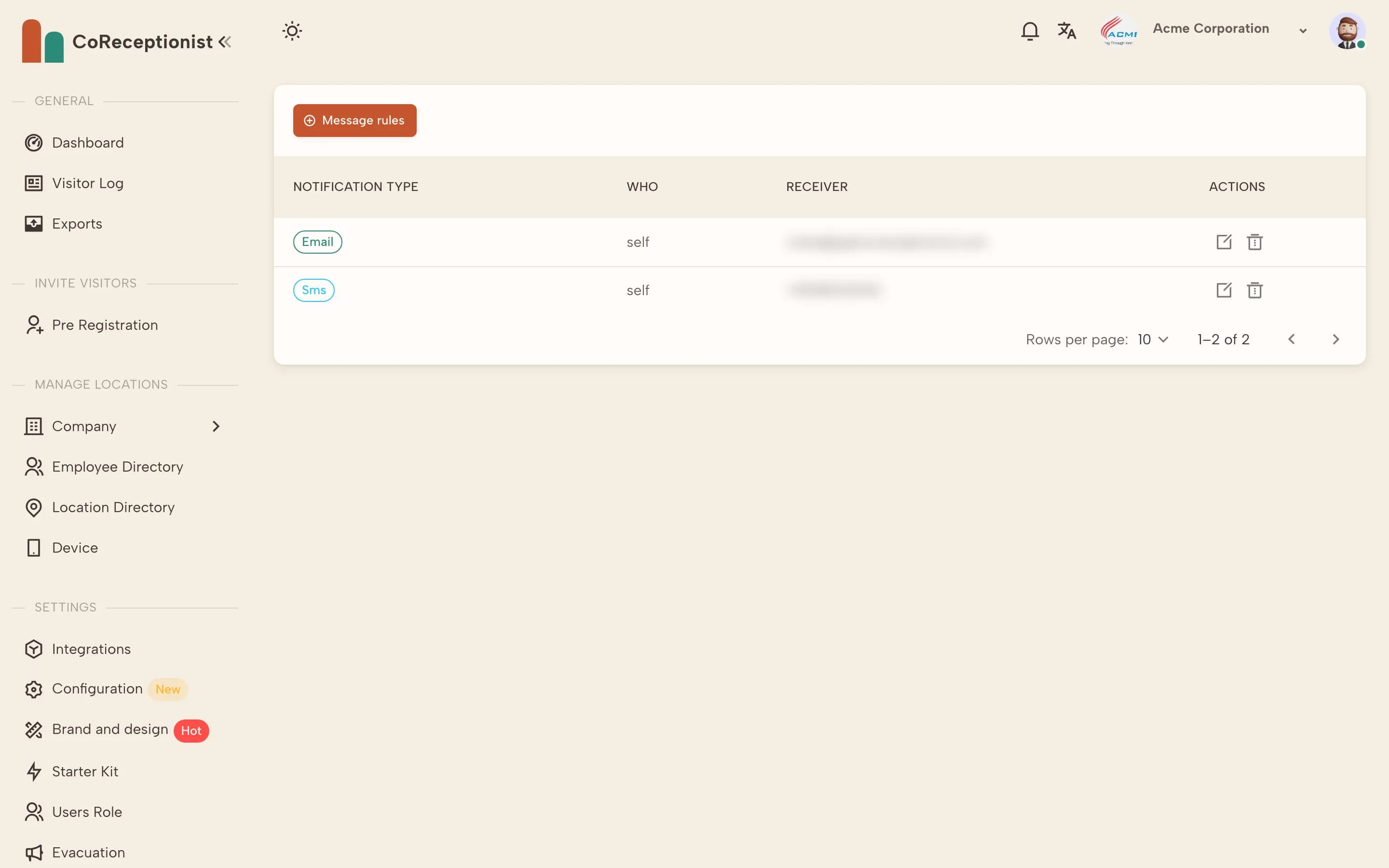
Check these in order — most cases are solved by the first two.
1
Check the host's message rulesOpen the employee in Employee Directory → Notification. They need at least one message rule (Email, SMS or Slack).
2
Check their contact detailsMake sure the email and phone on the employee record are correct and the employee is Active.
3
SMS: check billingSMS notifications need a payment method on the account.
4
Slack: check the connectionIn Integrations → Slack, confirm Slack is connected and Enable slack configuration is on. With Enable Sync on, the employee's email must match their Slack account.
5
Email: check spamAsk the host to check their spam or junk folder and to allow CoReceptionist emails.
6
Send a testCheck in a test visitor for that host and confirm the notification arrives.