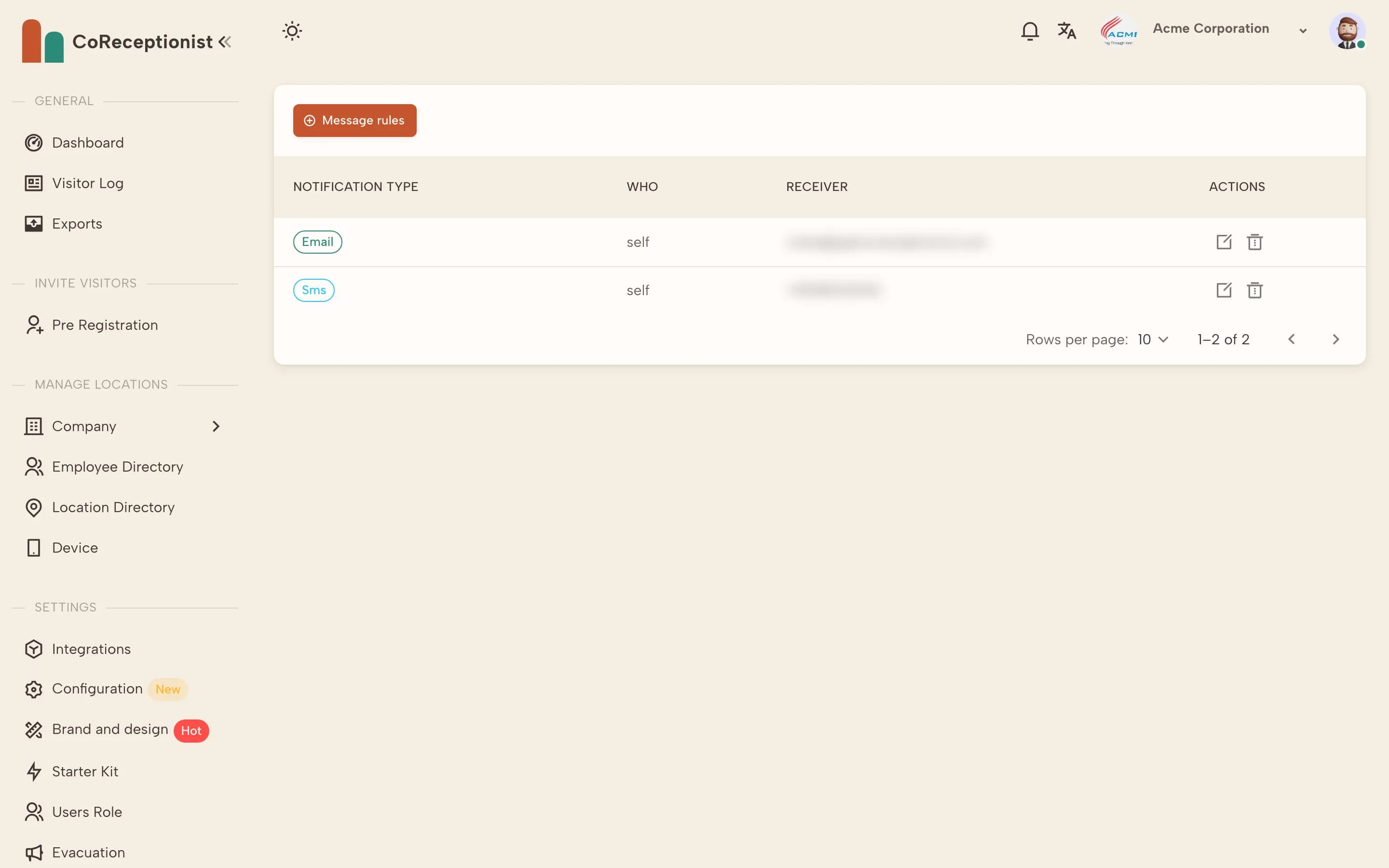
Notifications are set per employee with message rules.
1
Open the employeeIn Employee Directory, open the employee and go to their Notification tab.
2
Add a message ruleChoose Message rules, pick the notification type — Email, SMS or Slack — and choose Self (the employee's own contact) or Other Contact (for example an assistant).
3
Set rules in bulkWhen you import employees from CSV, turn on Generate messaging rules while importing data to create rules for everyone at once.
4
SMS needs a payment methodAdd a payment method in billing to unlock SMS notifications.