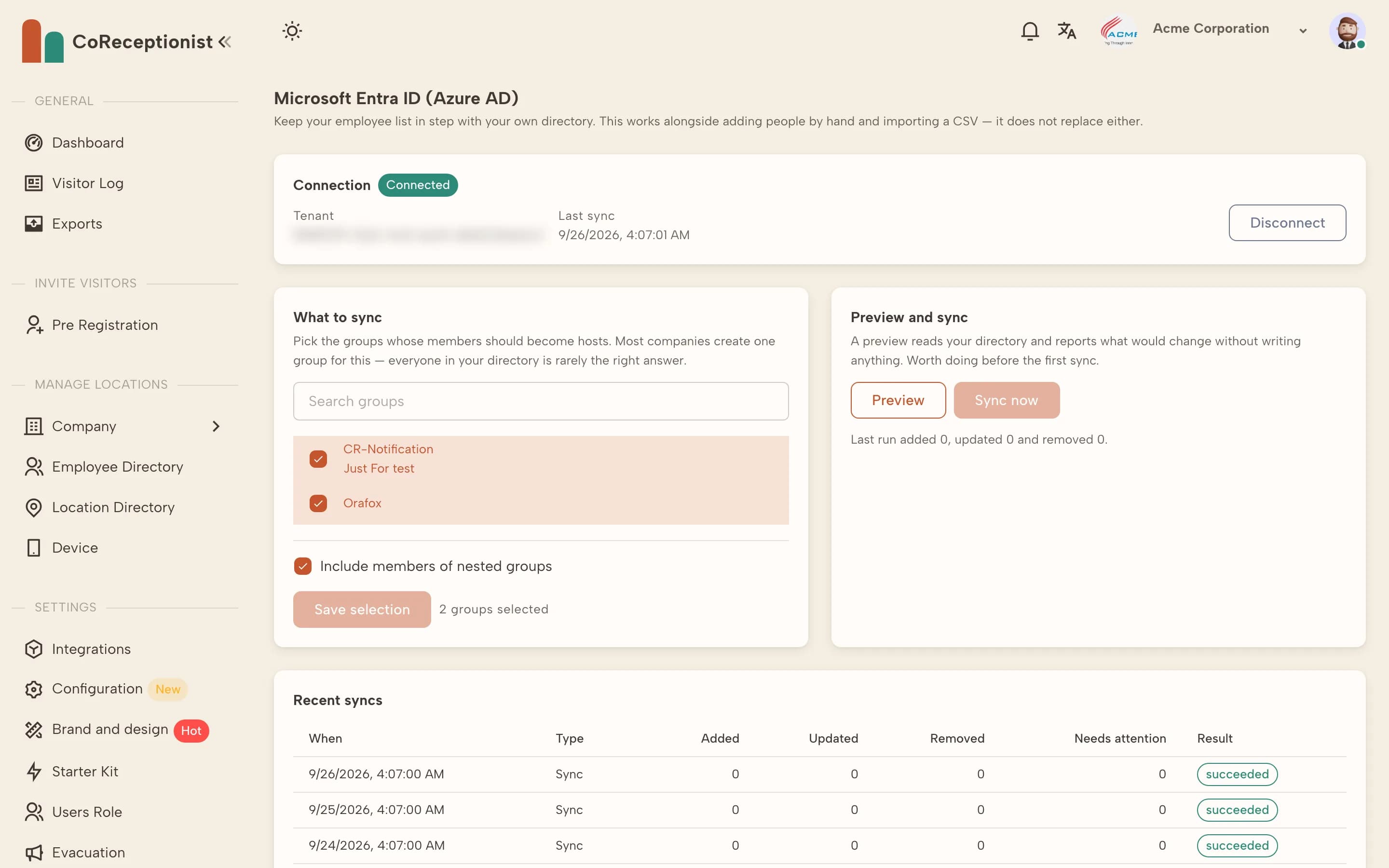
CoReceptionist reads the groups you choose and mirrors them nightly. It never writes to your directory.
1
ConnectOpen Integrations → Microsoft Entra ID → Configuration and connect with an admin account that can grant read-only access.
2
Choose what to syncSearch for the groups your hosts belong to and select them. Include members of nested groups if you need to, then Save selection.
3
Preview, then syncPreview shows what would change without writing anything. When it looks right, choose Sync now.
4
Nightly updatesAfter that, new starters appear, details stay current, and people who leave the selected groups stop receiving visitor notifications. Recent syncs lists each run.
TIPSyncing adds hosts. If your plan's host limit is reached, the sync tells you and you can upgrade from Plan & Billing.