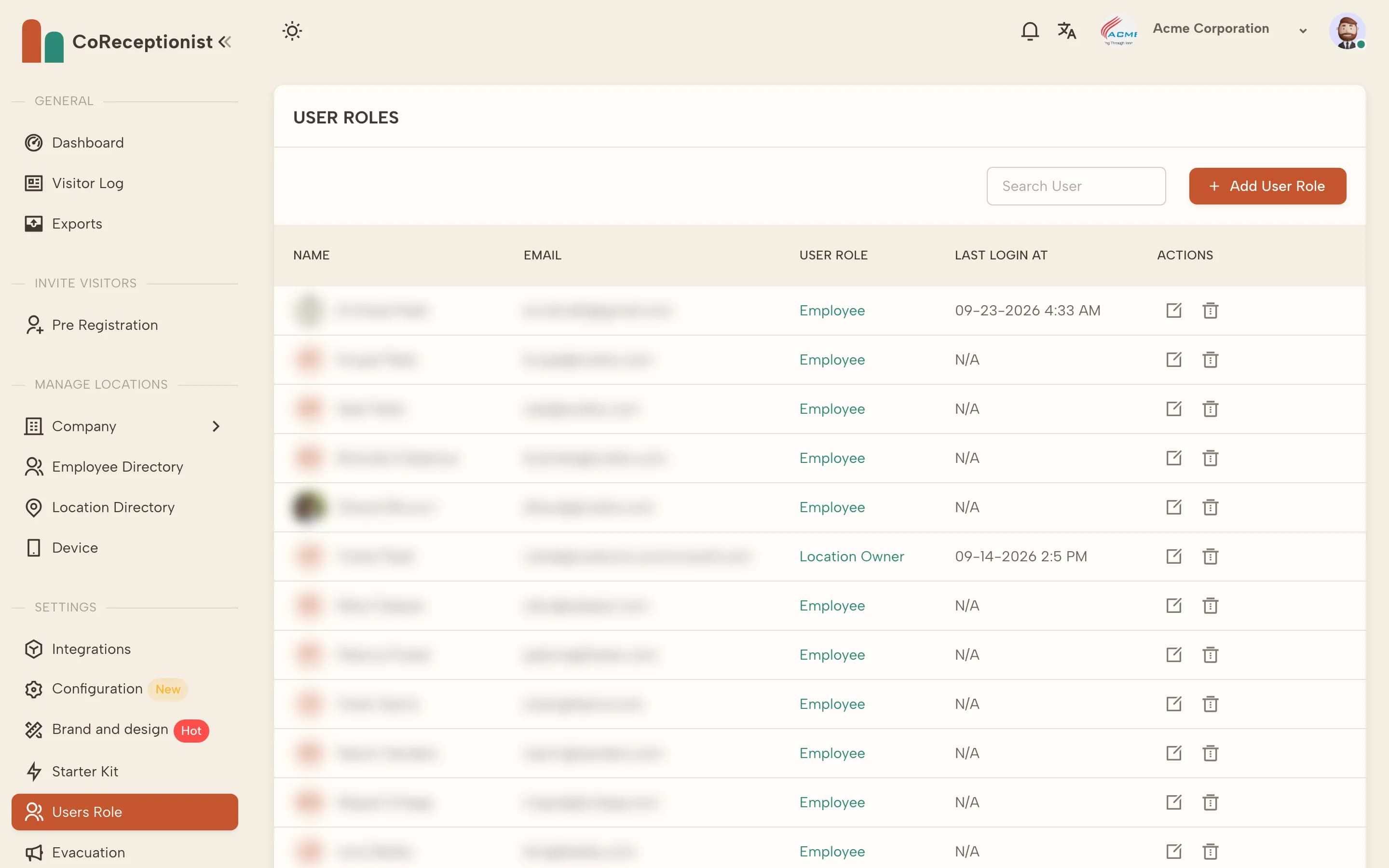
Dashboard users are employees with a role. Add the person to the Employee Directory first, then give them a role.
1
Add them as an employeeIn Employee Directory, choose Add New Employee (or import a CSV). Employees are also the hosts visitors can pick on the kiosk.
2
Check the available rolesEach role sets which areas someone can use: Account Owner (everything), Location Owner (everything but billing), Receptionist, Employee, Security or Billing. Choose Click here to learn user roles in the form for a summary.
3
Assign the roleOpen Users Role, choose Add User Role, select the employee and the role, then save.
4
Send the login invitationWhen you import employees you can send login invitation emails at the same time; otherwise share the dashboard link so they can set a password.