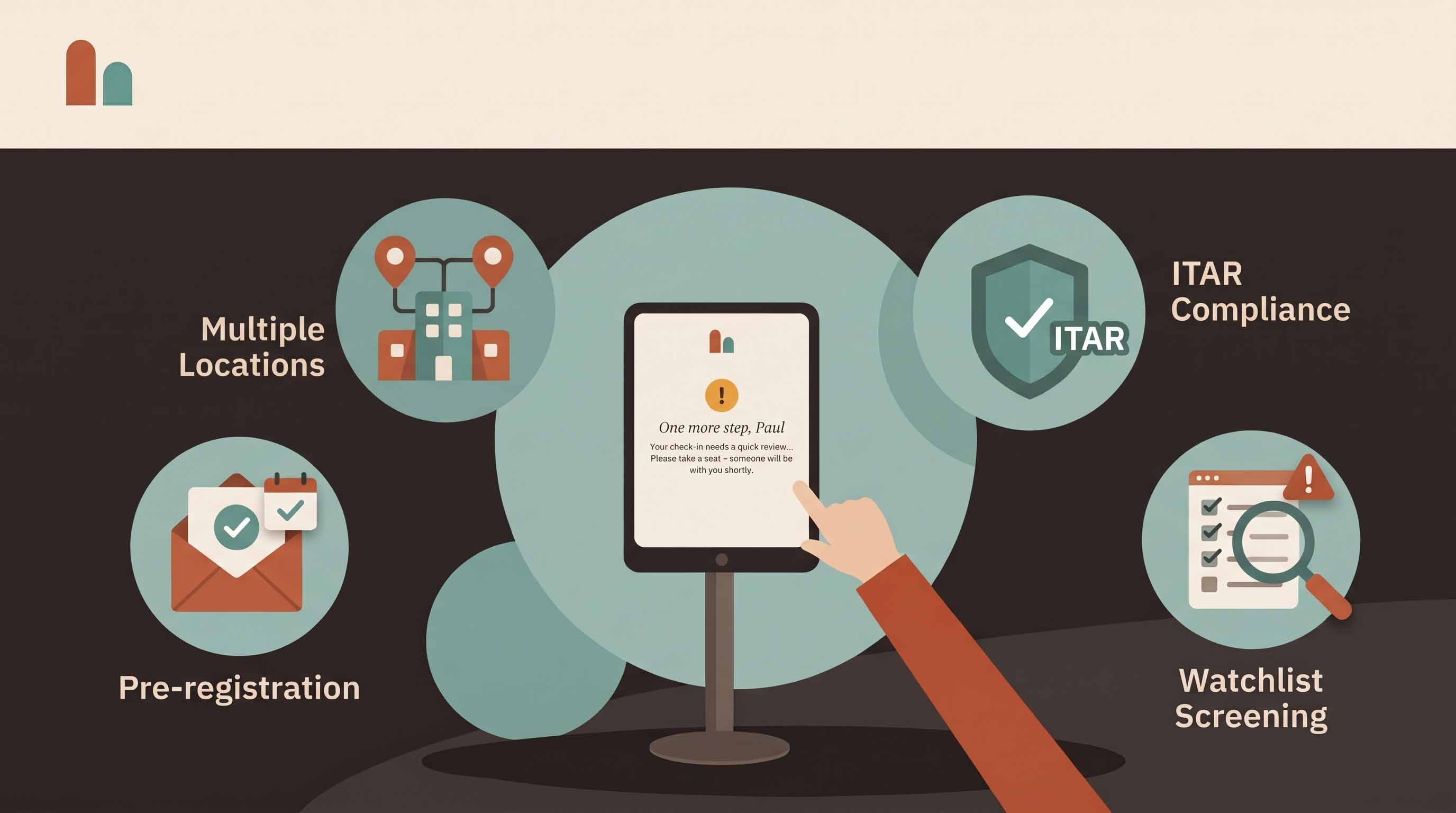
Ink is cheap. Reconstructing six months of visits for an insurer, an auditor or an incident review is not. A paper logbook's real cost doesn't show up when you buy it — it shows up the day someone needs to search it.
This guide compares a paper visitor log with a digital one: what each actually captures, where paper quietly costs you time and exposure, and how to switch without disrupting the front desk. Still on paper for now? Our free visitor log template covers the basics.
What a paper visitor log never captures
A sign-in book records what visitors choose to write, in handwriting someone else has to read. The gaps are predictable:
- Exit times. Few visitors sign out, so the book can't tell you who is still in the building.
- Legible names. A scrawled name is no use to an auditor or a fire marshal.
- The host and the reason for the visit. Often left blank, or filled in as "meeting".
- Signed documents. NDAs and site rules live in a separate folder, if they were signed at all.
- Escorts and screening results. Rarely recorded, and impossible to prove afterwards.
None of this can be reconstructed later. As we cover in why your visitor log is a security document, the record is only as good as what was captured at the door, in the moment.
The hidden costs of paper
Search time. Answering "who visited on the 14th?" means flipping pages. Answering "how often did this contractor come in last quarter, across both sites?" can take an afternoon — if the books still exist.
Privacy exposure. Every visitor who signs in can read the names, companies and hosts of everyone above them. For a clinic, a law firm or a company with confidential partners, that open page is a disclosure.
Front-desk interruptions. Someone has to hand over the pen, check the entry, find the host, call them and write a badge by hand. Each step pulls reception away from the person standing in front of them.
Retyping and errors. Logs that get typed into a spreadsheet for reporting are entered twice, with transcription mistakes the second time.
No headcount in an emergency. A book without exit times can't produce an accurate list of who is on site when the alarm goes off.
Paper vs digital visitor log, side by side
- Who writes the entry: paper relies on the visitor's handwriting; digital has visitors type their own details on a kiosk or their phone.
- Exit times: paper is mostly blank; digital records check-out at the kiosk, by visitor code, or automatically each night.
- Host notification: paper means reception phones around; digital alerts the host by email, SMS, Slack or Microsoft Teams the moment their guest checks in.
- Badges: paper means handwritten stickers; digital prints a badge with the visitor's name, photo and host.
- Documents: paper keeps NDAs in a separate folder; digital has them signed on screen and attached to the visit.
- Privacy: paper shows every earlier visitor; digital shows each visitor only their own entry.
- Search and export: paper means flipping pages; digital filters by date, name, visitor type or host and exports in seconds.
- Evacuation: paper offers a best guess; digital gives a live list of who is on site.
- Multiple sites: paper means one book per door; digital is one searchable log across every location.
What the switch saves: a worked example
Take an office with 30 visitors a day, where signing in, writing a badge and tracking down the host takes reception about 90 seconds per visitor. That's 45 minutes a day — roughly 3.75 hours a week.
If visitors register themselves and the host is notified automatically, reception's part shrinks to a greeting. Even if it still takes 15 seconds per visitor, that's 7.5 minutes a day: about 37 minutes a day, or just over 3 hours a week, handed back to the front desk. Your own numbers will differ; time a week of check-ins before you switch and you'll have a baseline to compare.
The larger saving is the one paper never counts: the hours spent searching, retyping and answering "were they here?" after the fact.
How a digital visitor log works with CoReceptionist
- Self check-in: a tablet kiosk (iPad or Android) at the entrance, or touch-free sign-in from the visitor's own phone by QR code.
- Pre-registration: hosts invite expected guests, who receive their meeting details and a QR code before they arrive.
- Host alerts: email, SMS, Slack or Microsoft Teams, so nobody waits in the lobby.
- Badges and documents: badges print on arrival, and NDAs or site rules are signed on screen with a copy emailed to the visitor.
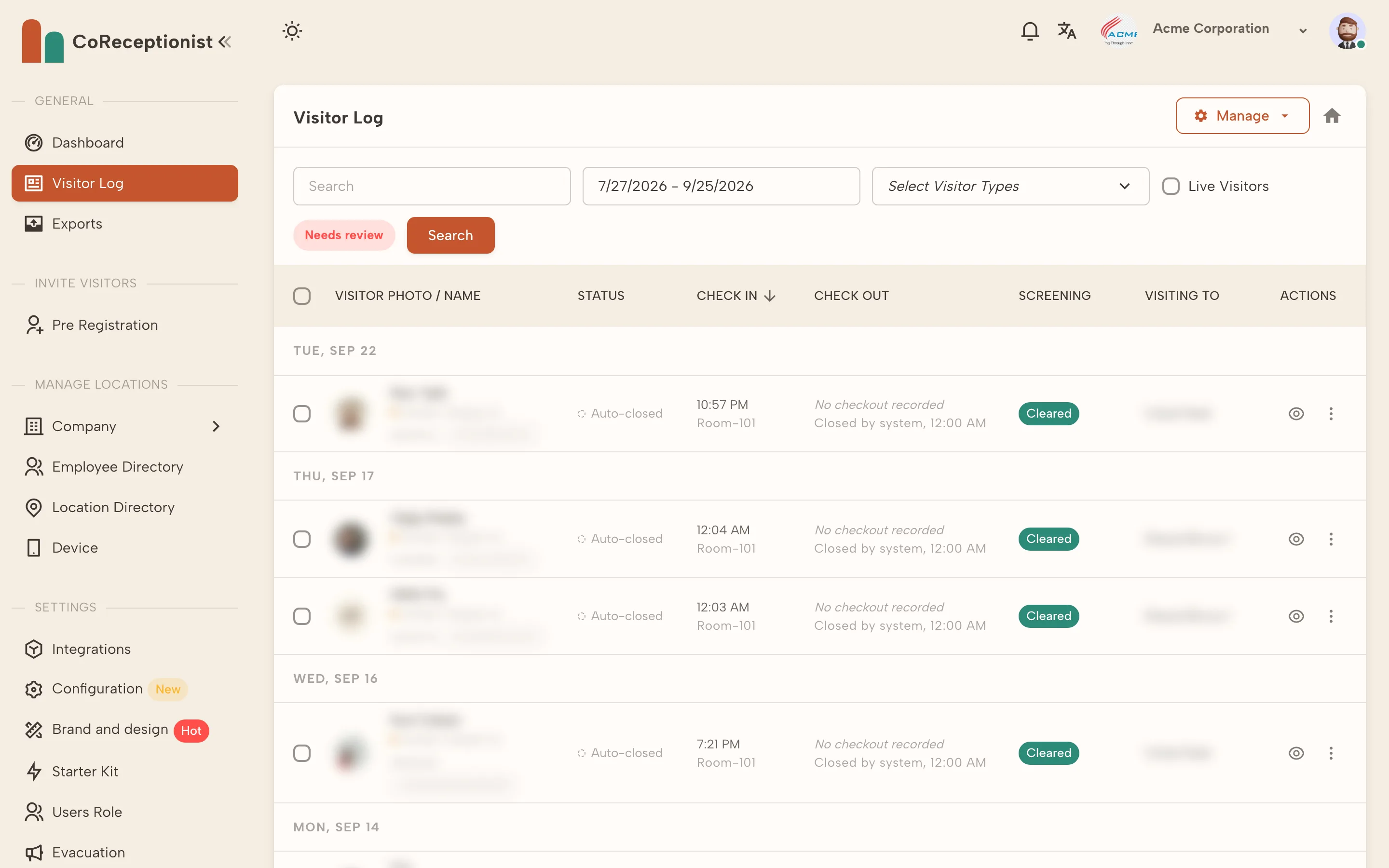
- A searchable log: every visit lands in one visitor log, filterable by date, visitor type and name, with a live view of who is on site now.
- Retention you control: set how long visitor records are kept, instead of storing logbooks in a cupboard indefinitely.
Learn more in our visitor management system guide or see the visitor check-in kiosk.
How to switch from paper without disruption
- Pick one entrance first. Run the kiosk beside the logbook for a week so staff and regular visitors get used to it.
- Set up visitor types. Guests, contractors, interviews and deliveries should each answer only the questions that apply to them.
- Load your hosts. An up-to-date employee directory is what makes automatic host alerts work.
- Decide on retention. Agree how long visitor records should be kept before you start collecting them.
- Retire the book. Once the digital log is the record, archive the paper logs according to your retention policy.
Frequently asked questions
Is a paper visitor log still acceptable? For a small office with few visitors, it can be. But it can't hide earlier entries from the next visitor, can't tell you who is still on site, and can't be searched quickly — gaps that matter as soon as you face an audit, an incident or an evacuation.
What should a visitor log record? At minimum: the visitor's name and company, the host, the reason for the visit, check-in and check-out times, and any documents signed. Regulated sites add screening results and escort details.
How long should we keep visitor logs? It depends on your industry and the regulations you follow, so set a policy with your legal or compliance team. A digital log lets you apply that policy automatically rather than by hand.
Ready to retire the logbook? CoReceptionist starts at $50 per location per month, with a 14-day free trial and no credit card required.