Visitors no longer expect a clipboard and a shared pen. They expect to check in the way they board a flight: scan a code, get a badge, be on their way. Touchless visitor check-in has gone from a pandemic measure to the baseline for a modern front desk.
This guide explains how QR code and mobile check-in work, where touchless helps (and where a kiosk still earns its place), and how to set it up without leaving anyone stranded in the lobby.
What "touchless" check-in actually means
Touchless check-in means a visitor can sign in without touching anything shared — no pen, no clipboard, no common screen. In practice there are two routes:
- Pre-registered guests receive an invitation with a QR code before they arrive and hold it up to the kiosk camera.
- Walk-ins scan a QR code on the kiosk's welcome screen and complete sign-in on their own phone.
Either way, the visit is recorded, the host is notified and a badge can print — exactly as if they had used the kiosk by hand.
How QR code check-in works, step by step
- The host invites the visitor. From the dashboard, the host picks the visitor type, the time and the visitor's name and email. Several visitors can be invited at once, or imported from a CSV file for events and contractor days.
- The visitor gets a QR code. It arrives by email or SMS. One-time codes cover a single visit; permanent codes suit regular visitors such as cleaners or maintenance contractors.
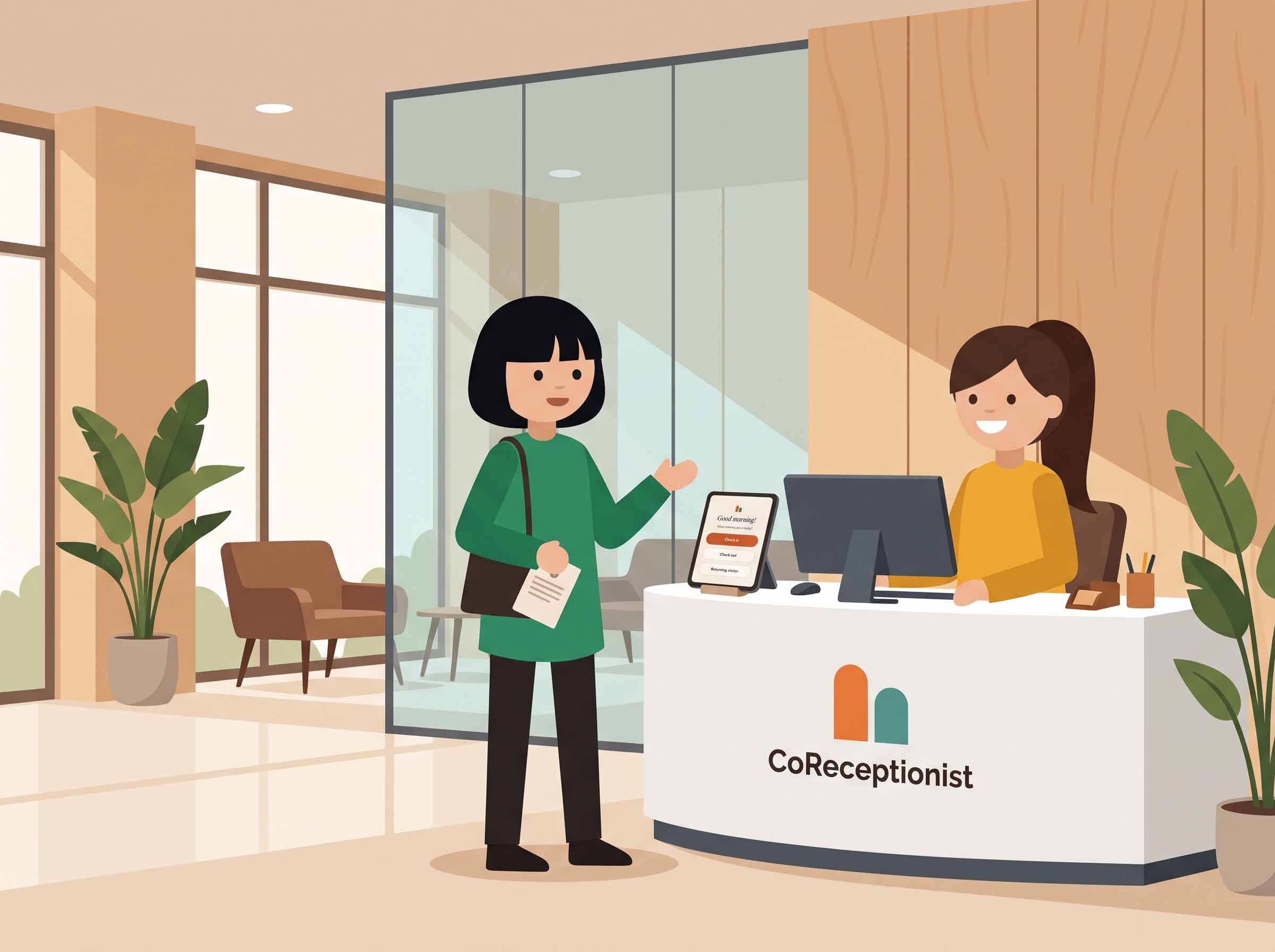
- The visitor scans on arrival. They hold the QR code up to the kiosk camera and are checked in.
- The host is alerted. An email, SMS, Slack or Microsoft Teams message tells the host their guest is here.
- The badge prints. Name, photo and host, ready to wear.
For walk-ins, the flow starts at step 3: scan the code on the welcome screen, answer the questions for their visitor type on their phone, and they're in.
Why touchless check-in matters beyond hygiene
Speed at peak times. Monday mornings, interview days and site inductions create queues at a single tablet. When visitors can sign in on their own phones, a queue becomes a handful of people checking in at once.
Better data. Pre-registered details are entered by the host or the visitor ahead of time, typed rather than handwritten — so the record is legible and complete before the visitor reaches the door.
A calmer lobby. Reception isn't juggling a pen, a clipboard and a phone call to the host. The front desk can focus on the person in front of it.
Privacy. Unlike a paper sign-in sheet, nobody sees the names of earlier visitors. Each person sees only their own check-in.
Touchless vs kiosk: you don't have to choose
Touchless check-in works best alongside a kiosk, not instead of one:
- Some visitors won't have their invitation handy, or would rather tap a screen than open an email.
- Regular visitors can use returning-visitor quick sign-in on the kiosk: enter an email or phone number and their details carry over from their last visit.
- Groups — tours, crews, interview panels — can be signed in together, with a badge for each person.
The kiosk is the fallback that keeps everyone moving; QR check-in is the shortcut that keeps the line short. See how the visitor check-in kiosk brings both together on an iPad or Android tablet.
Touchless check-out matters too
A touchless flow that ends at check-in leaves your log half-finished. Visitors can check out at the kiosk with their email, phone or visitor code, or by picking their name from today's list — and auto check-out closes out everyone at the end of the day, so your record of who is on site stays accurate.
How to roll out touchless check-in
- Start with pre-registration. Ask hosts to invite expected guests for one week and watch how many arrive with a QR code ready.
- Put the walk-in QR code where people look. On the kiosk's welcome screen, at eye level near the entrance.
- Use permanent codes for regulars. Contractors and service staff who come every week shouldn't need a new invitation each time.
- Keep the kiosk for everyone else. Returning-visitor quick sign-in covers the regulars who prefer it.
- Check the log. After a week, filter the visitor log to see how visitors are checking in and adjust from there.
Frequently asked questions
Do visitors need to download anything? Not to check in with an invitation: visitors hold the QR code from their email or SMS up to the kiosk camera. Walk-ins scan the code on the welcome screen to sign in on their own phone.
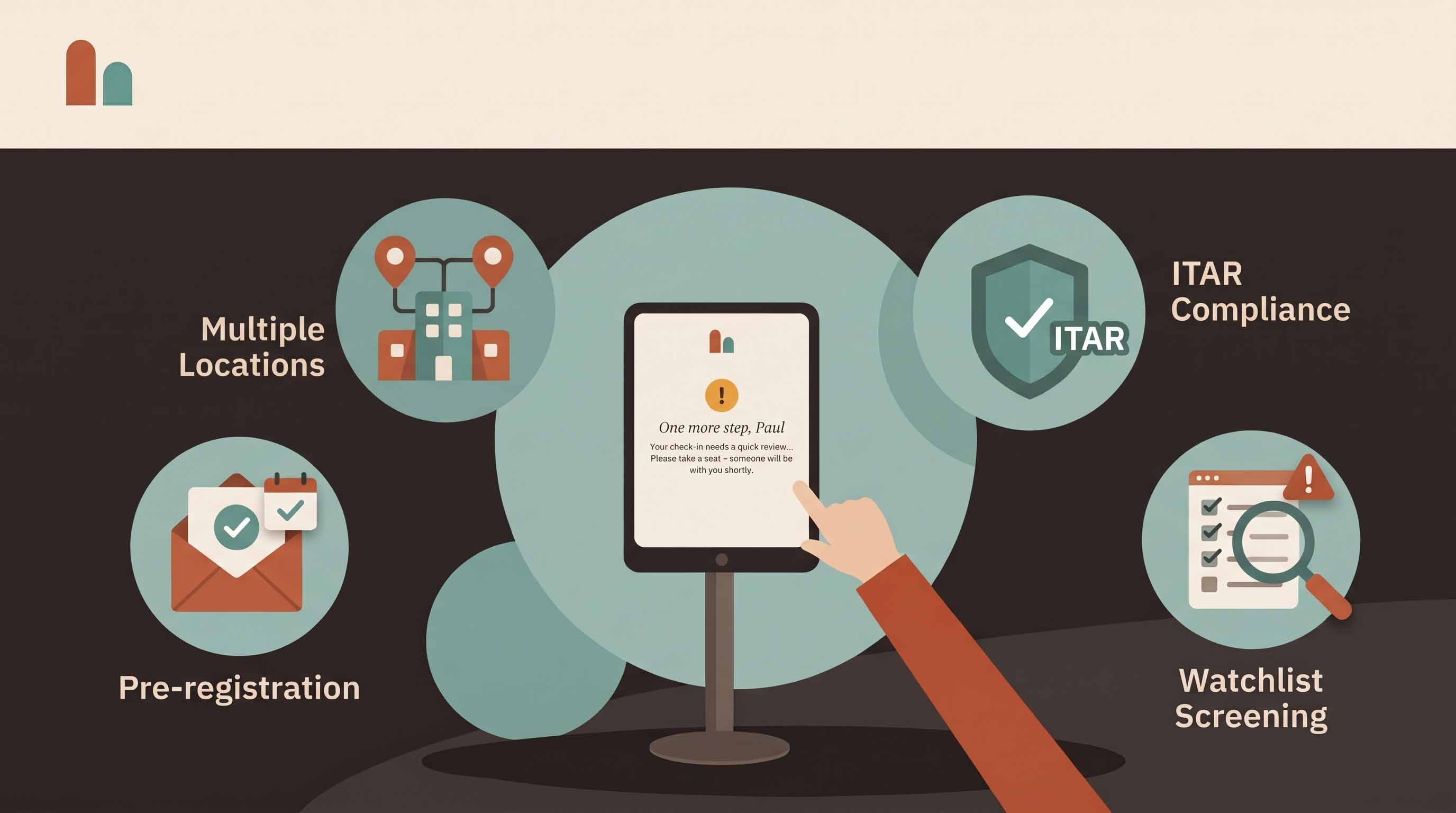
Can touchless check-in still screen visitors and collect NDAs? Yes. Each visitor type follows its own questions, documents and screening, whichever way the visitor checks in.
What if a visitor's phone is dead? They use the kiosk instead. That's why touchless works best as a second route, not the only one.
Ready to try it? See how visitor management works end to end or start a 14-day free trial — no credit card required.