Buying a visitor management system looks simple until you compare three vendors and realize each one answers a different question. This checklist gives you the questions to ask — about your own front door first, then about the software — so you can compare systems on the same terms and run a trial that tells you something.
New to the category? Start with our guide to what a visitor management system is and how it works.
Before you look at vendors: define your front door
Answer these about your own site before you book a single demo. They decide which features matter.
- Who visits? Guests, contractors, interview candidates, deliveries, parents, patients' family members — each may need different questions, documents and badges.
- How many entrances and locations? One lobby, several buildings on a campus, or sites in different cities.
- How busy are they, and when? Thirty visitors spread across a day need one kiosk; forty trainees arriving at 8:30 may need two, plus QR check-in on their own phones.
- Is the desk staffed? A self-service lobby needs host alerts and delivery handling that work with nobody at reception.
- What do you have to prove? NDAs, safety inductions, screening results, evacuation records — and who will ask for them.
The visitor management system buyer's checklist
Check-in
1. How do visitors check in? Look for a kiosk on a tablet you already own (iPad or Android), touchless QR check-in from the visitor's own phone, and quick sign-in for returning visitors. Group check-in matters if you host tours, crews or interview panels.
2. Can each visitor type follow its own flow? A contractor shouldn't answer the same questions as a job candidate. Check that questions, documents, badges and notifications can be set per visitor type.
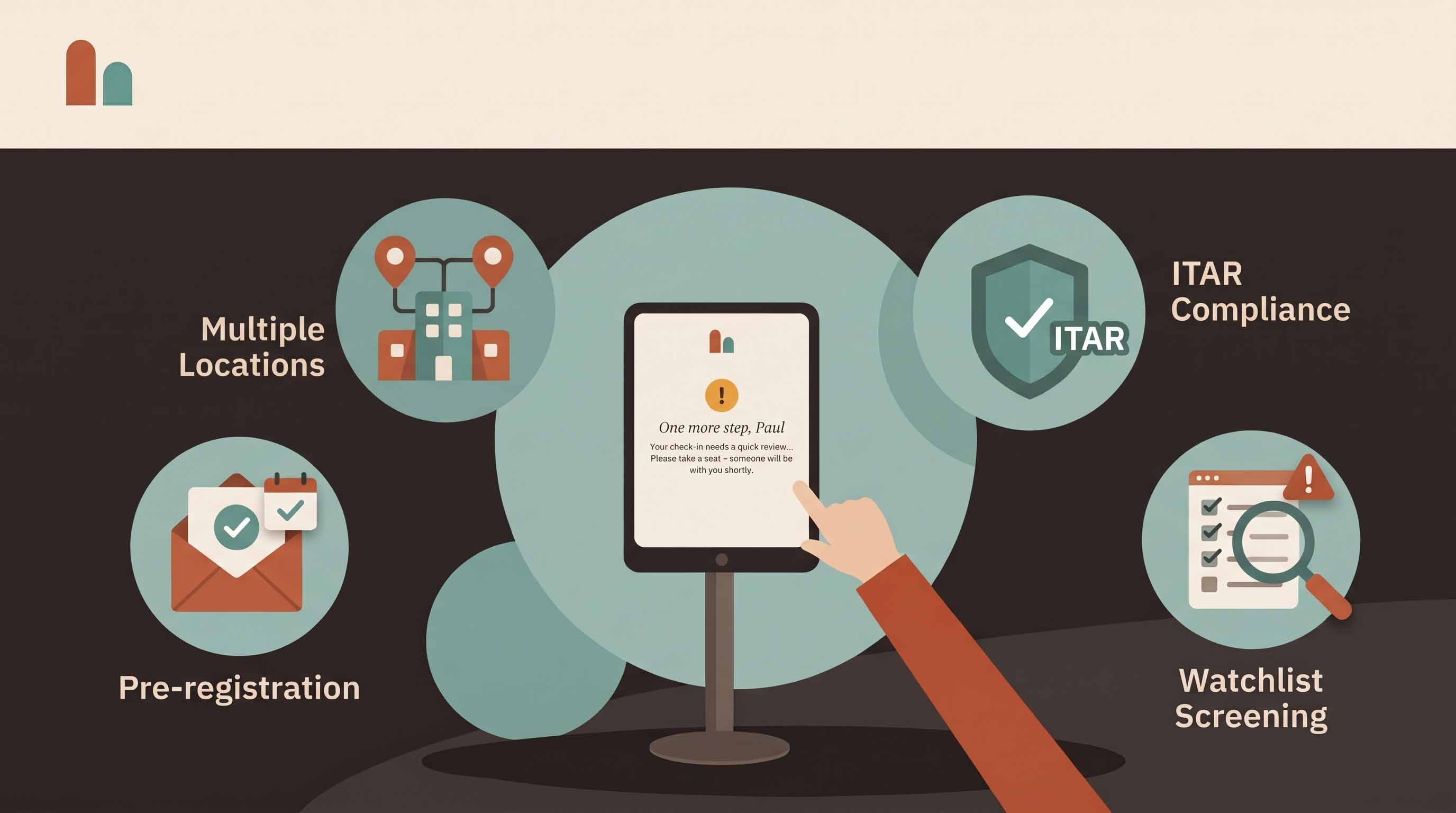
3. Can hosts pre-register guests? Pre-registration with a QR invitation shortens check-in and gives security a view of who is due. Bulk invitations and CSV import help for events and contractor days.
Hosts and notifications
4. How are hosts notified? Email and SMS at minimum; Slack or Microsoft Teams if that's where your team works. Ask what happens when a host doesn't respond.
5. How does the employee directory stay current? Host alerts only work if the directory is right. Ask how employees are added, imported and removed.
Security and compliance
6. Can it screen visitors? At minimum, your own watchlist. If you handle export-controlled technology, ask about denied-party screening against the U.S. Consolidated Screening List, and what the visitor sees when there's a match.
7. Are documents signed at the door? NDAs, site rules and induction videos should be completed before a badge prints, with a copy sent to the visitor and attached to the visit record.
8. Can it produce an evacuation roster? A live list of who is on site, a way to alert them, and a record of who was accounted for. This only works if check-out is reliable, so ask about auto check-out.
9. What does the audit trail look like? Search, filters, exports and scheduled reports. Ask to see a real visitor log, not a slide.
Data and IT
10. Where is data stored, and how long is it kept? Ask where the data is hosted, whether it's encrypted at rest, and whether you can set retention policies per site. Ask for the vendor's security documentation; a good vendor publishes it. See CoReceptionist's security overview.
11. How are kiosks controlled? Kiosks should pair with a one-time code and be revocable remotely if a tablet goes missing. Visitor records should live in the cloud, not on the device.
Cost and rollout
12. What does it really cost, and how fast can you start? Compare per-location pricing, what's included on each plan, hardware (tablet, optional badge printer) and any setup fees. Ask how long setup takes and whether you can trial it on your own hardware.
How to run a trial that tells you something
- Use your real visitor types. Set up guests, contractors and deliveries exactly as you'd run them.
- Put the kiosk where visitors actually arrive, not on a desk in IT.
- Run it for a full week, including your busiest day.
- Test the edge cases: a walk-in without an invitation, a group, a screening match, a lost tablet.
- Ask reception and three hosts what got easier and what got in the way.
Red flags
- Features shown only in slides, not in a live product or trial.
- Pricing that changes with every visitor or every feature.
- No published security documentation.
- Claims of compliance certifications the vendor can't document.
- No way to export your own visitor data.
How CoReceptionist answers the checklist
CoReceptionist runs on iPad and Android kiosks with touchless QR check-in, per-visitor-type flows, host alerts by email, SMS, Slack and Microsoft Teams, NDAs and induction videos at check-in, watchlist and denied-party screening, an evacuation roster, and a searchable, exportable visitor log. Plans run from $50 to $150 per location per month with every feature on every plan, and setup takes under an hour. See pricing or start a 14-day free trial — no credit card required.
Frequently asked questions
How long does it take to set up a visitor management system? A single location with one kiosk can usually be live the same day. Multi-site rollouts take longer, mainly to agree visitor types and load the employee directory.
Do we need special hardware? Usually just a tablet and a stand. A badge printer is optional.
What should we compare first? Start with your visitor types and compliance needs. Two systems with similar feature lists can differ a lot in how well they handle the visitors you actually get.