AGREEMENTS & INDUCTIONS · 2 MIN · UPDATED SEP 2026
AddanNDAorvisitoragreement
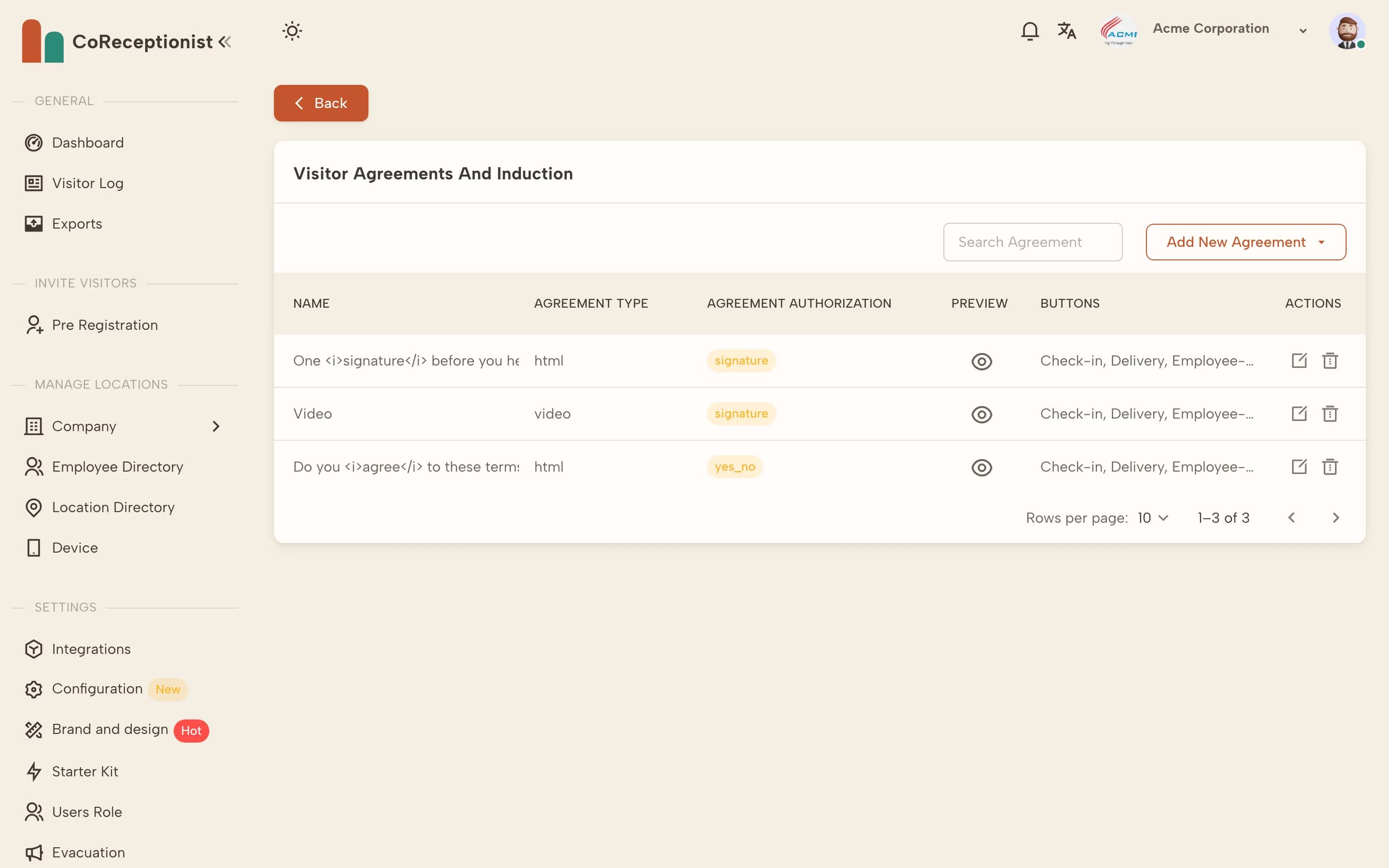
Agreements are managed in Configuration → Visitor Agreements and Induction.
1
Add the agreementChoose Add New Agreement. Pick Agreement Text for a written document or Agreement Video for a briefing video (enter its video ID and choose whether visitors can skip).
2
Choose how visitors acceptSet the authorization type: Signature, Yes/No or Agree/Disagree, and choose which visitor types show it.
3
Turn it on for a visitor typeIn the visitor type's settings, turn on Enable NDA Configuration and choose how often returning visitors are asked again.
4
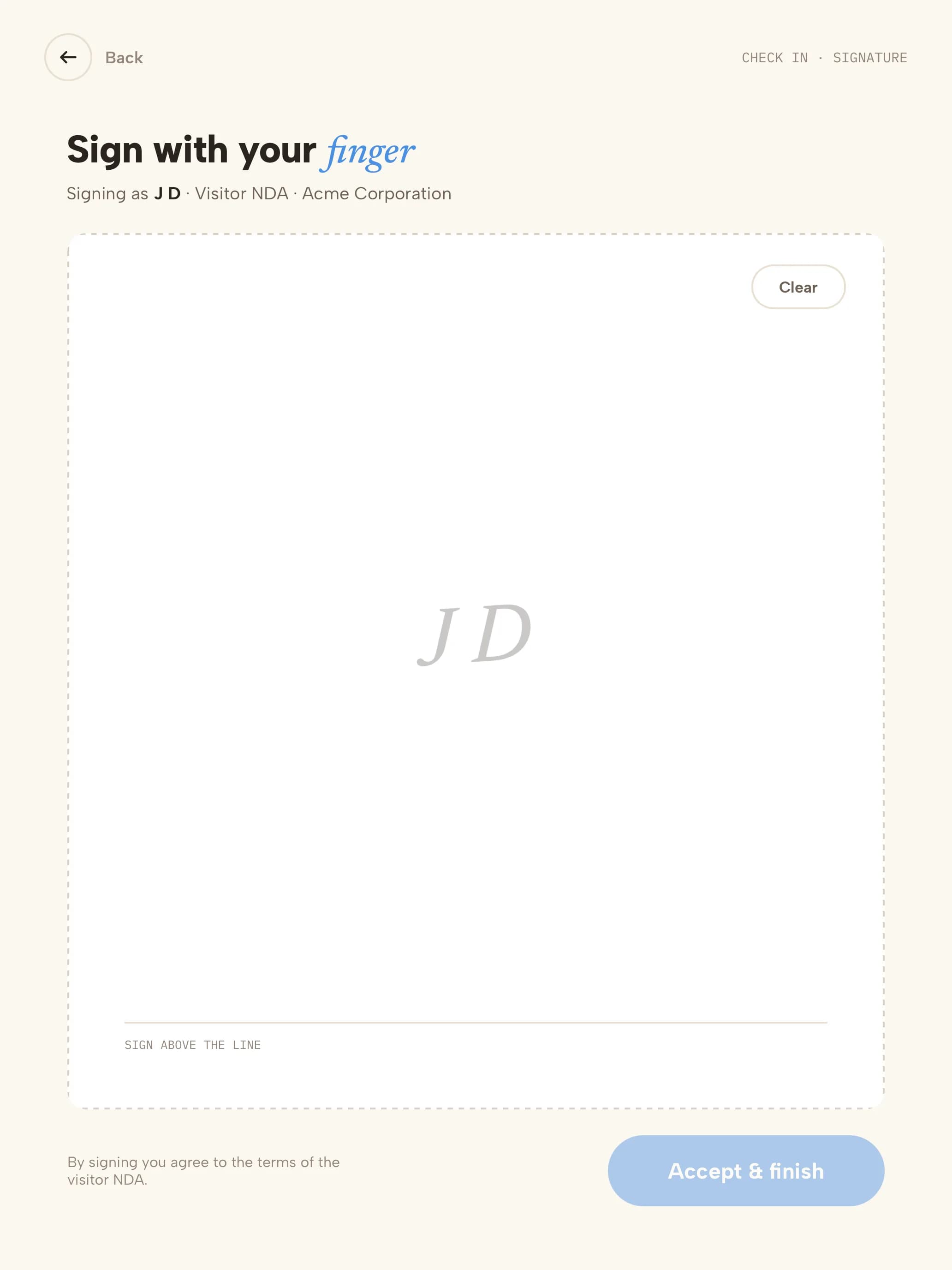
What the visitor seesVisitors scroll through the agreement, then sign with their finger. A copy is emailed to them.
5
Add visitor detailsAgreements can fill in the visitor's name, company, host, visit reason and check-in time — use Insert field above the editor. See Add visitor details to agreements.
6
Find signed agreementsIn the Visitor Log, open the visitor's row actions and choose NDA / documents.