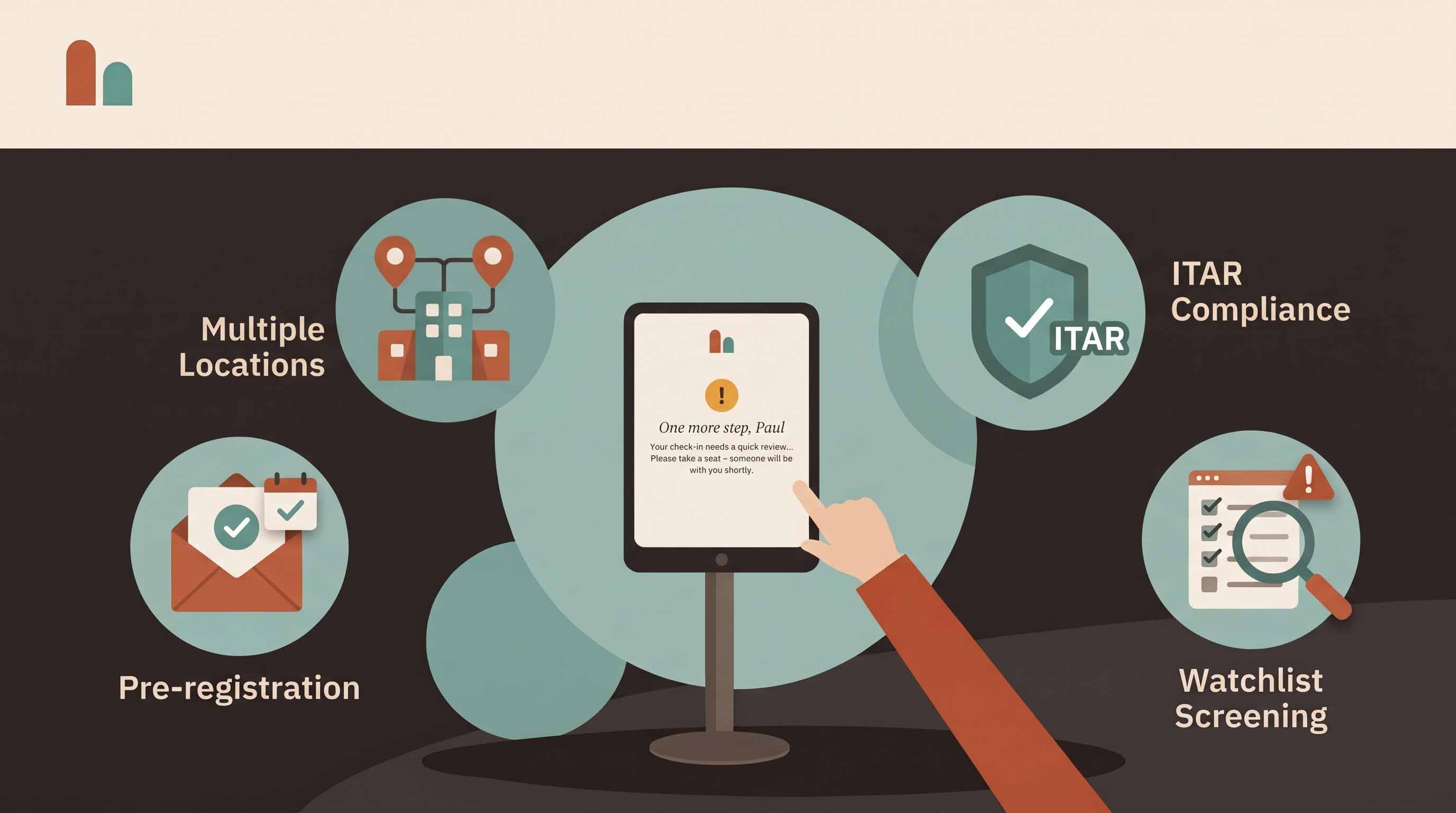
Most companies that screen against government restricted-party lists do it for customers, suppliers and shipments. Visitors are the gap: a contractor, auditor or prospective partner can walk into a facility that handles controlled technology without ever passing through the compliance system that checks everyone else.
This guide explains what denied party screening is, why it applies to visitors, which lists matter, and how to build it into check-in without turning your lobby into a checkpoint. It is general information, not legal advice.
What is denied party screening?
Denied party screening — also called restricted party or sanctioned party screening — means checking a person or organization against government lists of parties you are prohibited or restricted from dealing with. In the U.S., exporters screen to avoid releasing controlled goods, software or technical data to someone on those lists.
For visitors, the question is narrower but just as real: is the person walking through your door someone you are not allowed to give access to?
Why visitors need screening too
Under U.S. export rules, a release of controlled technical data to a foreign person inside the United States can count as an export — sometimes called a deemed export. A facility tour, an uncovered whiteboard or a prototype on a bench can all be releases.
That puts the front desk inside your export-compliance program. If you screen every customer but not the people who physically visit your engineering floor, you have a hole in the process — and no record to show you checked. We cover the ITAR side in detail in our guide to ITAR visitor requirements.
Which lists matter
The U.S. government publishes the Consolidated Screening List (CSL), which combines export-screening lists from the Departments of Commerce, State and the Treasury into one searchable source. It includes, among others:
- The Commerce Department's Entity List and Denied Persons List
- The State Department's list of parties debarred under ITAR
- The Treasury Department's Specially Designated Nationals (SDN) list
Screening visitors against the CSL covers the main U.S. lists in one check, and trade.gov refreshes the downloadable list every day. Many organizations also keep an internal watchlist — former employees, people banned after an incident, or names flagged by security — and check visitors against both.
How visitor screening works at check-in
A good visitor screening process has four parts:
- Capture the right details. At minimum the visitor's name; for export-controlled sites, a citizenship or U.S.-person question.
- Screen automatically. Every visitor of the relevant types is checked as they sign in — not when someone remembers to.
- Hold, don't argue. A potential match pauses check-in discreetly. The visitor is asked to wait; no badge prints.
- Review and record. A named person reviews the match, decides, and the decision is kept with the visit.
Handling potential matches without a scene
Name matching produces false positives: common names, transliterations and partial matches. Two things keep that manageable:
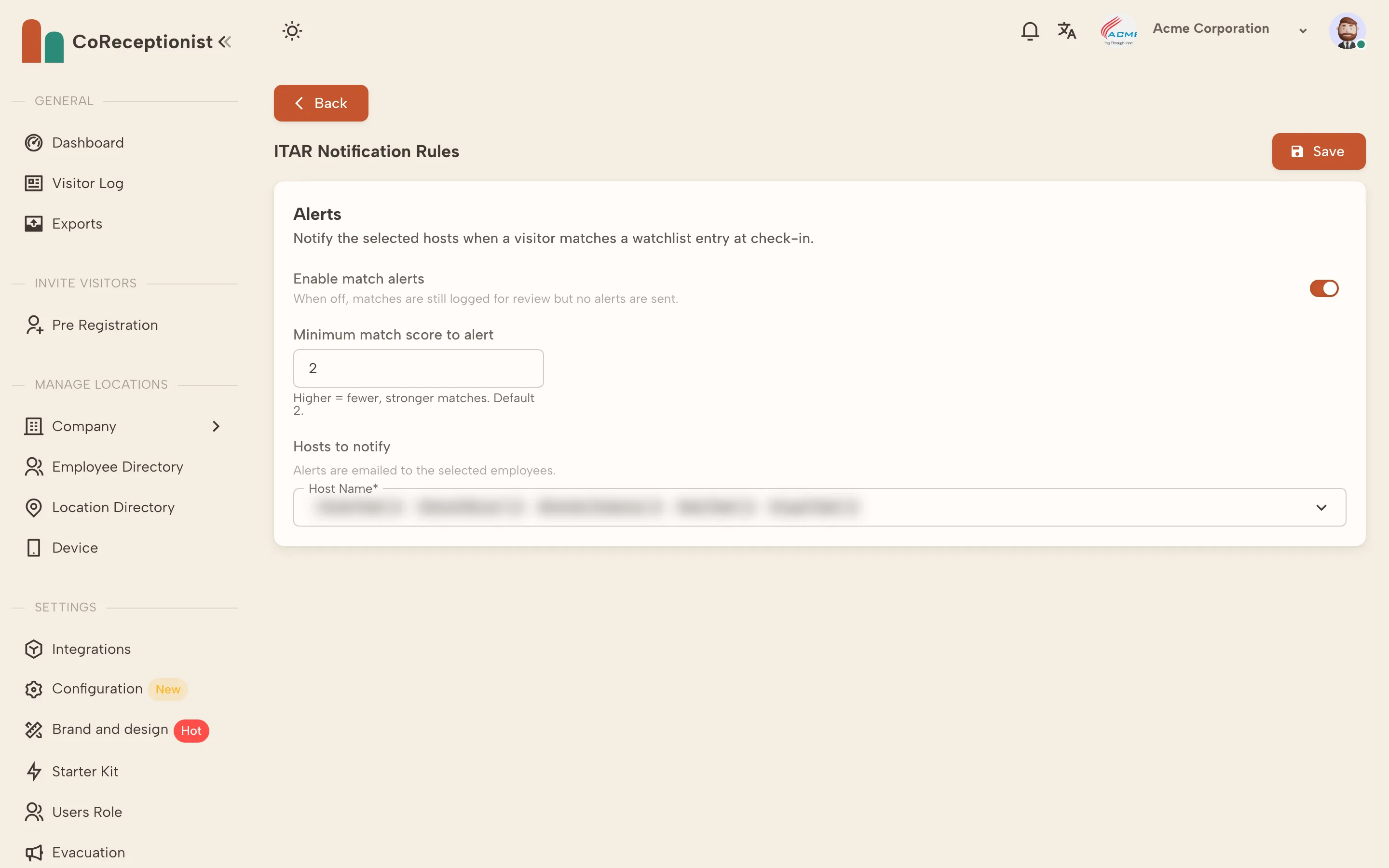
- A tunable match threshold. Higher thresholds return fewer, stronger matches.
- A discreet hold. The visitor sees a polite "one more step" message, never an alarm, while your team reviews out of sight.
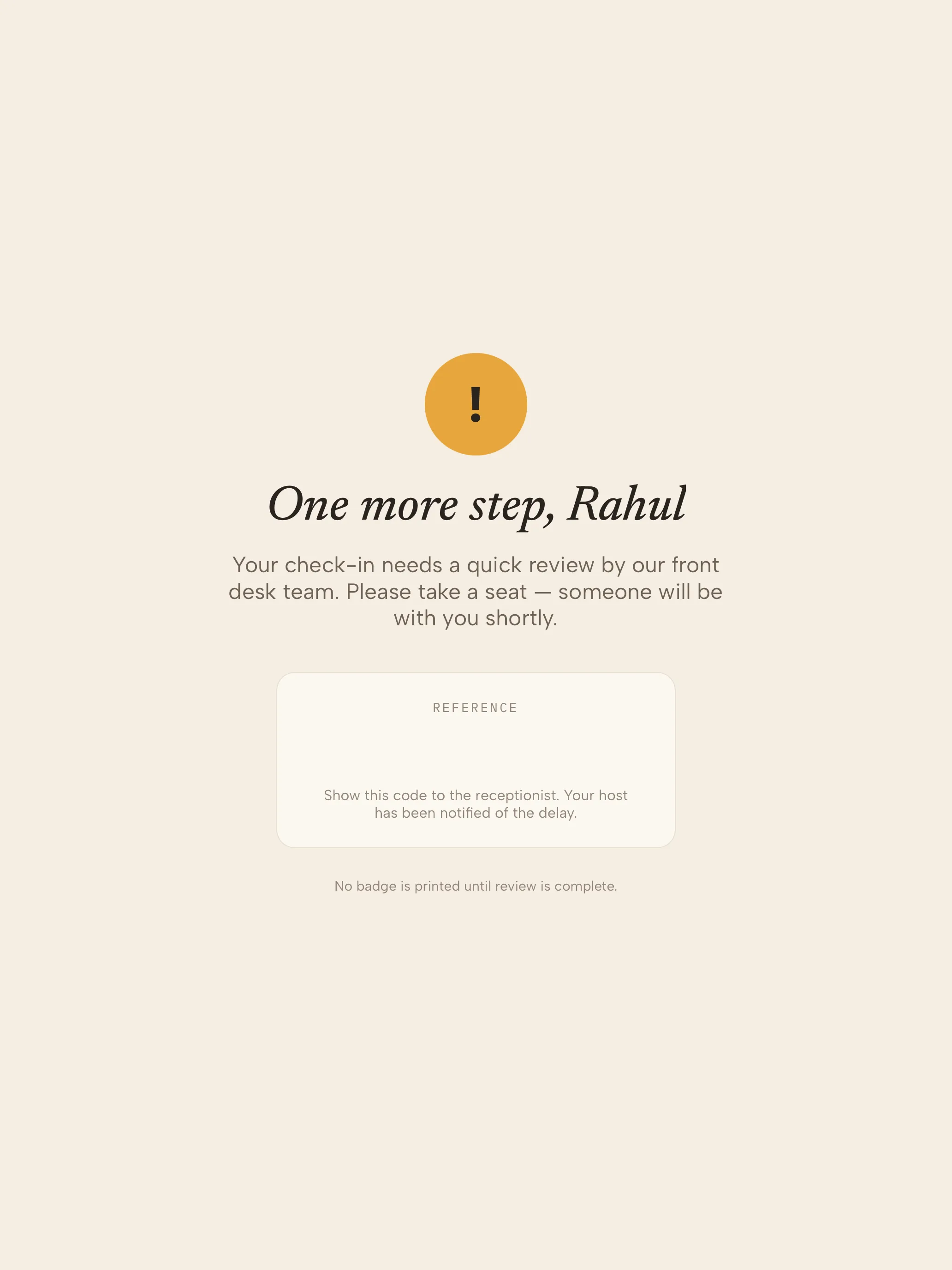
Most matches turn out to be someone with a similar name. The point is that a person decided, and the record shows it.
Keeping the record
Screening only protects you if you can prove it happened. For each visit, keep:
- Who visited, when, and whom they saw
- Their citizenship or U.S.-person answer, where you ask it
- The screening result, including any match and its score
- Who reviewed a match and what they decided
ITAR registrants must keep export records for five years, and many apply the same period to visitor records.
How CoReceptionist screens visitors
- U.S. Consolidated Screening List checks at check-in against nine of its source lists, including the Entity List, Denied Persons List, ITAR debarred parties and SDN, refreshed daily, for the visitor types you choose
- Your own watchlist, with exact, contains or sound-alike matching
- A minimum match score you set
- A citizenship question for visitor types that need it
- A discreet hold with alerts to the people you choose
- Every result saved with the visit, and exportable for audits
See denied party screening for visitors for the full feature.
What visitor screening doesn't replace
Visitor screening covers people at your door. It doesn't screen customers, orders or shipments — that's the job of a trade-compliance platform — and it doesn't replace your Technology Control Plan, escort rules or your Empowered Official's judgment.
Frequently asked questions
Do we need to screen every visitor? That's a decision for your compliance program. Many export-controlled sites screen every non-employee; others screen specific visitor types such as foreign nationals and contractors.
How often should repeat visitors be screened? On every visit. Lists change, so a visitor cleared last month should be checked again today.
Is a match on the list proof of a problem? No. A name match is a prompt to review. Most are false positives that a person can clear quickly.
Ready to close the visitor gap? Start a 14-day free trial — no credit card required.