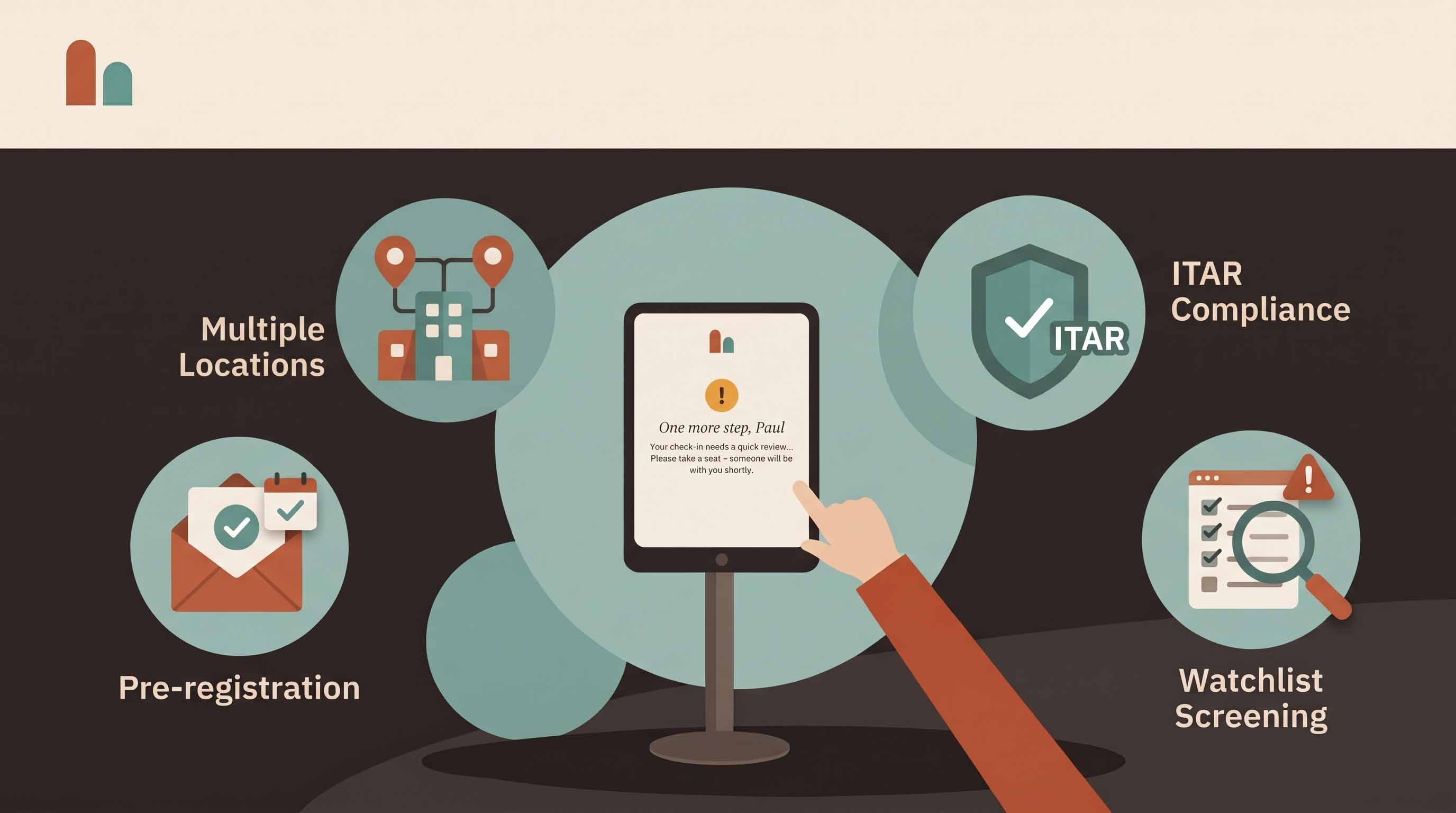
A good front desk is barely noticed: visitors arrive, sign in, meet their host and leave, and every visit is on the record. Getting there doesn't take a large reception team. It takes a handful of habits applied consistently at every door.
These visitor management best practices apply whether you run one small office or a dozen sites.
1. Pre-register every visitor you can
Visitors who are invited ahead of time arrive with their details already entered and a QR code ready to scan. Check-in takes seconds, the host knows they're coming, and security can see who is due.
Make pre-registration the default for meetings, interviews and contractor visits. Use permanent QR codes for regulars, and bulk invites or CSV import for events.
2. Set up a flow for each visitor type
Guests, contractors, interview candidates and deliveries need different things. A contractor needs site rules and perhaps an induction video; a candidate needs an NDA; a courier needs neither.
Give each visitor type its own questions, documents and badge. Shorter flows mean faster check-ins and better data, because visitors aren't skipping questions that don't apply to them.
3. Ask only what you need
Every question you add slows the line and adds data you have to protect. For each field, ask: will we use this? A name, company, host and reason for visiting cover most offices. Add more only where your security or compliance program requires it.
4. Tell visitors what to expect before they arrive
Most lobby confusion starts in the car park. Include directions, parking, entrance and anything they need to bring in the invitation, and say how check-in works — "scan the QR code at the kiosk" removes a lot of hesitation.
5. Notify hosts instantly
A visitor waiting while reception phones around is the most common front-desk failure. Automatic host alerts by email, SMS, Slack or Microsoft Teams — the moment the guest checks in — fix it. Keep the employee directory current so alerts reach the right person.
6. Collect documents at the door, not afterwards
NDAs, site rules and safety acknowledgements are worth most when they're signed before entry. Collect them on screen during check-in, email the visitor a copy, and keep them attached to the visit record, where you can find them during an audit.
7. Screen proportionately
Screening should fit the risk. Most offices need a watchlist of people who shouldn't be admitted. Facilities handling export-controlled technology may need denied-party screening. Whatever you screen, make the hold discreet: the visitor sees "one more step", not an alarm, while your team reviews.
8. Make check-out easy, and automatic
Your record of who is on site is only as good as your check-out data. Offer check-out at the kiosk by name or visitor code, and turn on auto check-out at the end of the day so the evacuation roster doesn't fill up with people who left hours ago.
9. Practice evacuations with visitors included
Run drills from the same tool you'd use in a real emergency, at a busy time of day, and check the roster against reality afterwards. Anyone listed who had already left points to a check-out gap. See our guide to visitor evacuation drills.
10. Protect visitor data
Visitor logs contain personal data. Don't leave earlier visitors' names on show, set retention periods per site, and restrict who can see visitor records by role. Our guide to visitor photo retention covers how to set a policy.
11. Make the kiosk feel like your front door
Your logo, colors and welcome message on the kiosk and badges make a self-service lobby feel deliberate rather than unattended. Place the kiosk where visitors look when they walk in — see kiosk placement for what works.
12. Review the numbers monthly
Visits per site, peak hours, pre-registration and no-show rates, and how long screening holds take to review tell you where the front desk is struggling. See front desk metrics worth tracking.
A quick visitor management checklist
- Pre-registration is the default for planned visits
- Each visitor type has its own flow
- Hosts are alerted automatically
- Documents are signed before entry
- Screening fits your risk, and holds are discreet
- Check-out is easy, and automatic at day's end
- Evacuation drills include visitors
- Retention periods are set per site
- The kiosk carries your brand
- Someone reviews the numbers each month
Frequently asked questions
What is the most important visitor management best practice? Pre-registration. It improves speed, data quality and security at the same time.
How do small businesses apply these without a receptionist? A self-service kiosk with automatic host alerts covers most of them. See how to run an unstaffed reception.
How often should we review our visitor process? Look at the numbers monthly, and revisit visitor types and questions whenever your security or compliance requirements change.
Put these into practice with CoReceptionist's visitor management system — free for 14 days, no credit card required.