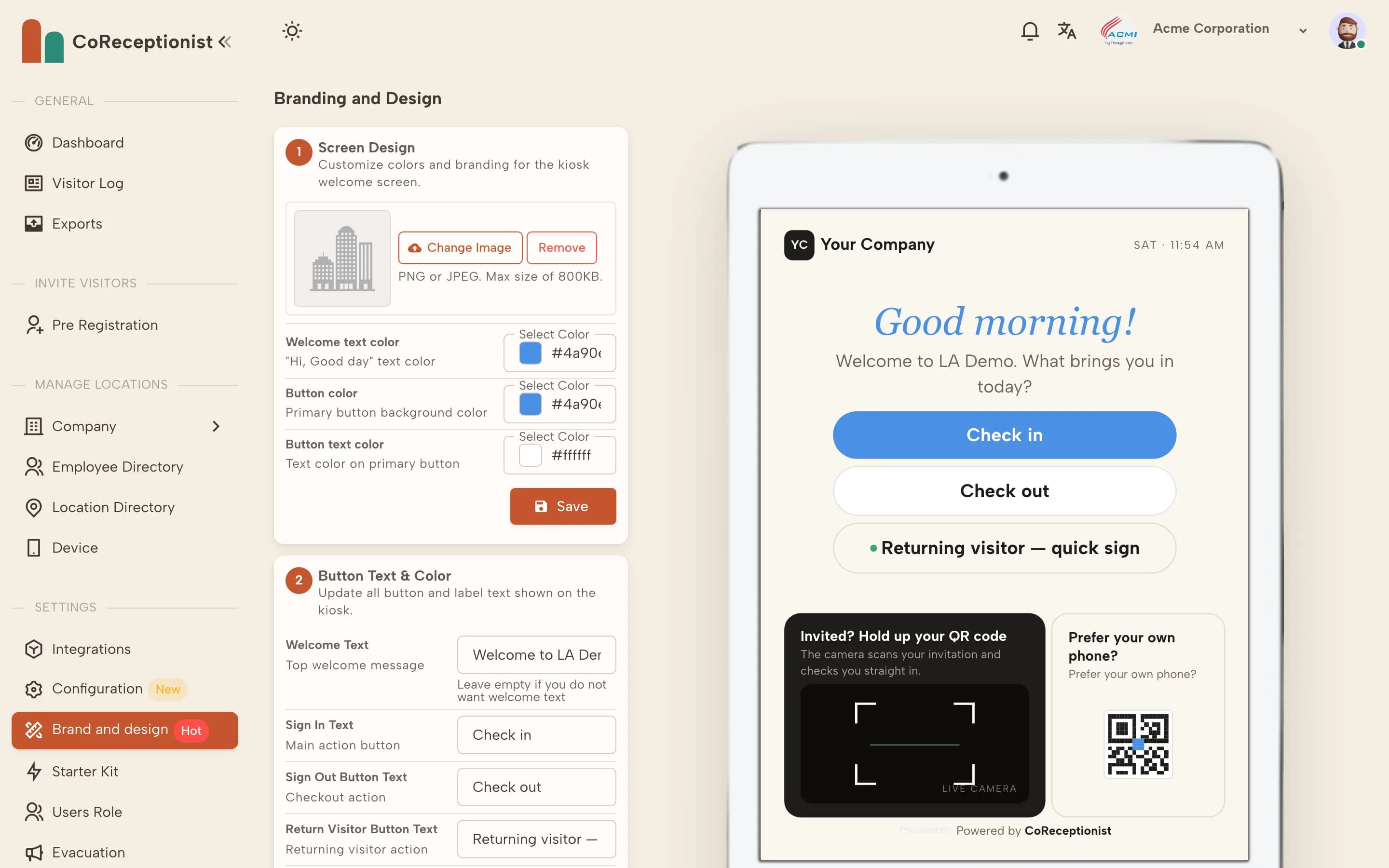
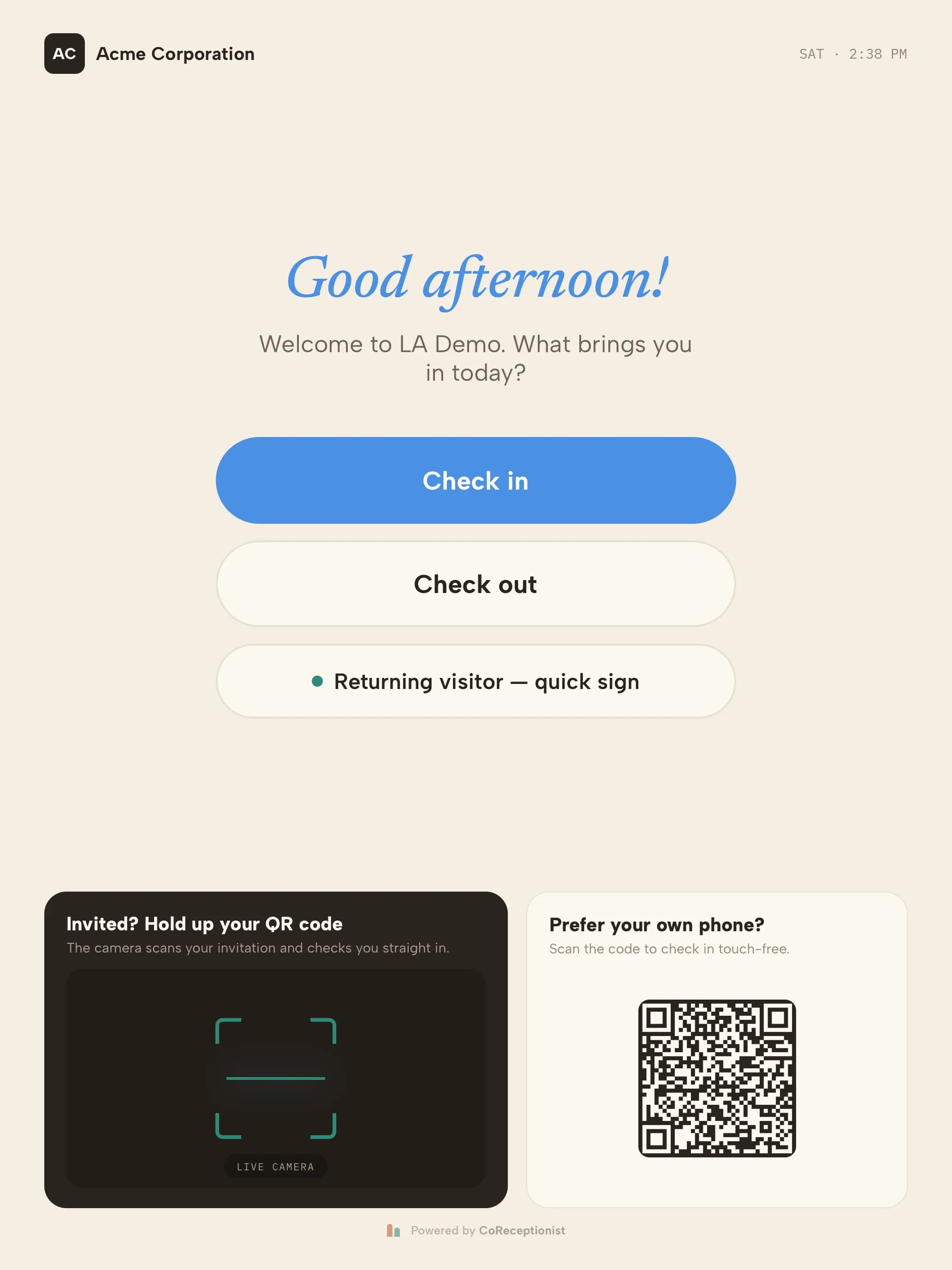
Everything here is in Brand and design, with a live preview of the kiosk.
1
Screen designUpload your logo (PNG or JPEG, up to 800 KB) and set the welcome text color, button color and button text color.
2
Button textEdit the welcome message and the text on the Sign in, Sign out, Returning visitor and Scan QR code buttons. Leave the welcome text empty to hide it.
3
OrientationUnder Design Mode choose Portrait or Landscape to match how the tablet is mounted.
4
Screen saverUpload images to show while the kiosk is idle (PNG or JPG, up to 2 MB each).
5
Check the resultKiosks pick up the new design on their next sync.